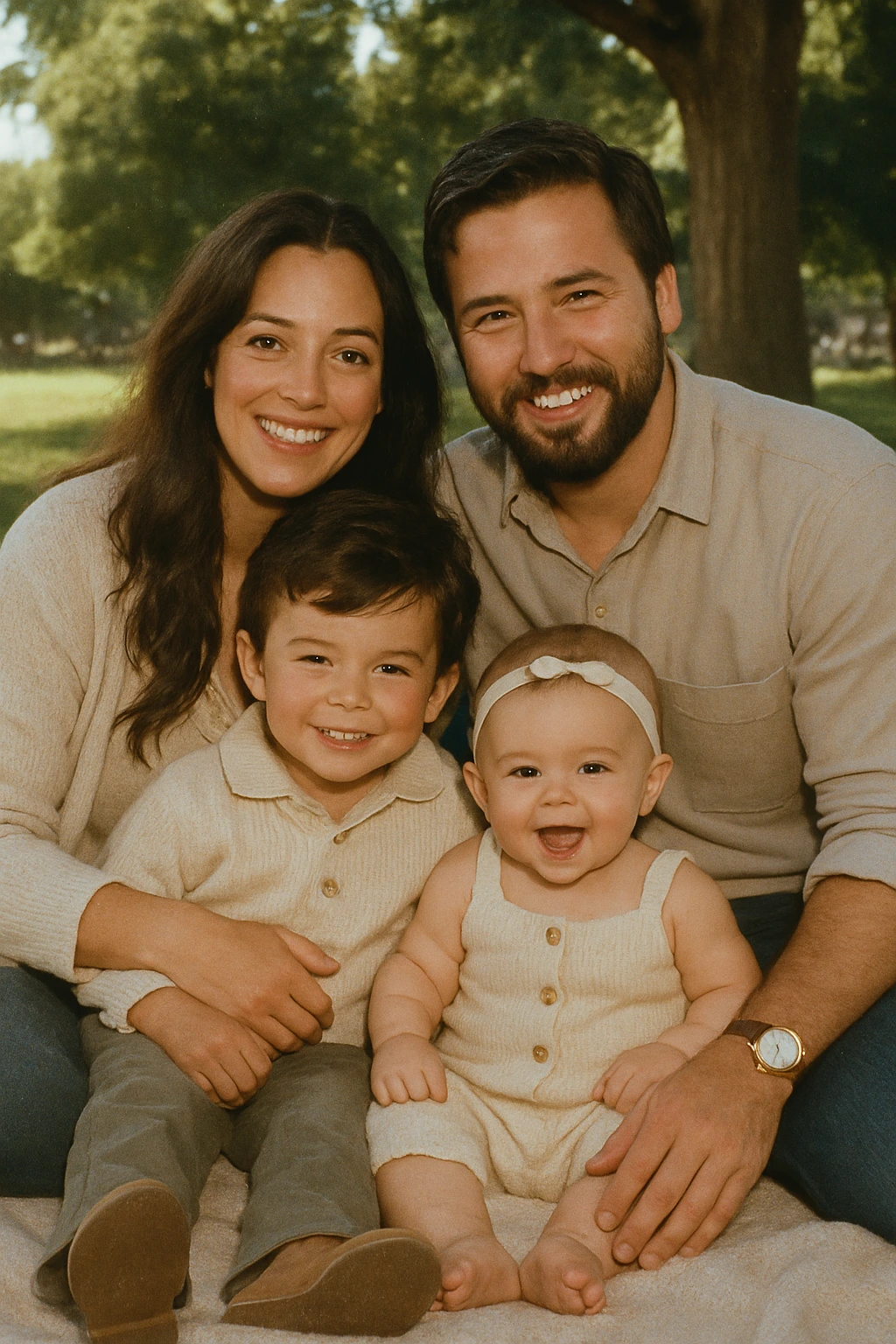
1980s Family Album
RetroifyMe transforms your photos into Retro 1980s, 90s, and Y2K looks. Pick an era, apply the effect or crop, compress, remove background, blur image background
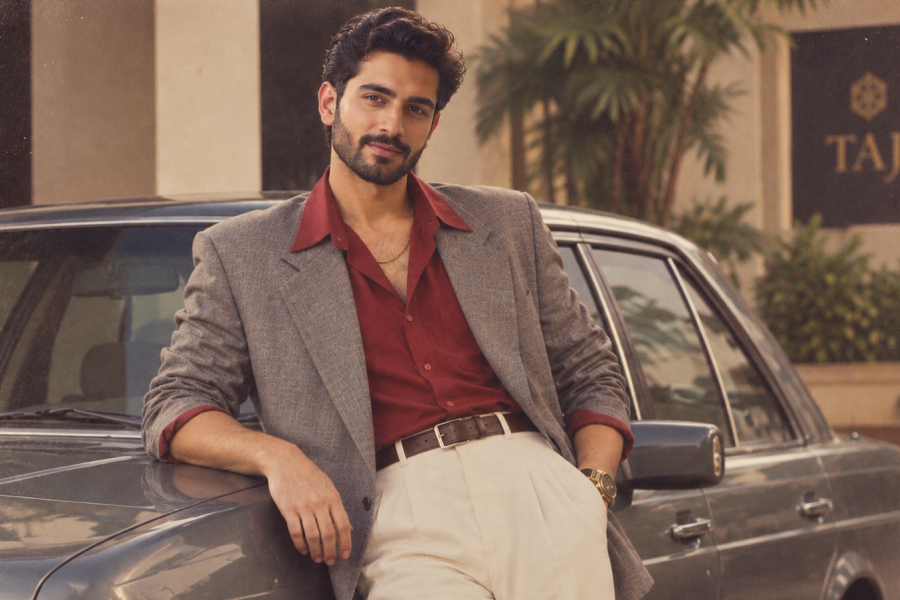
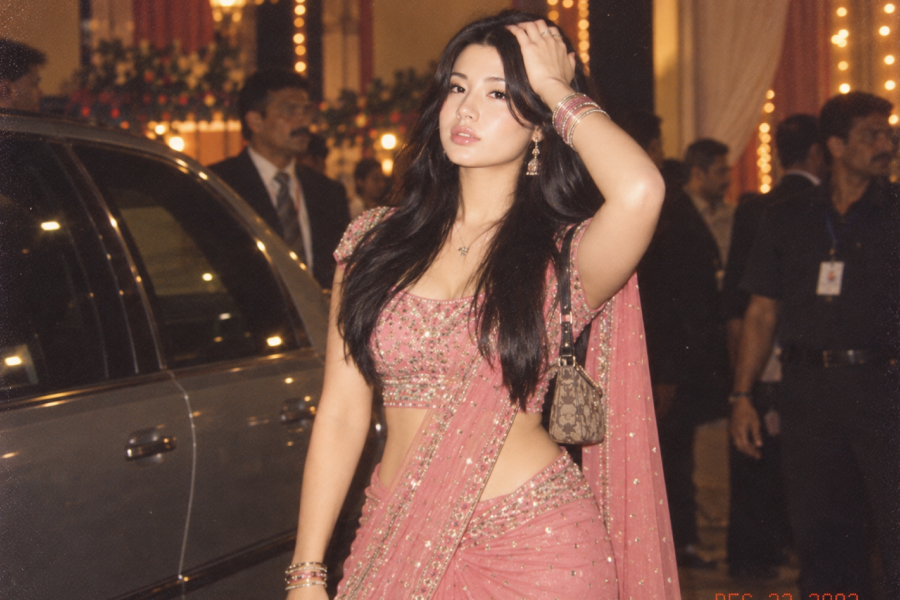
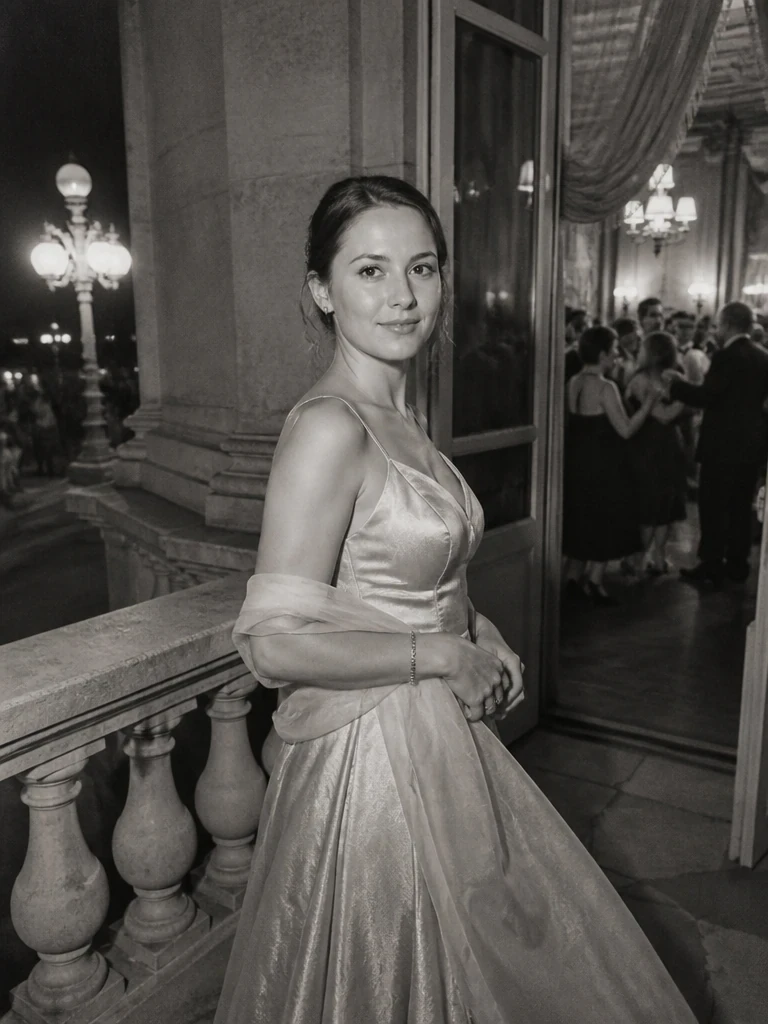
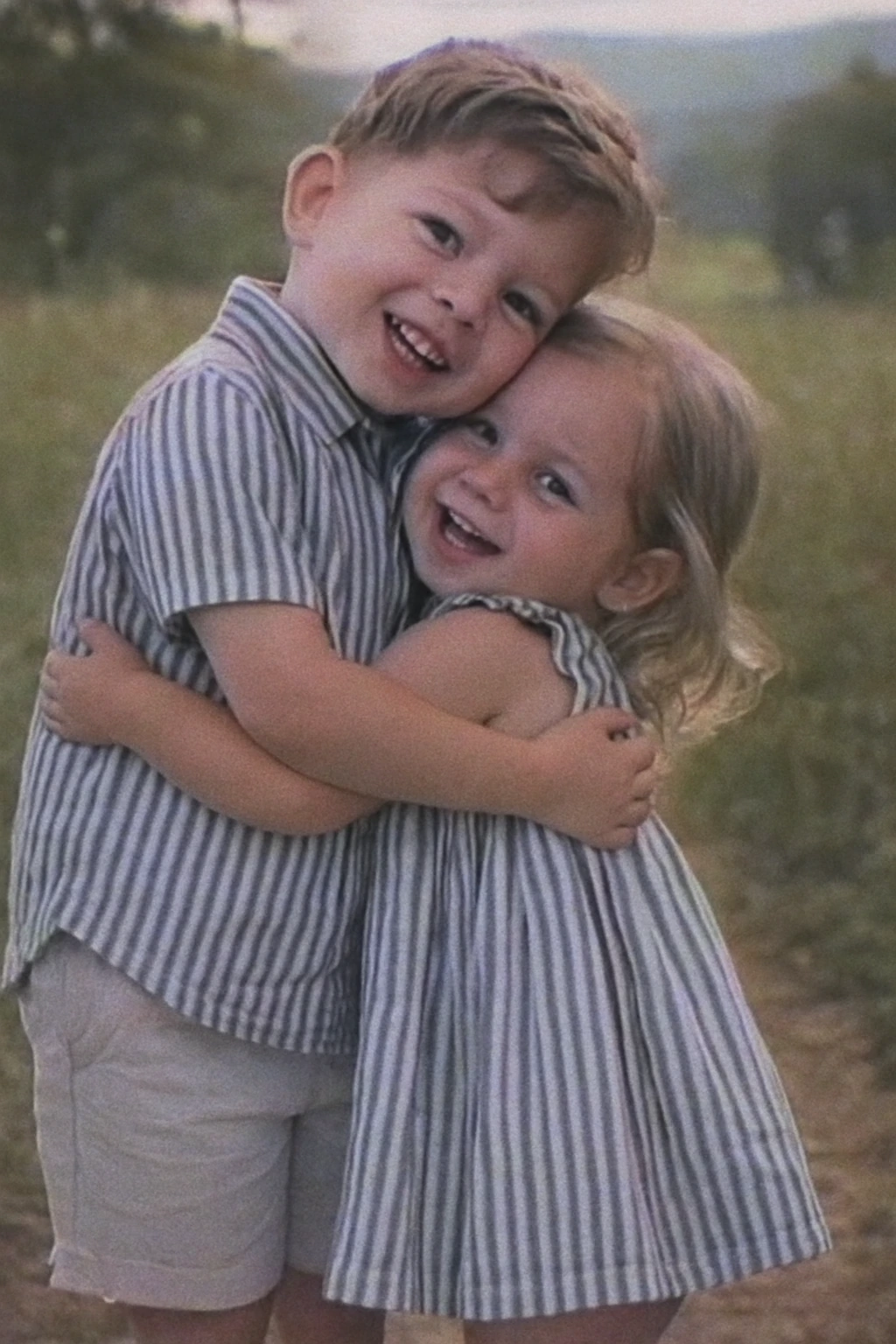
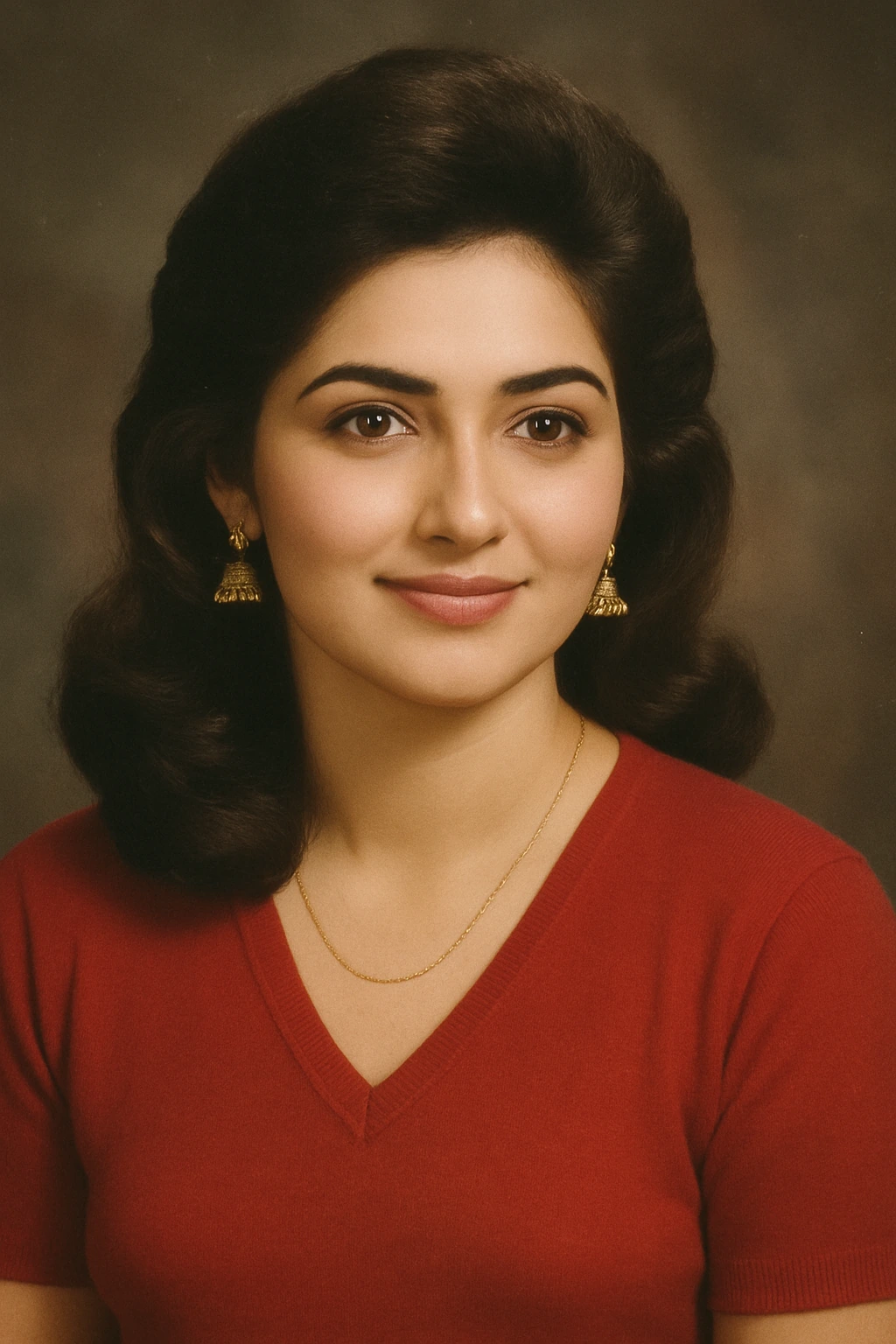
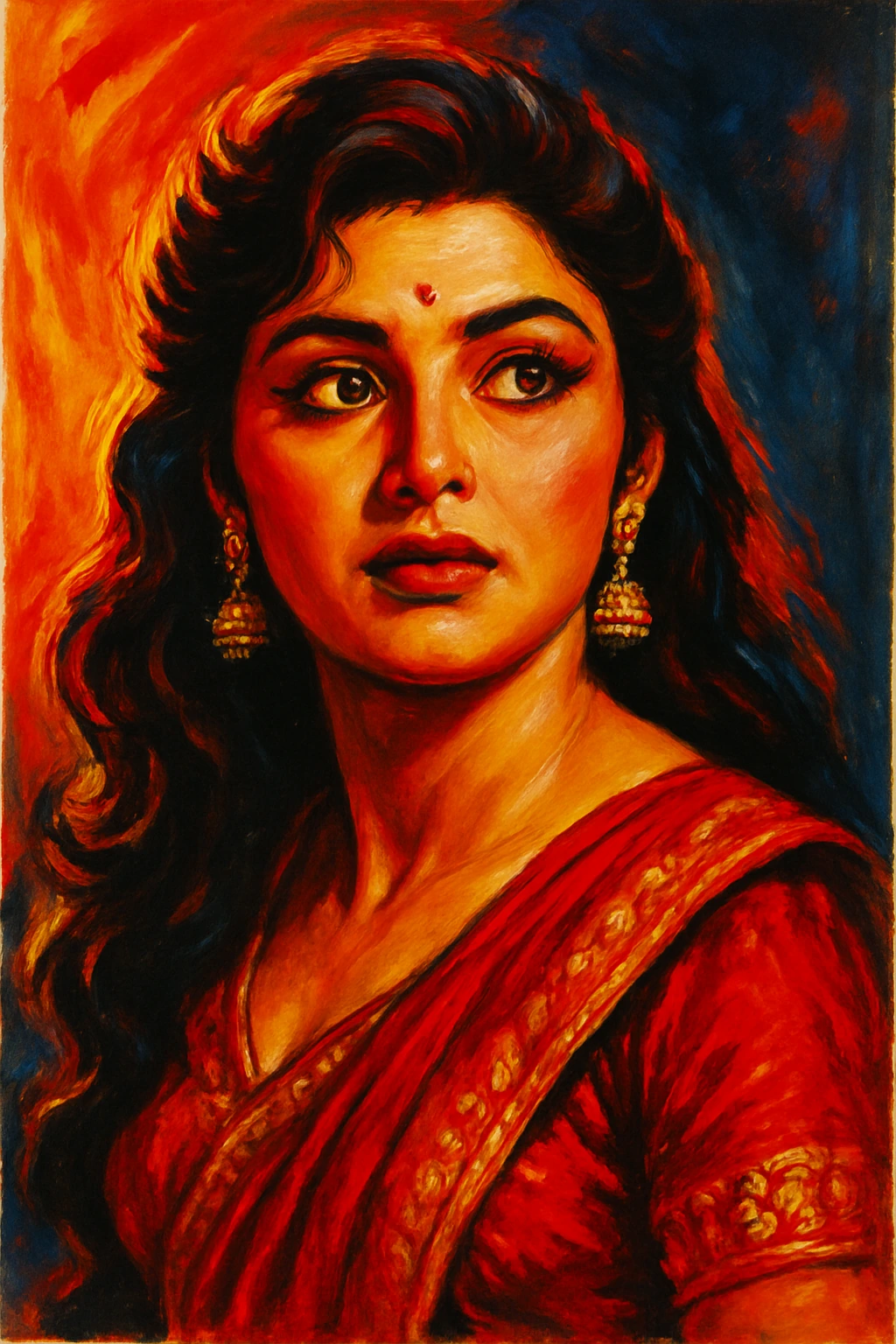
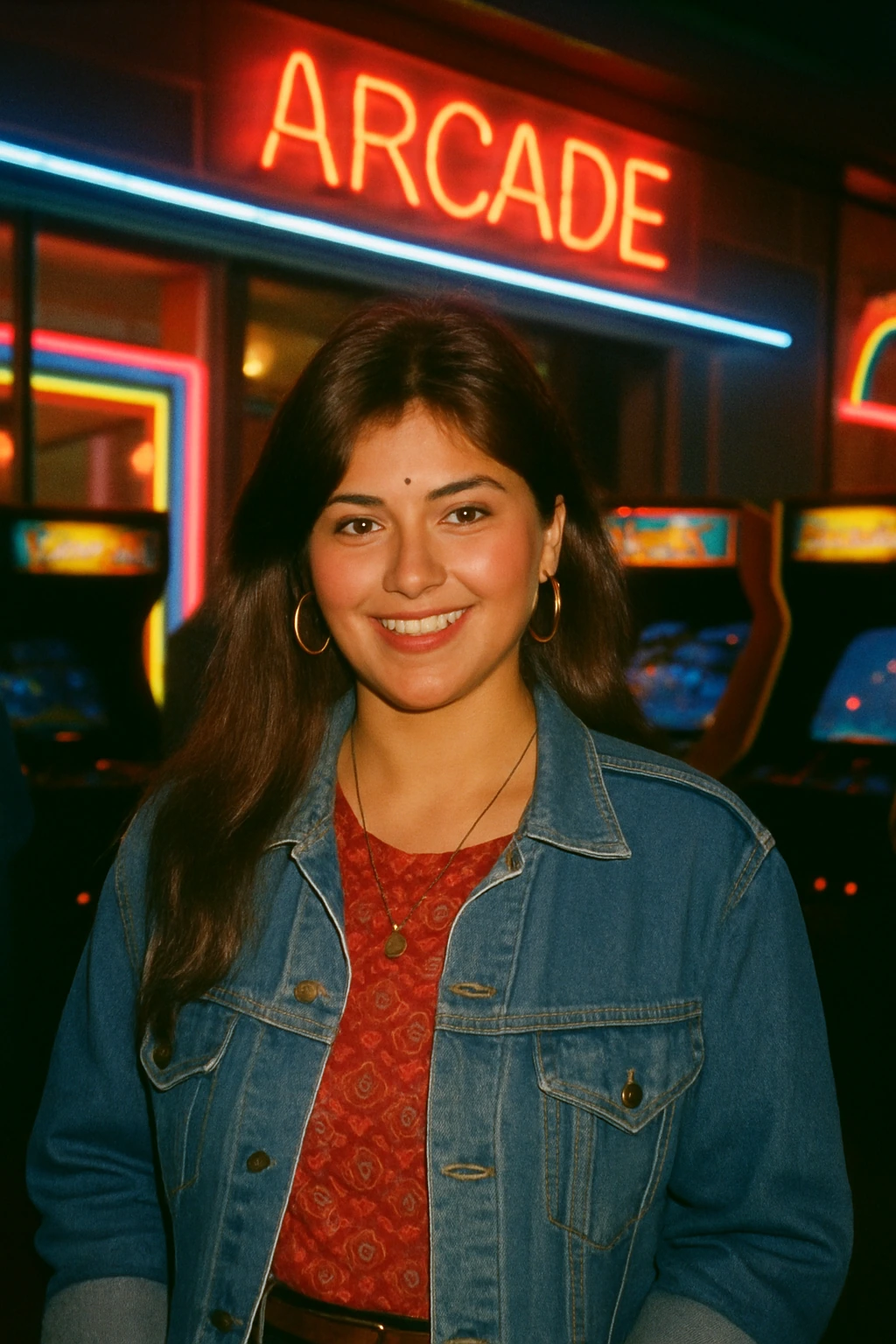
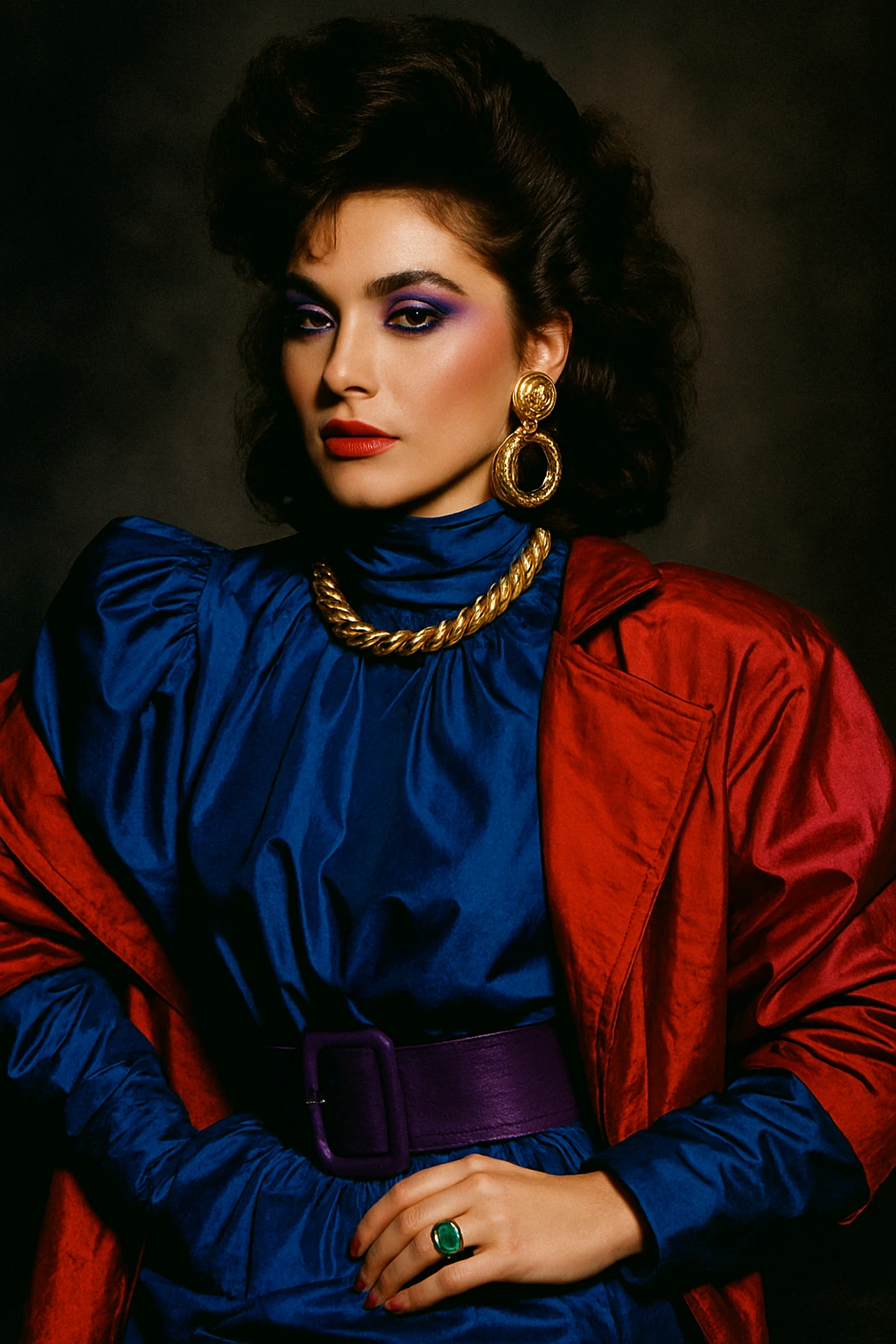

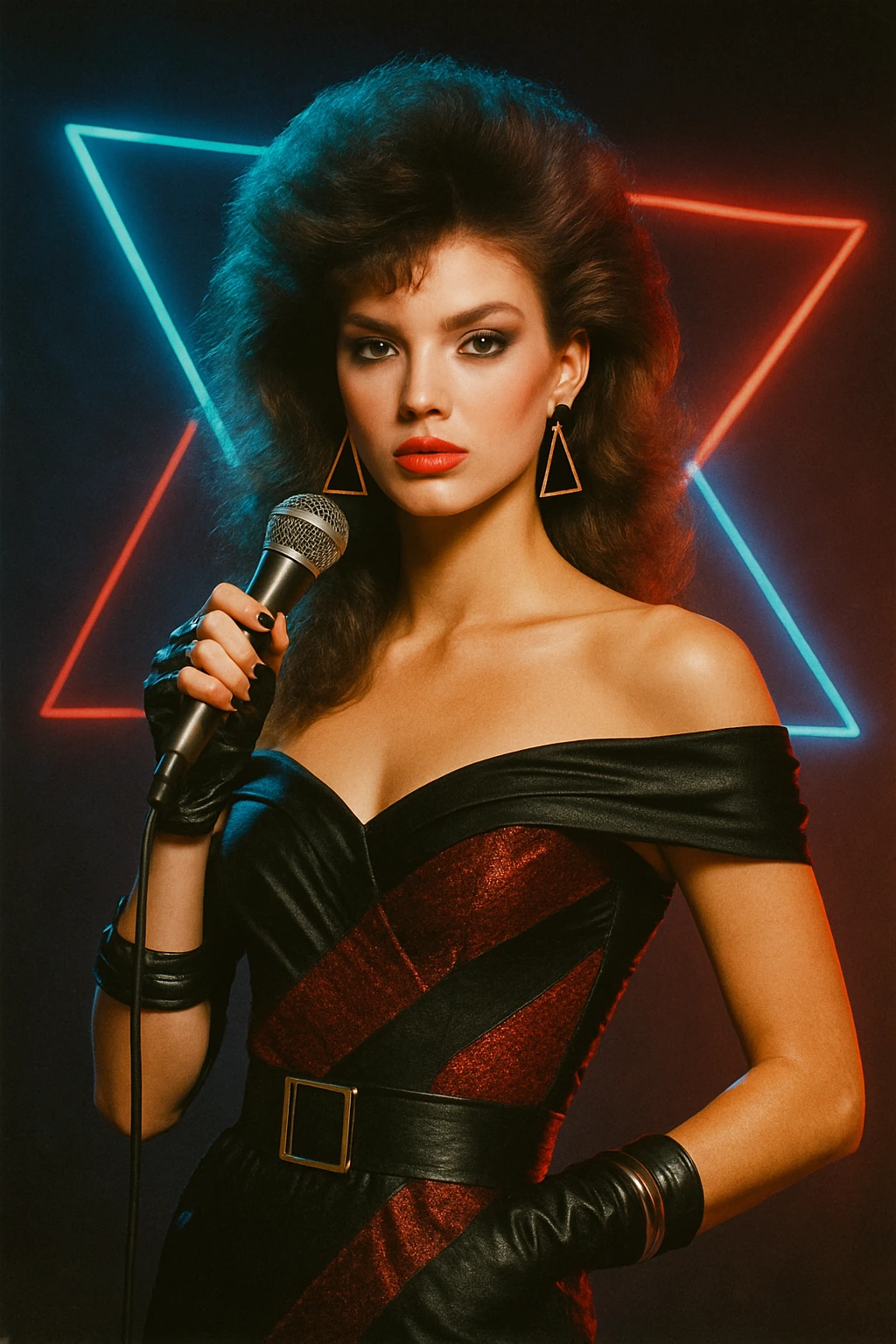
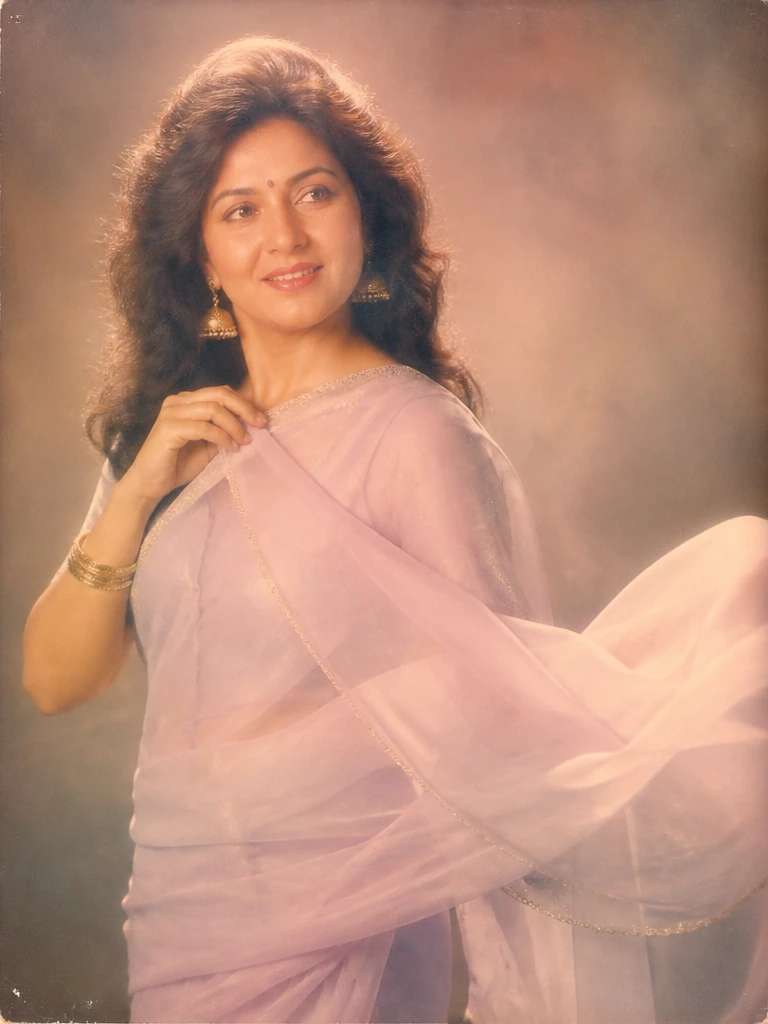
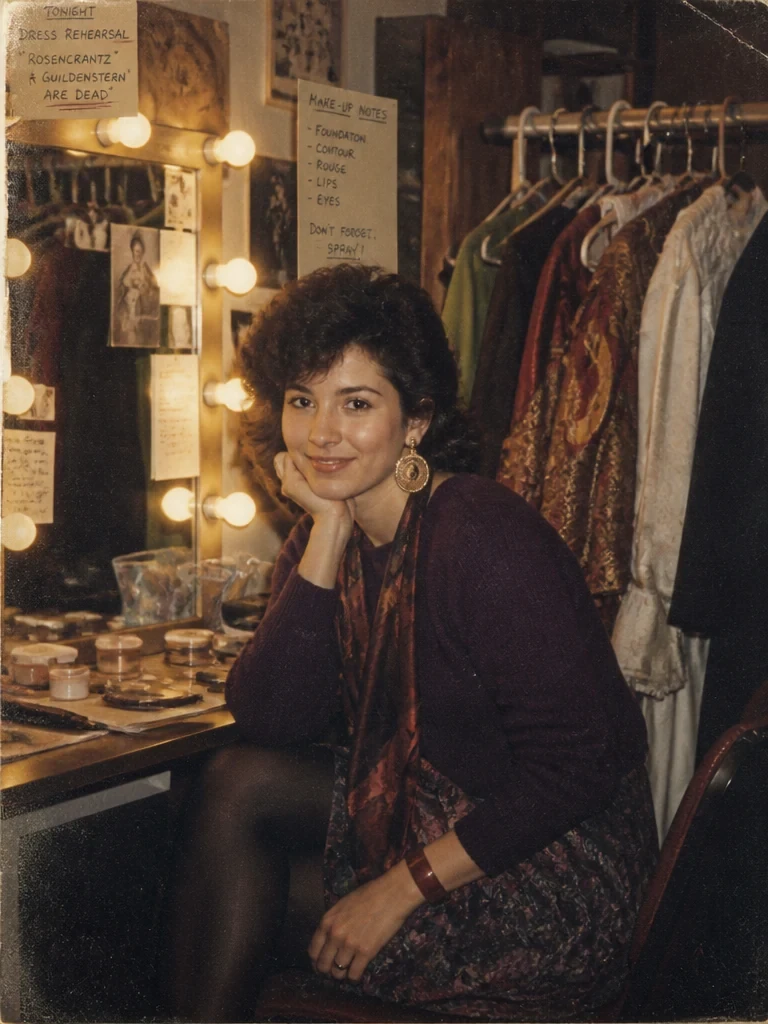
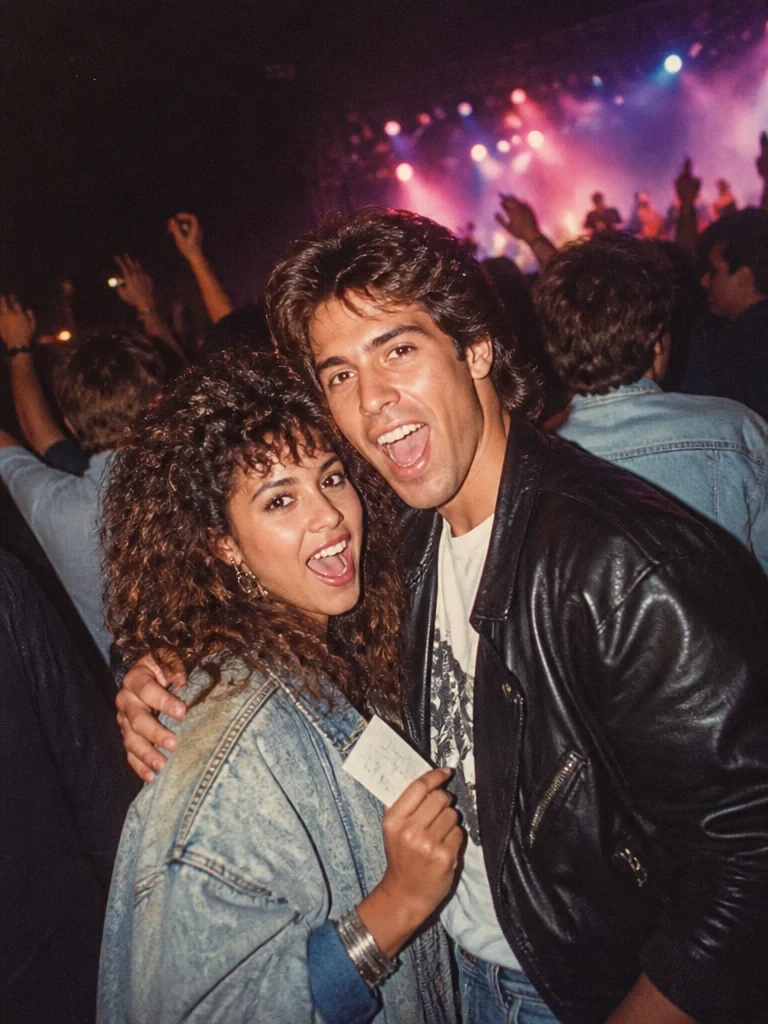
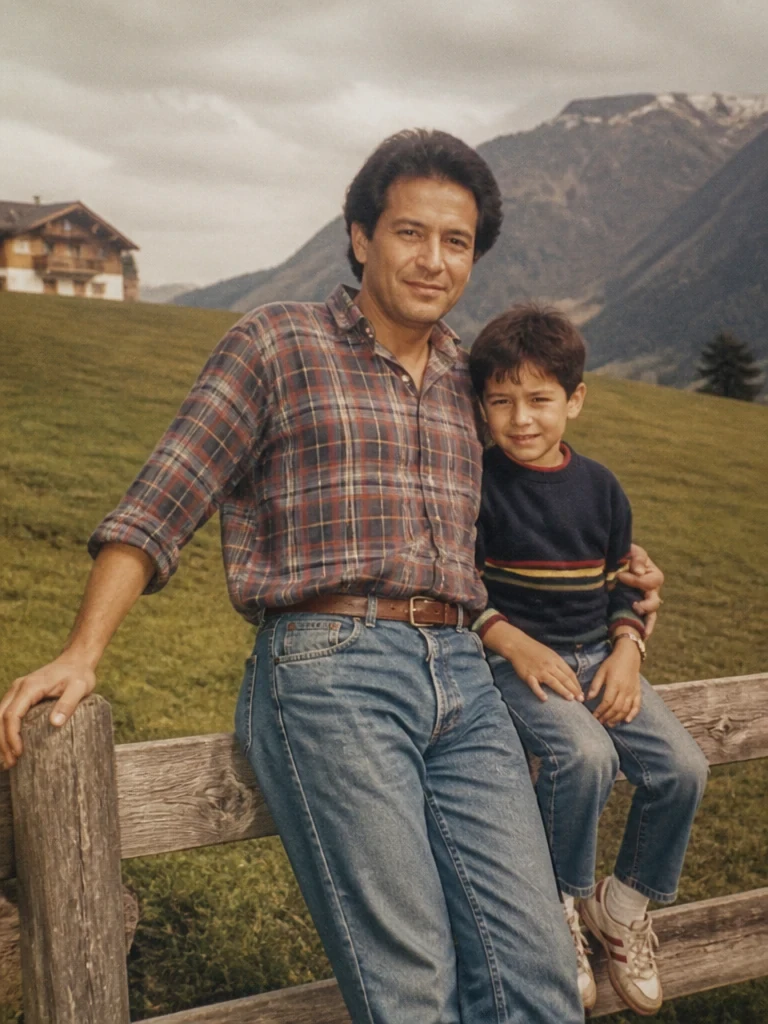
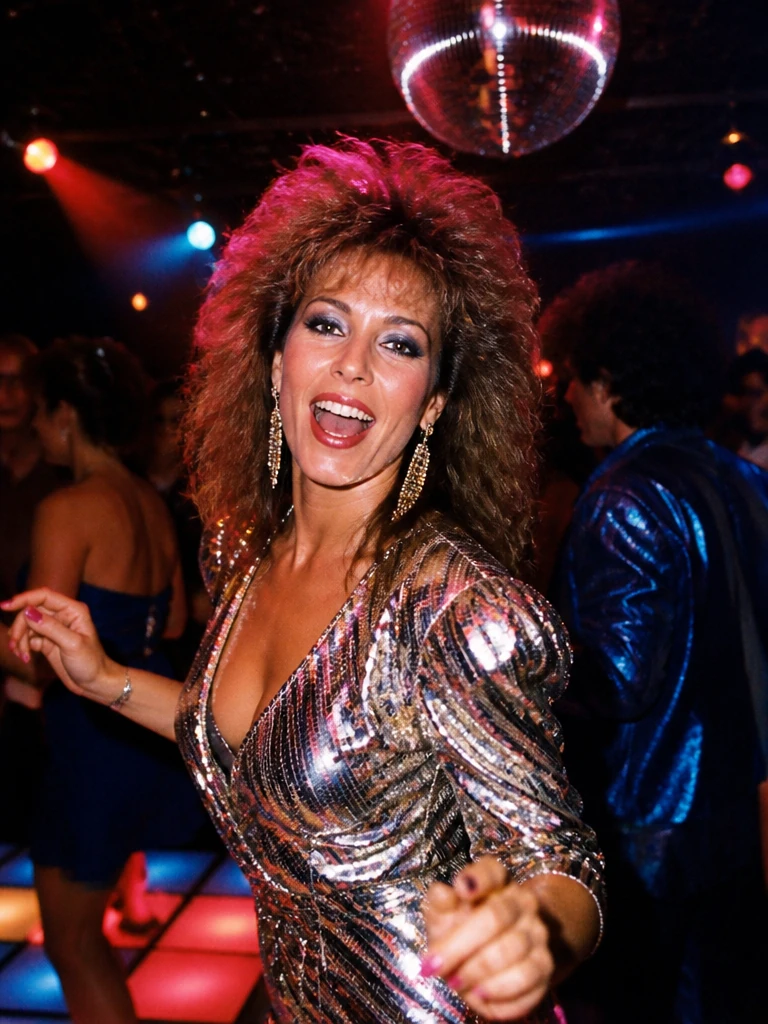
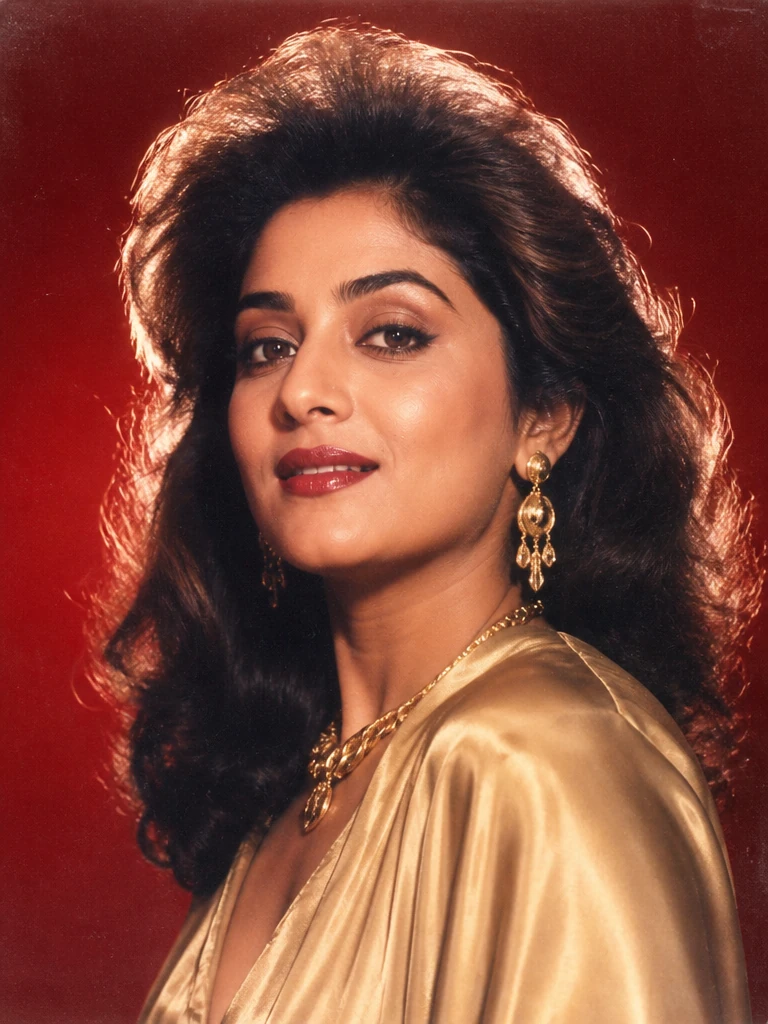
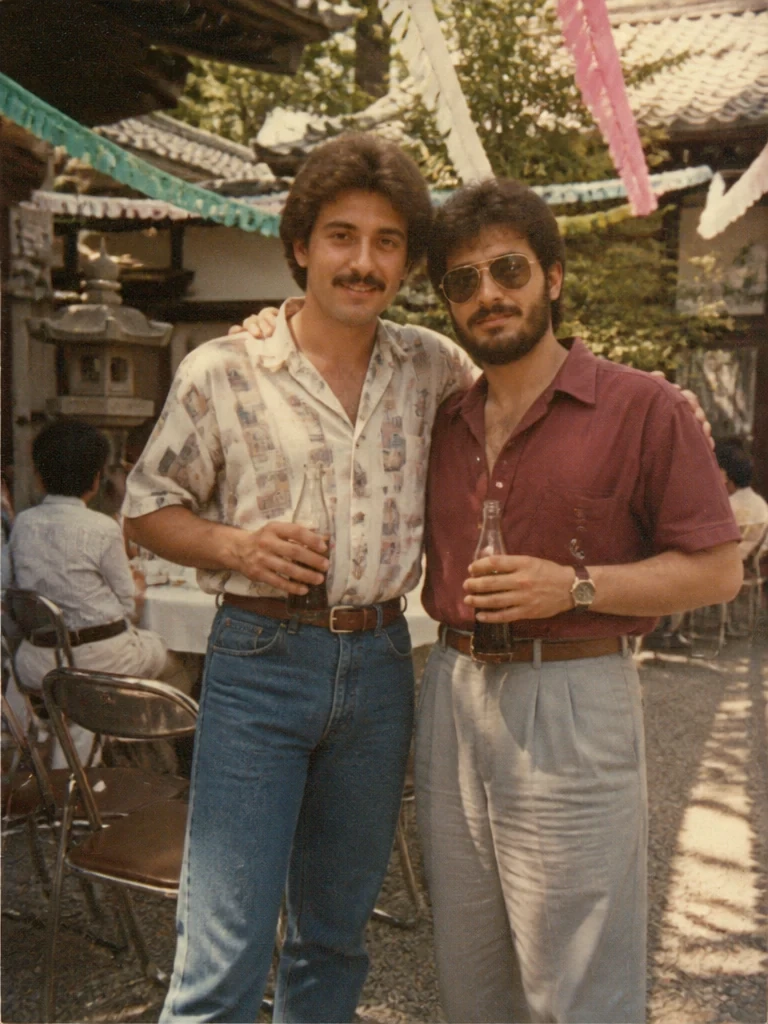
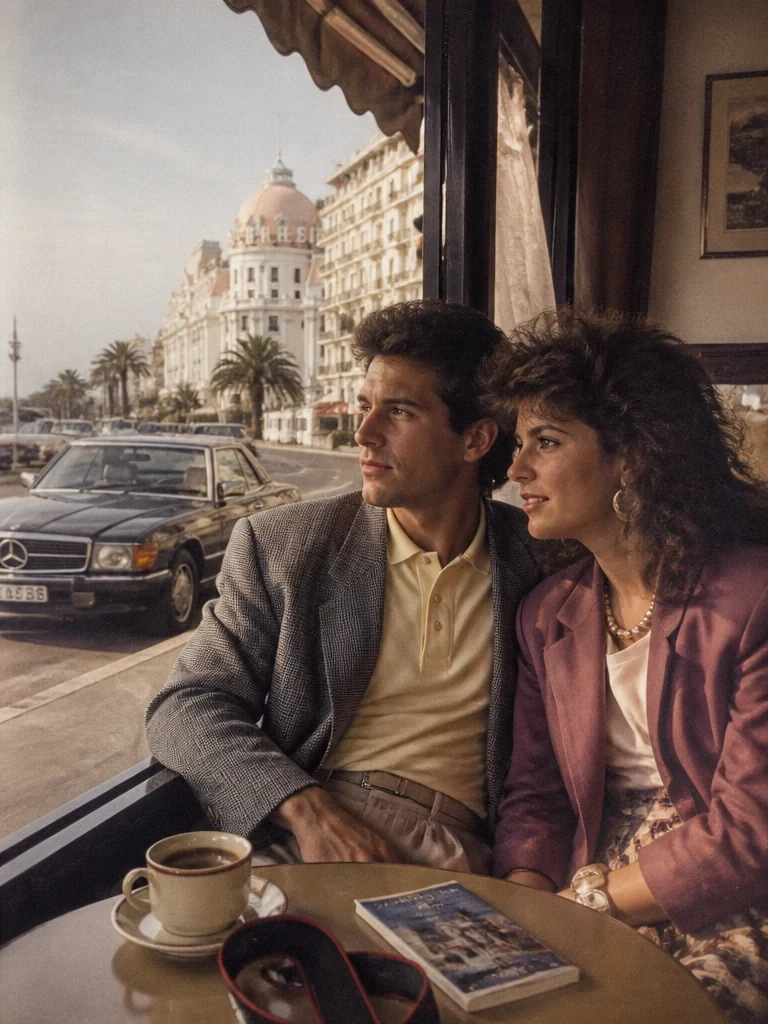
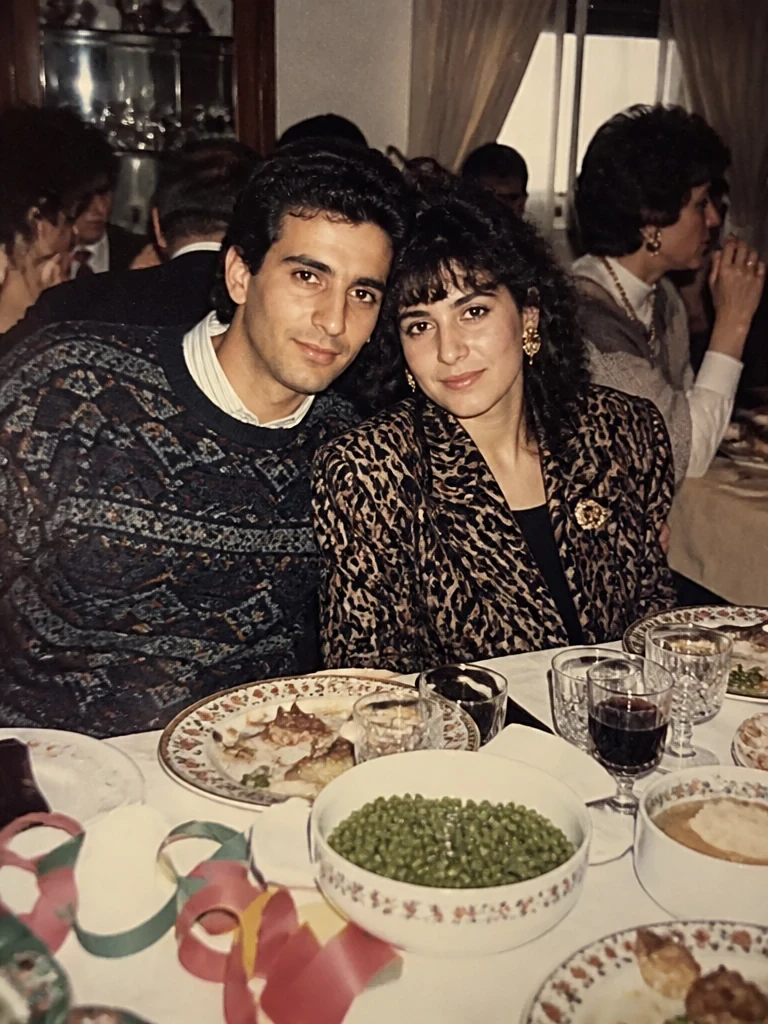
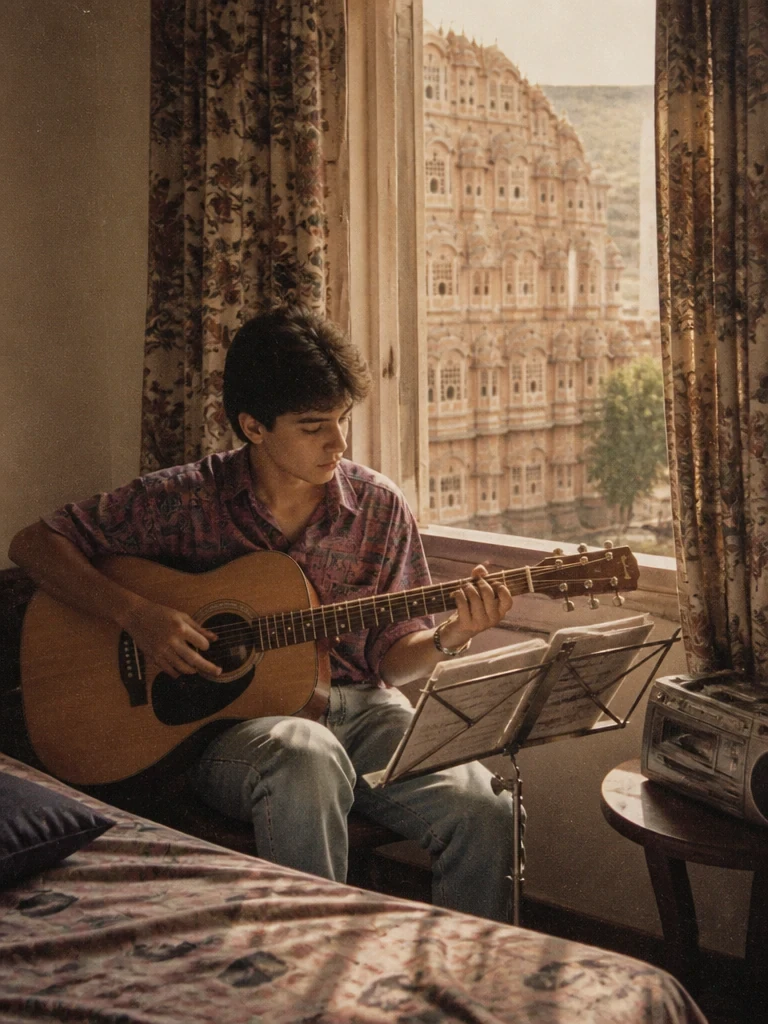
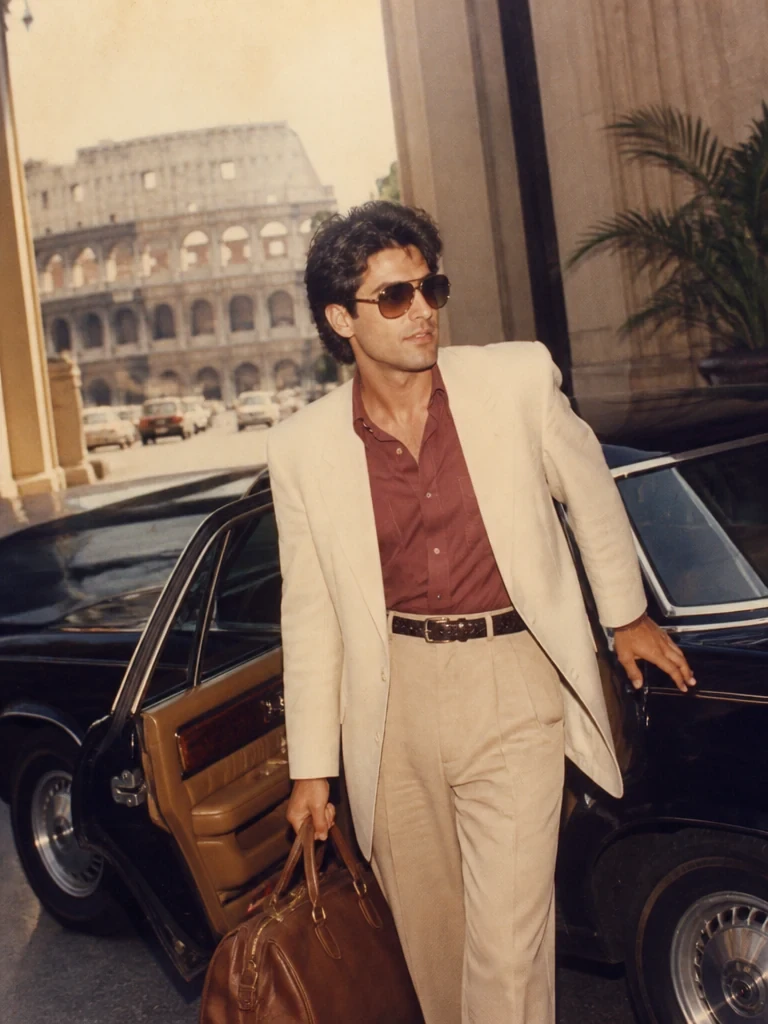
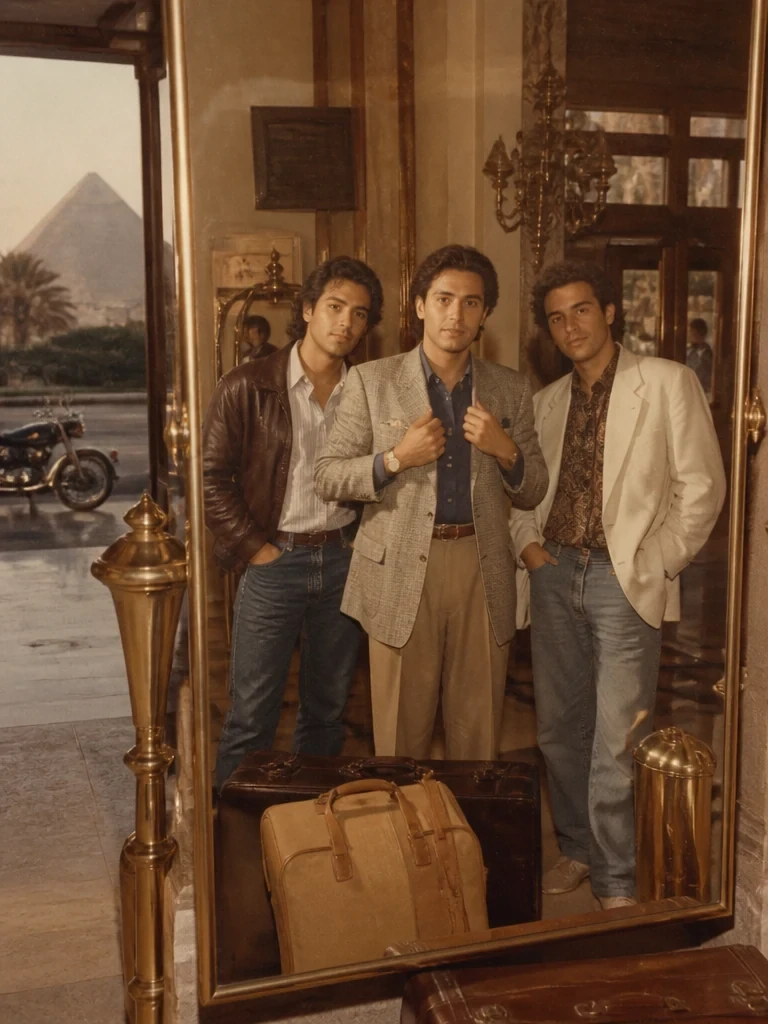

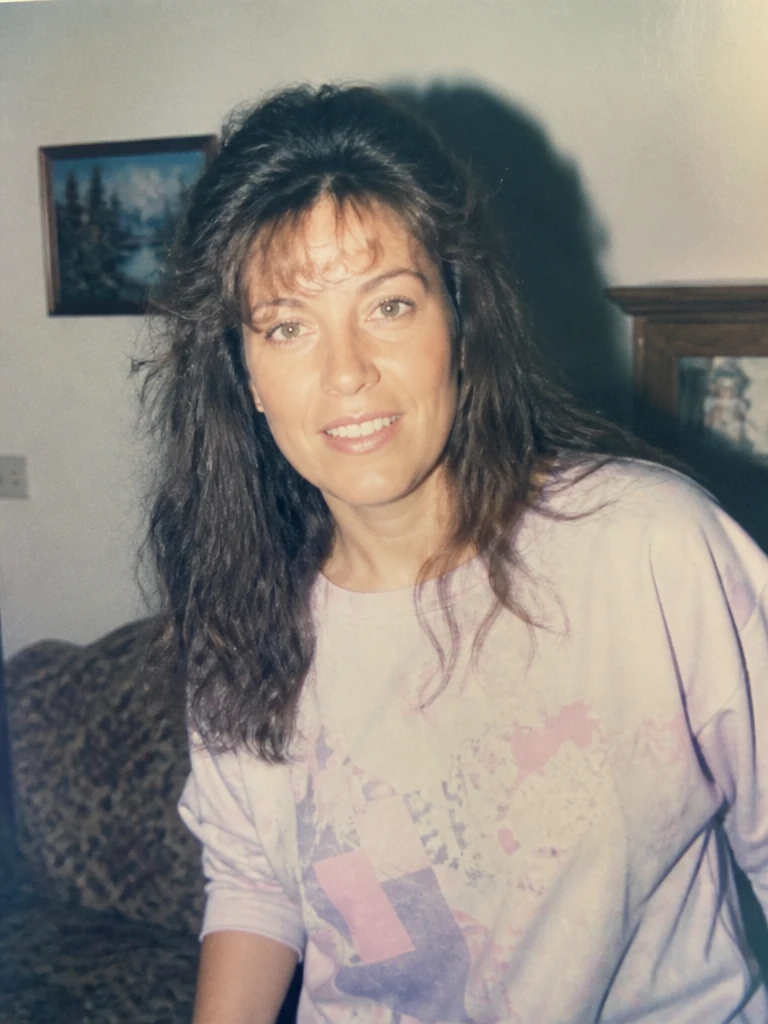
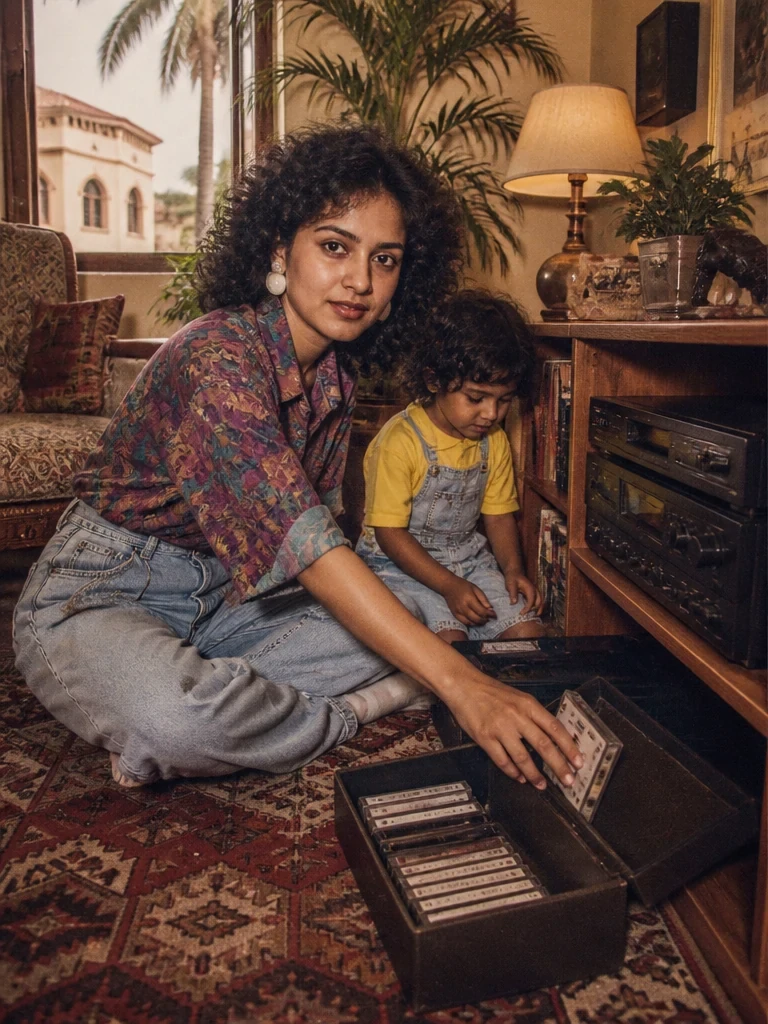
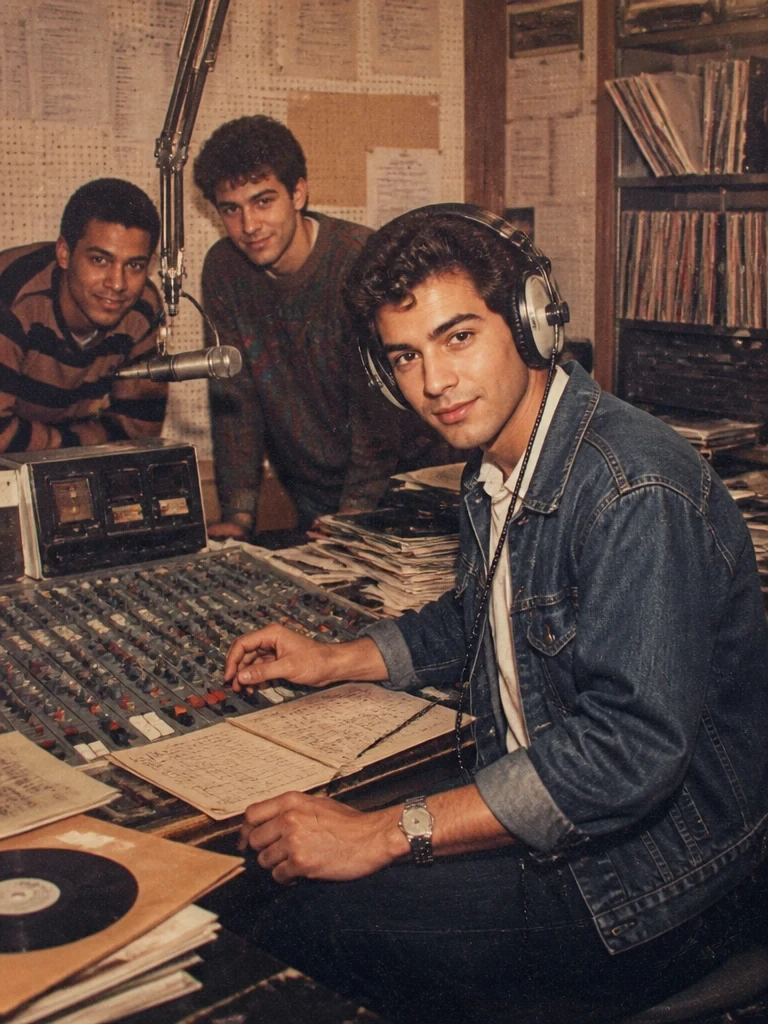
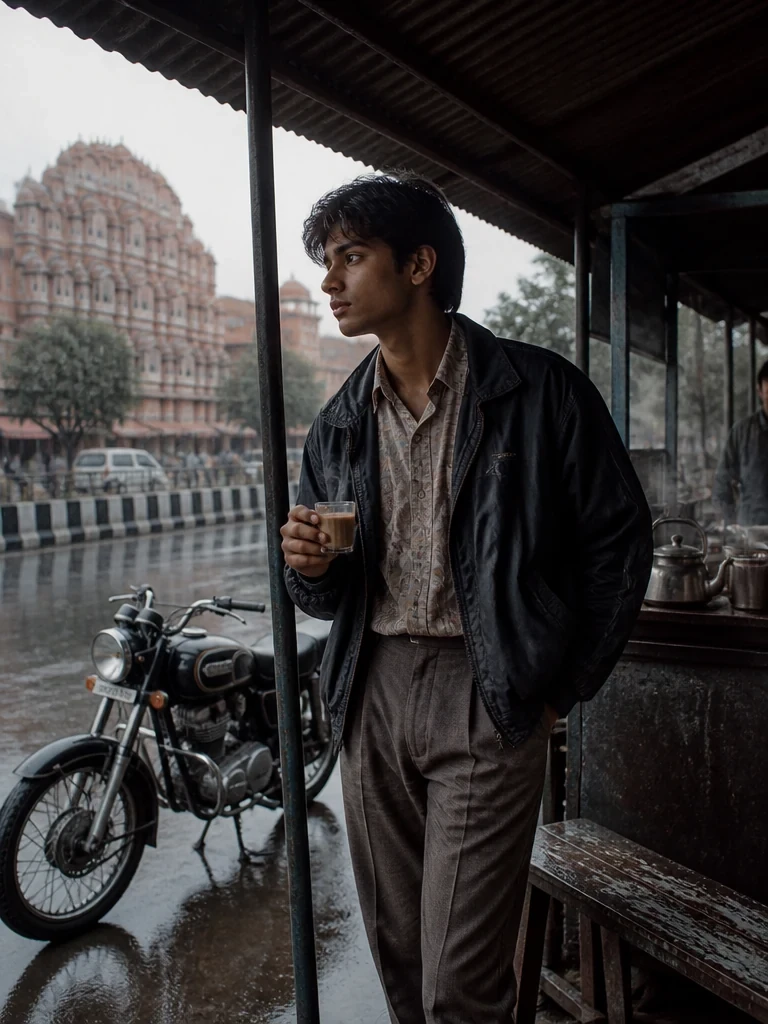
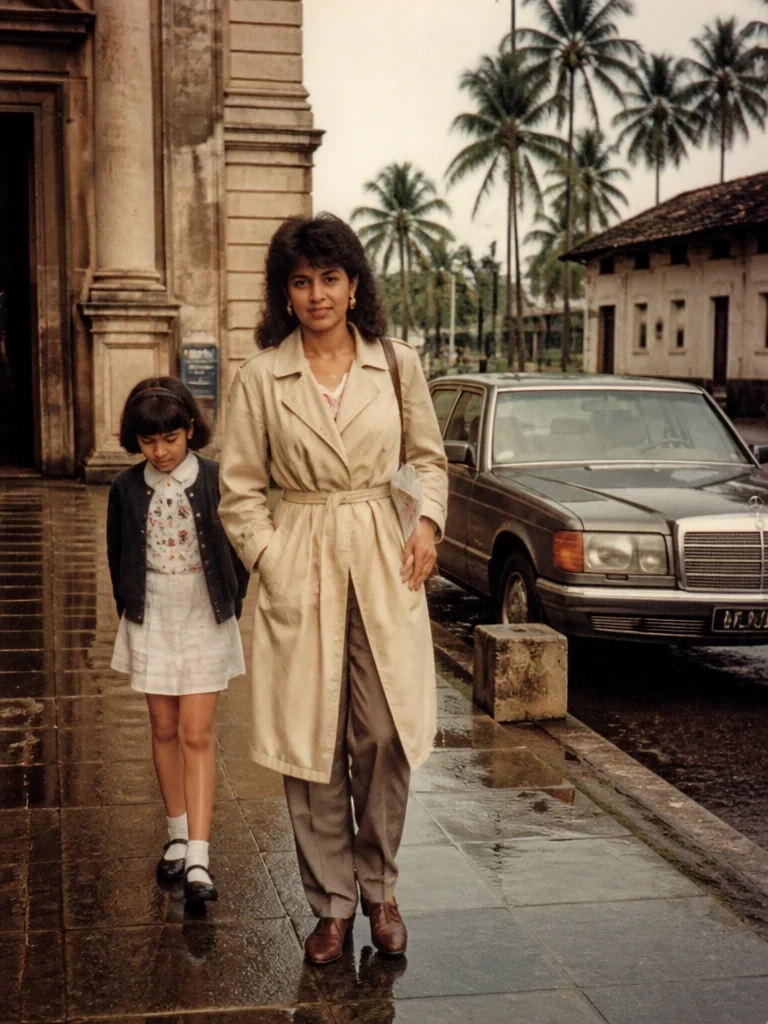
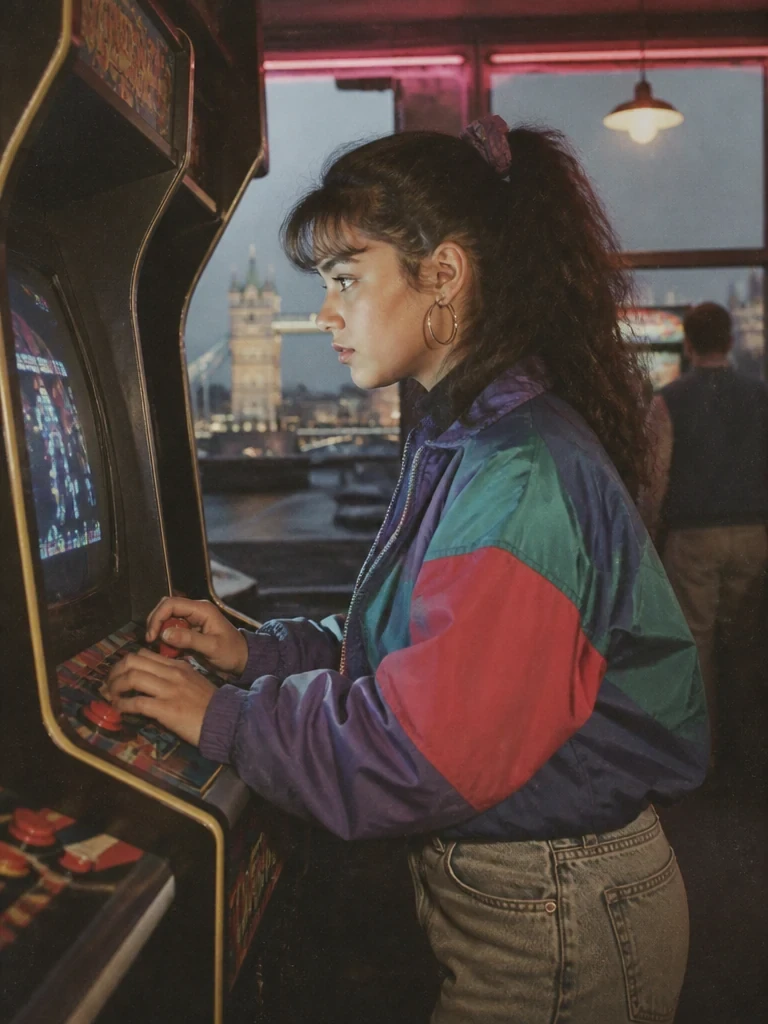
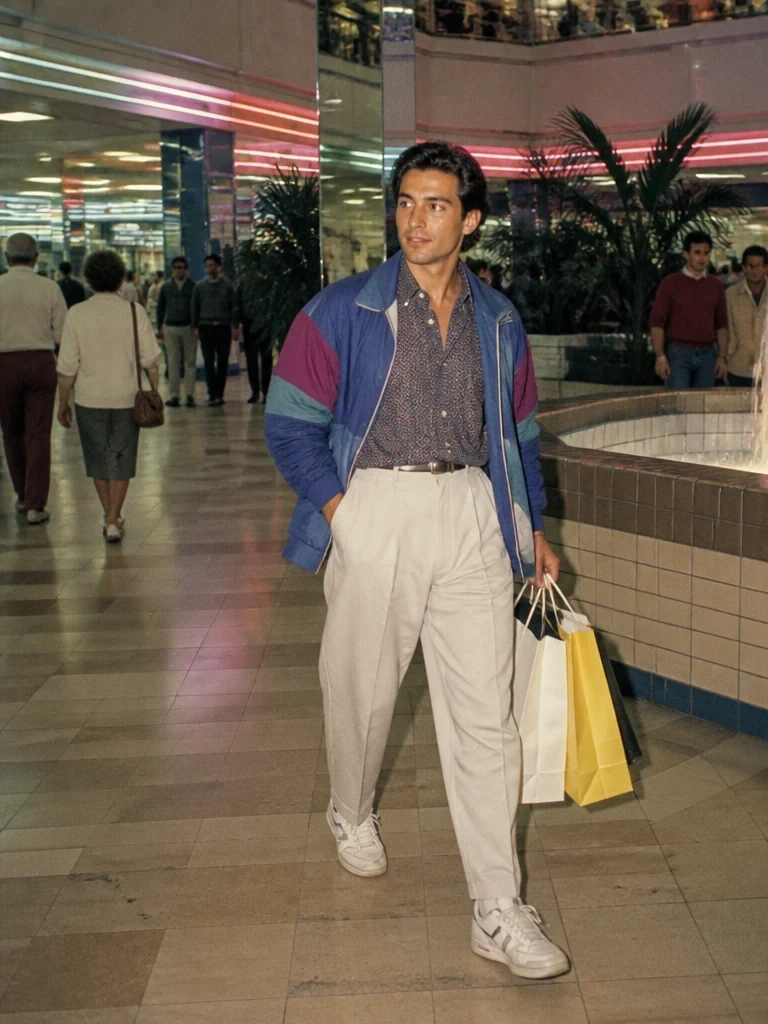
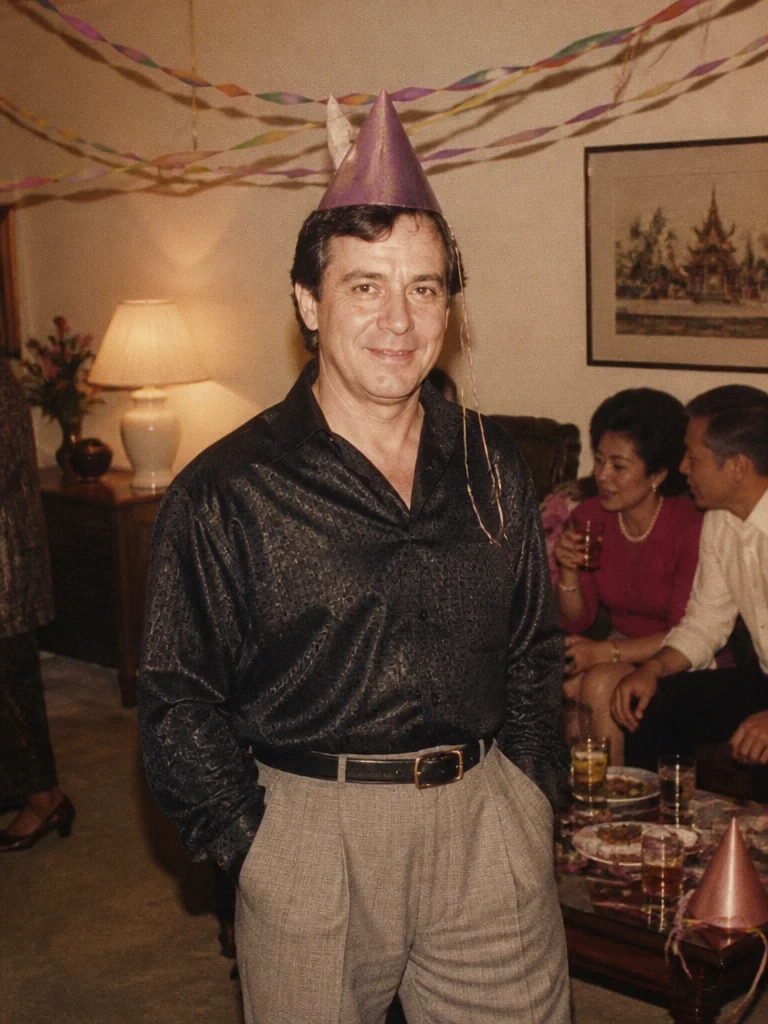
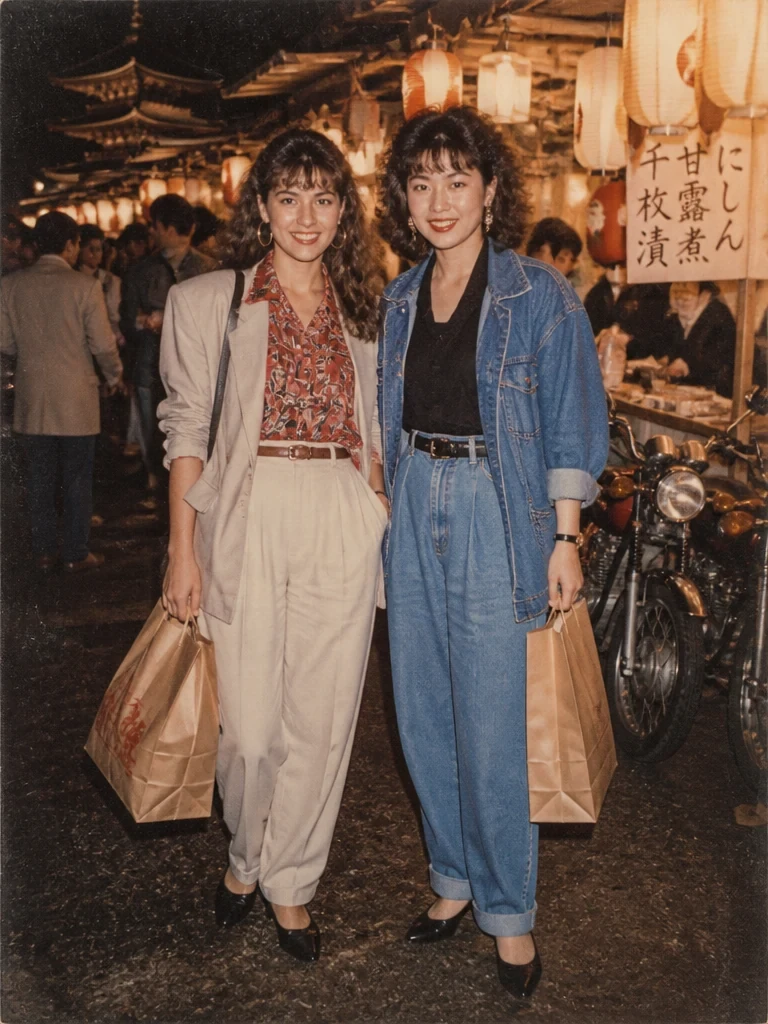
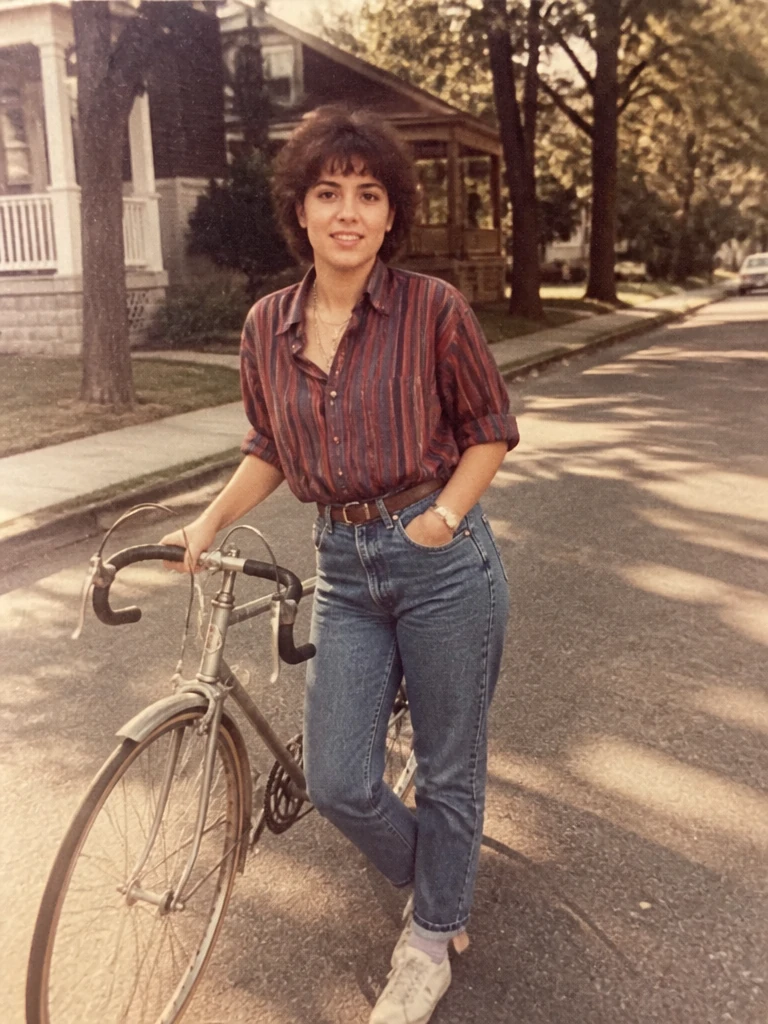
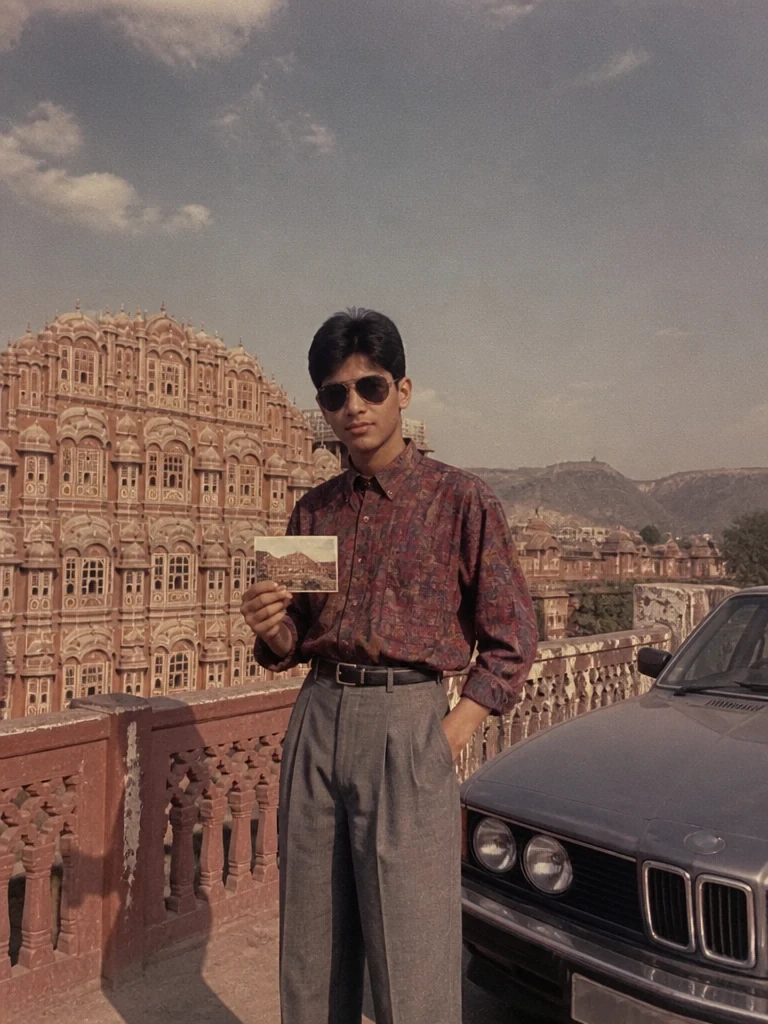
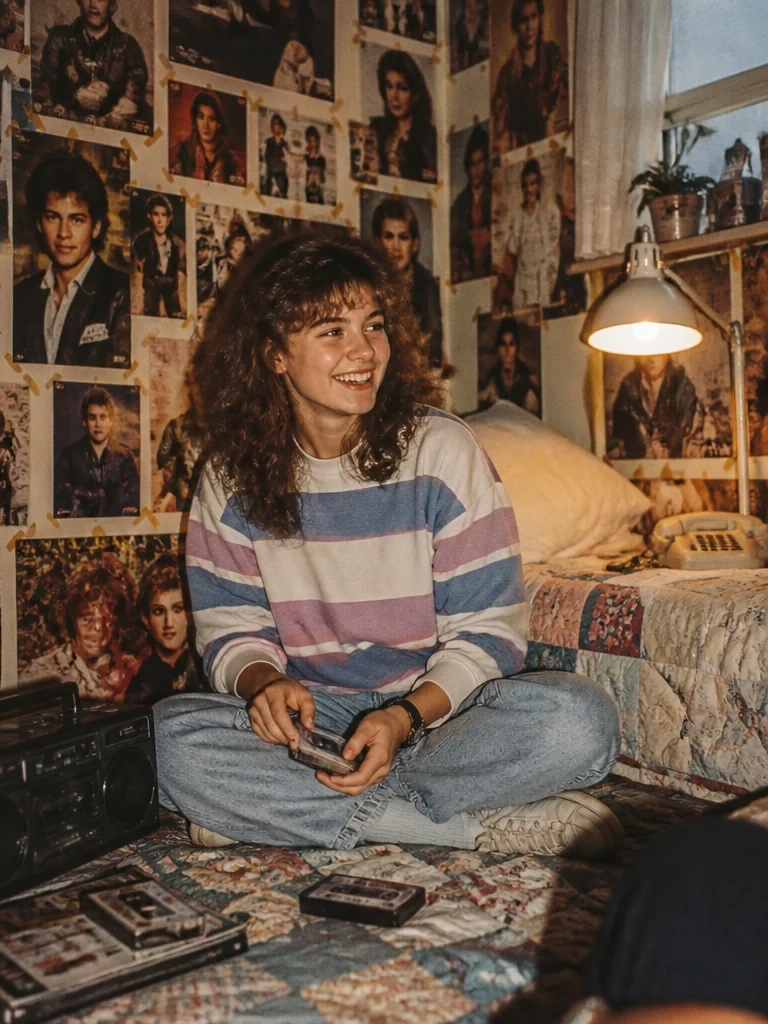
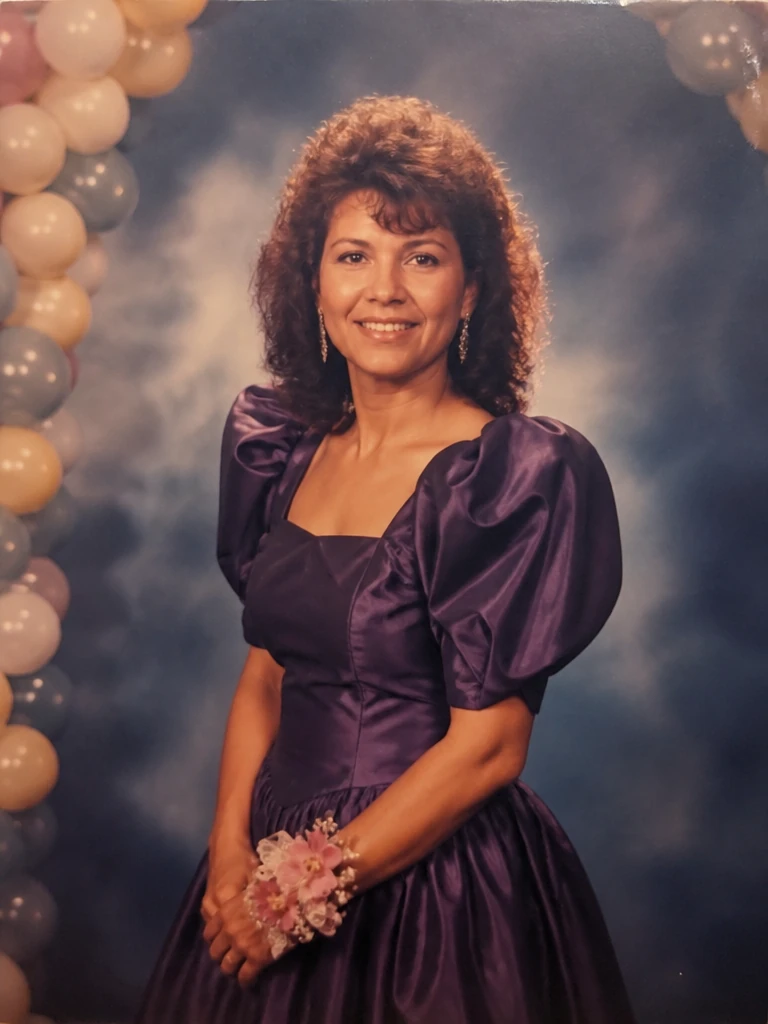
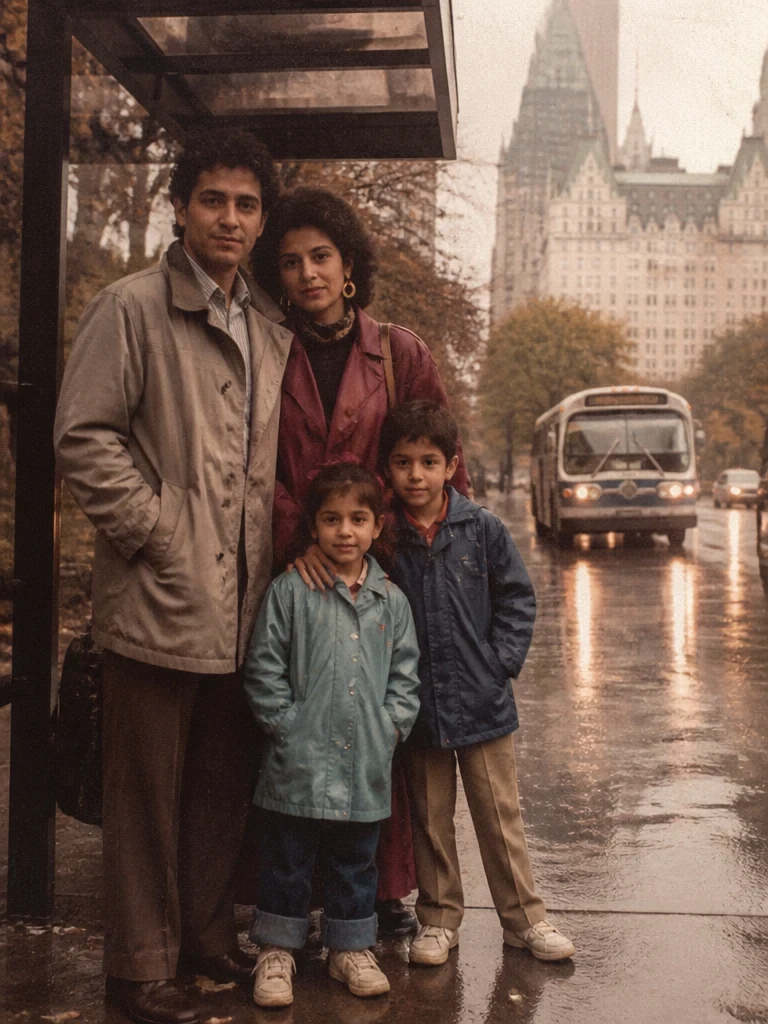
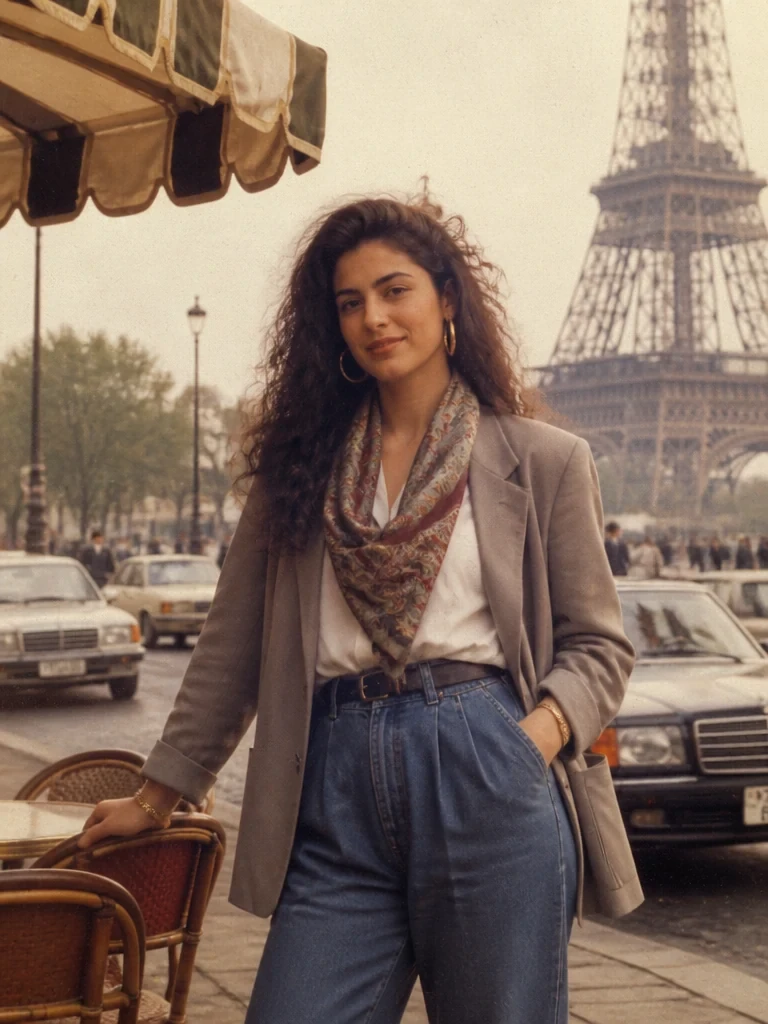
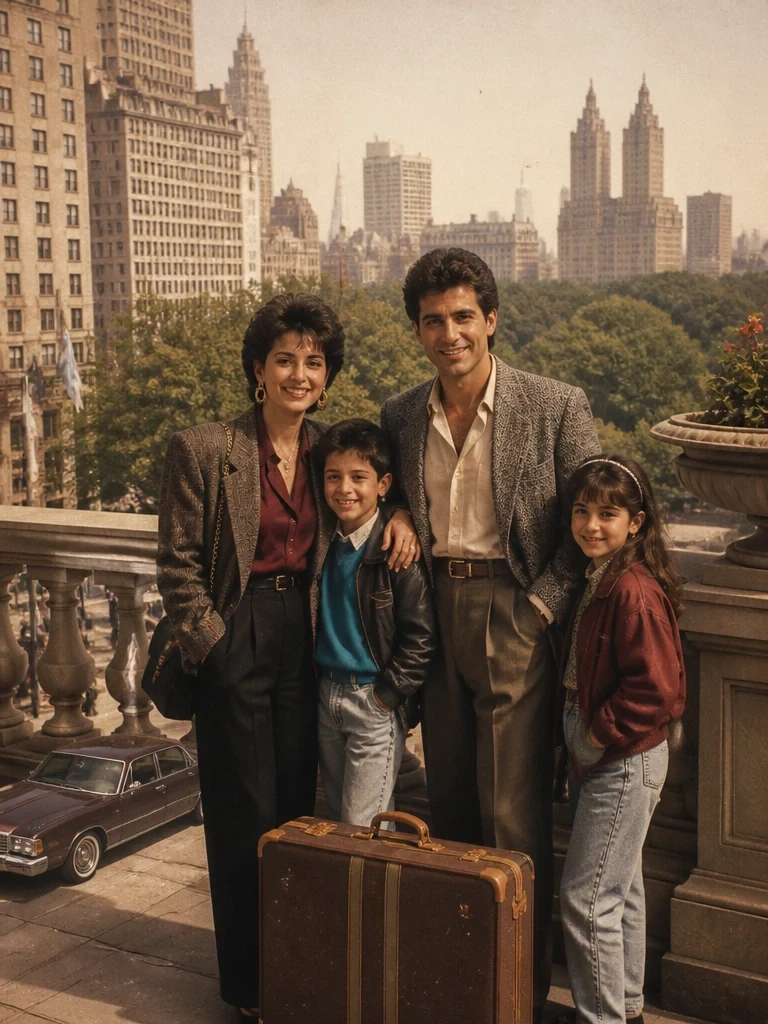
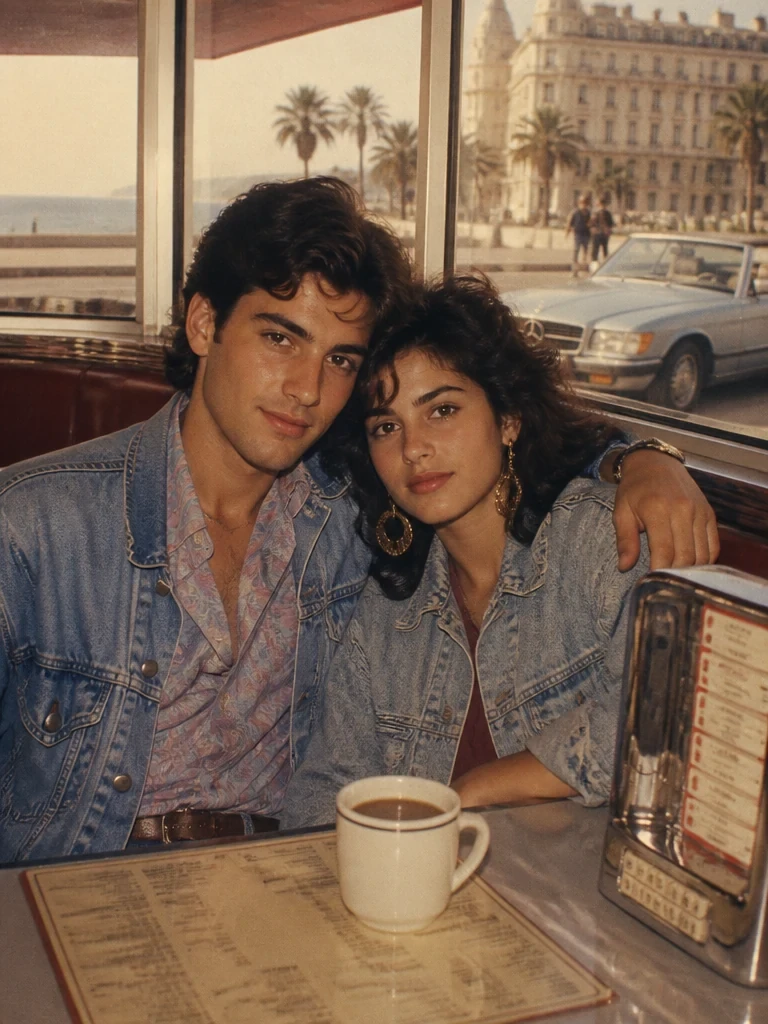
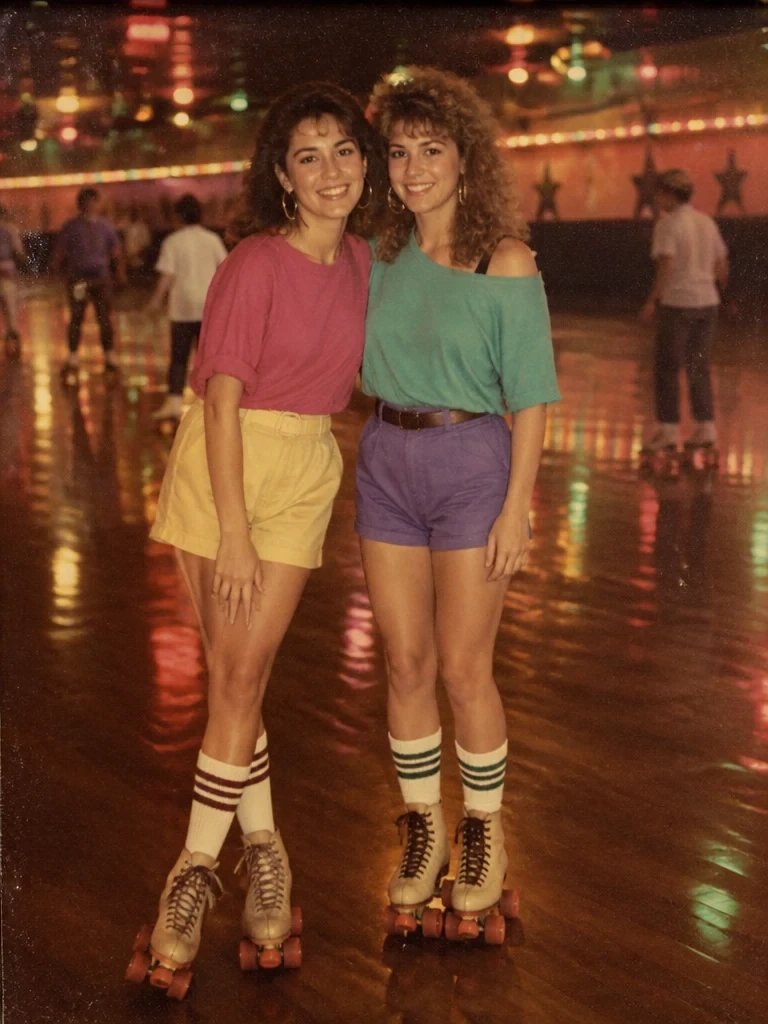

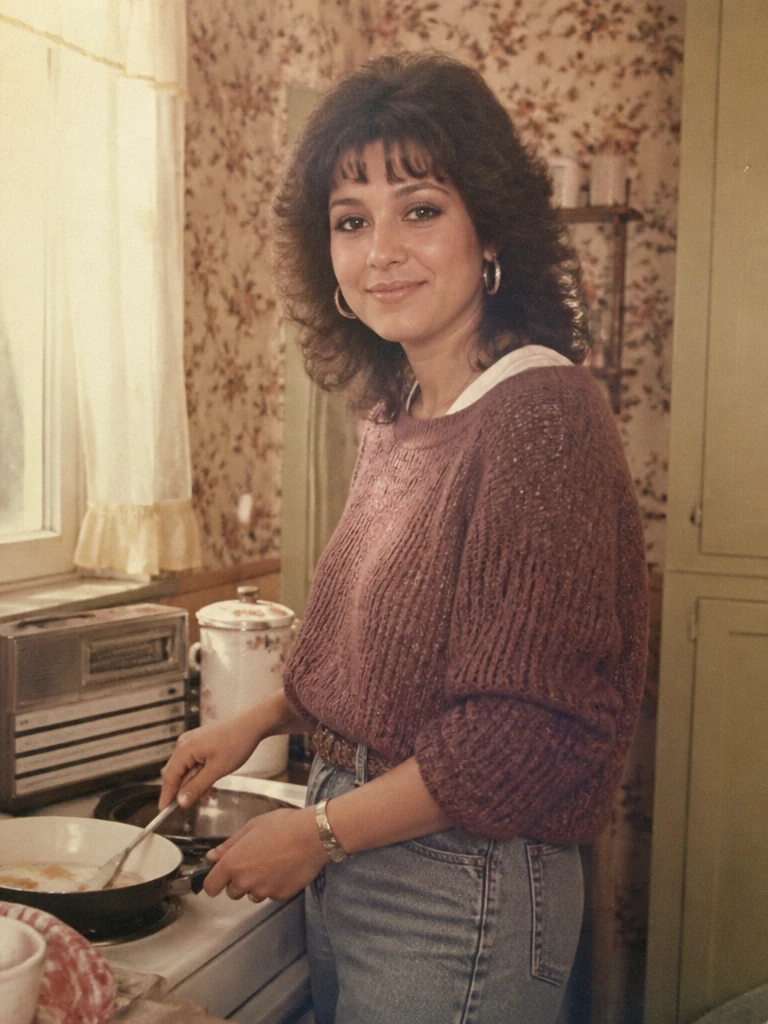
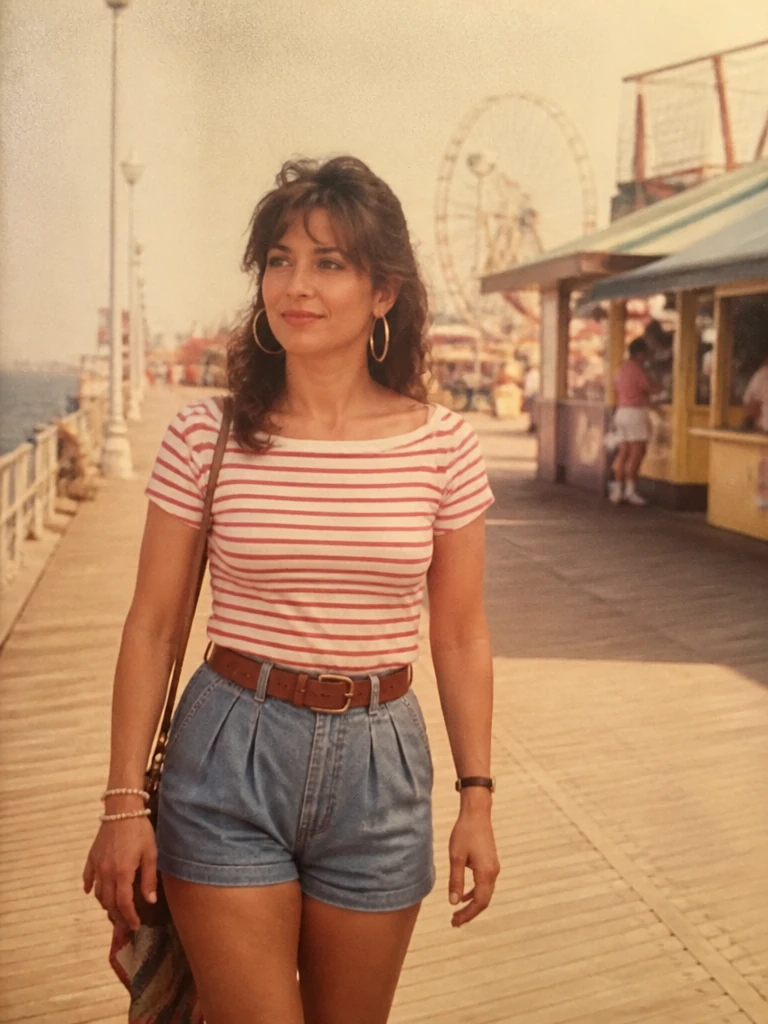
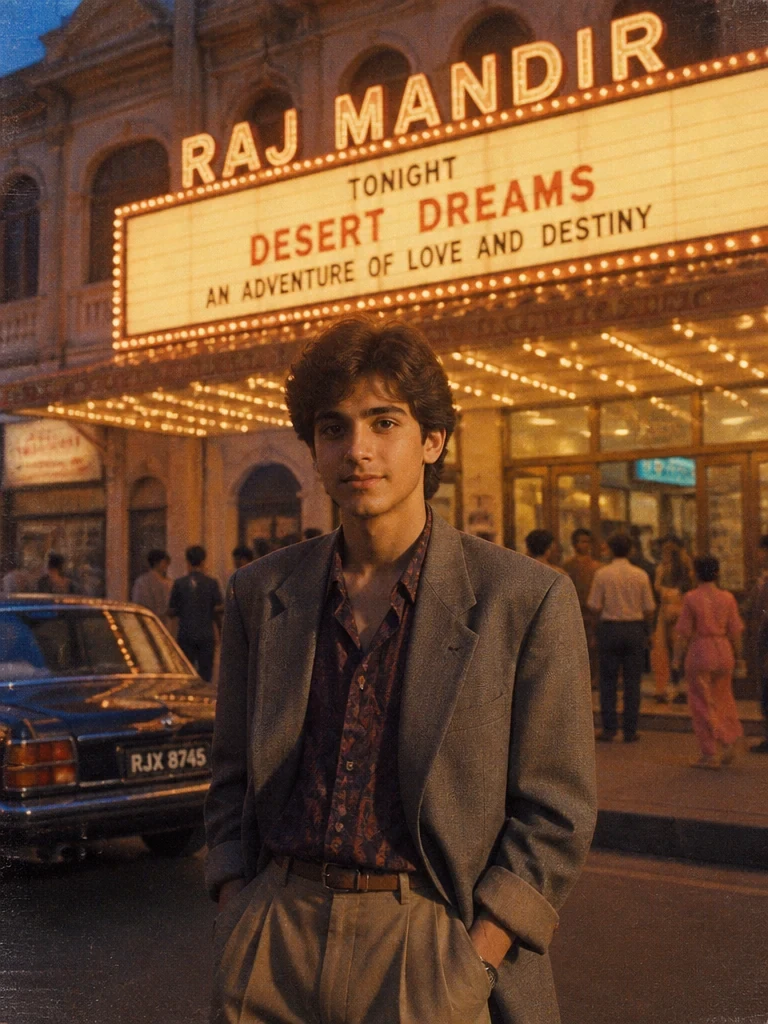
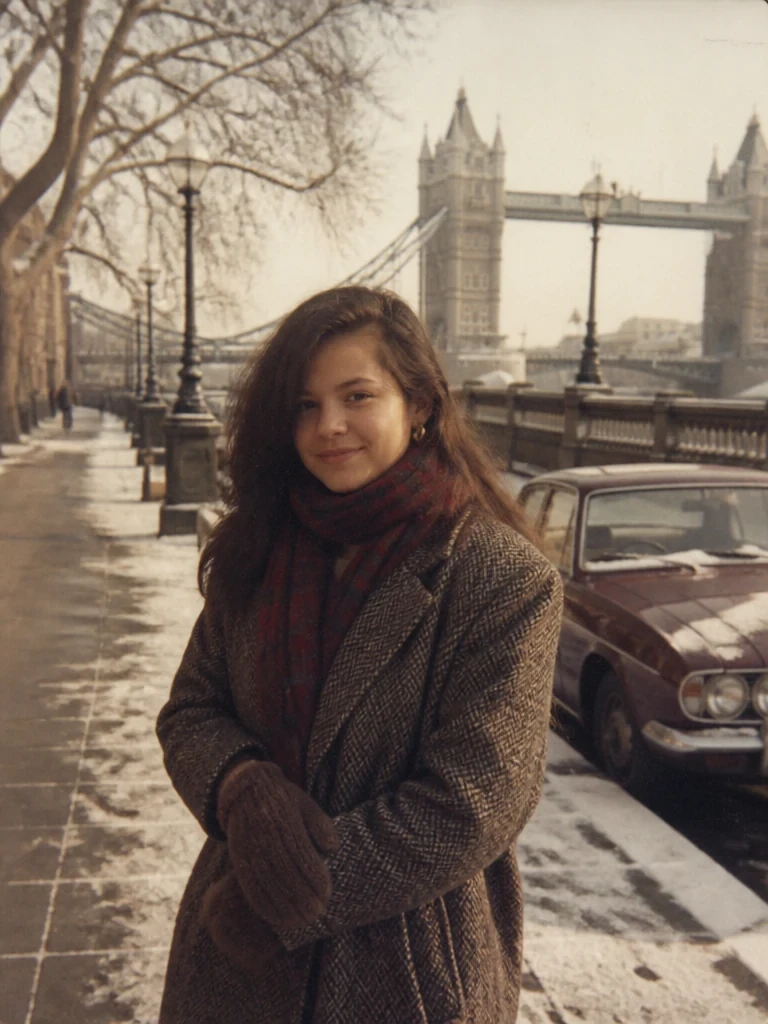
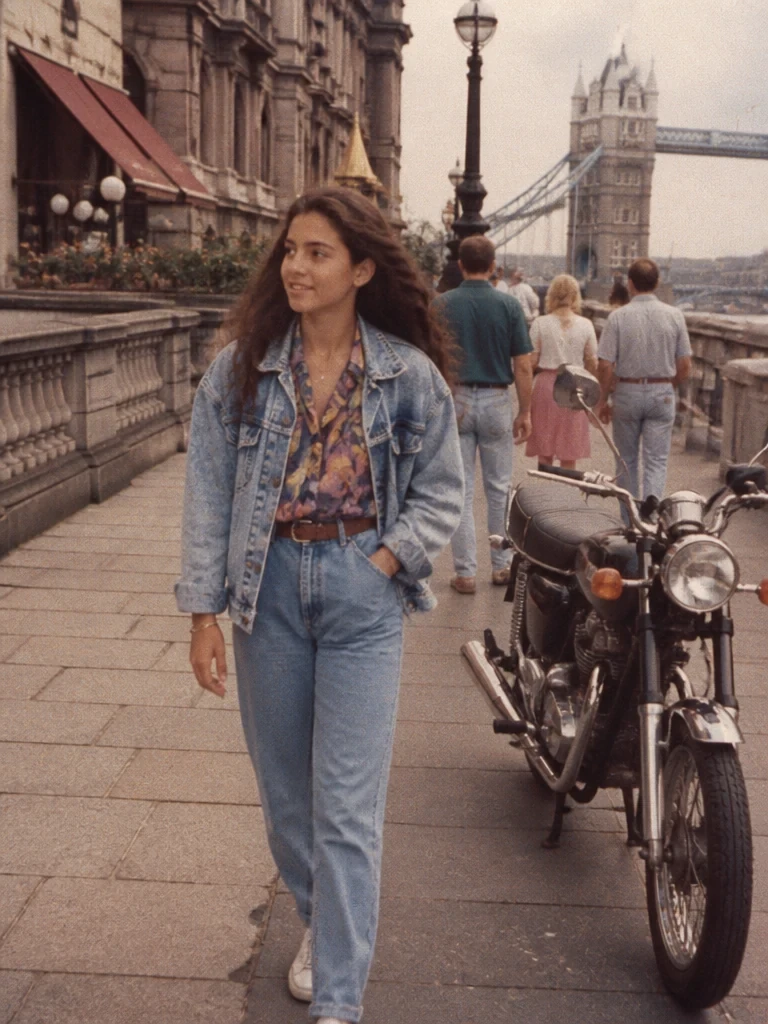
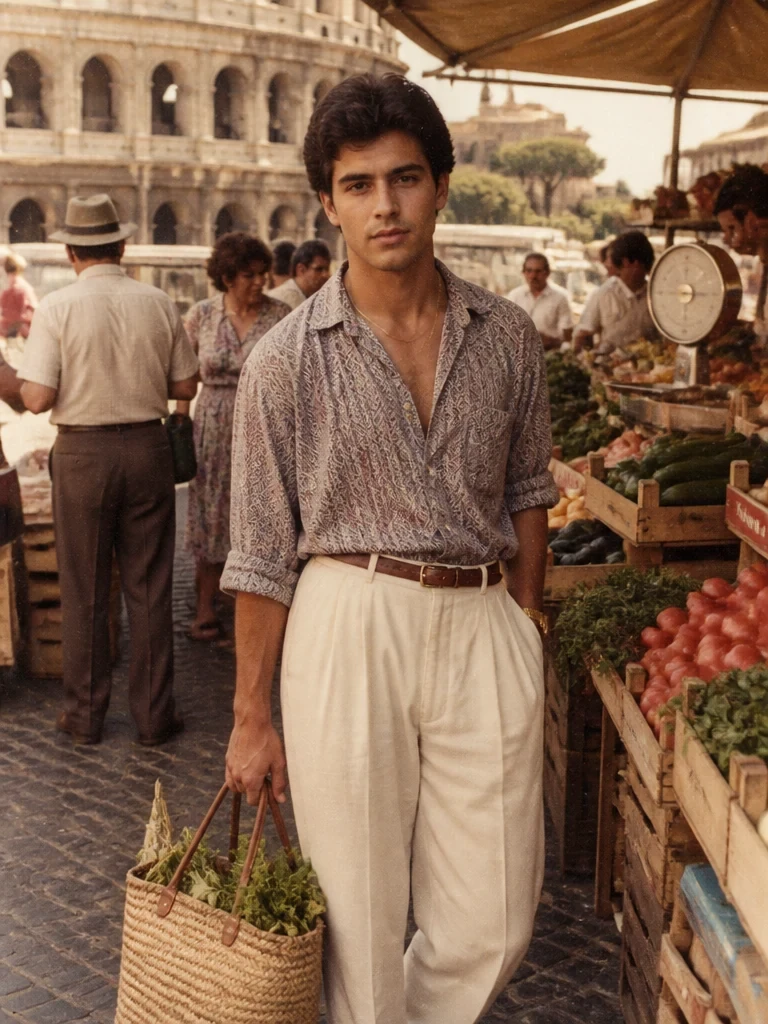
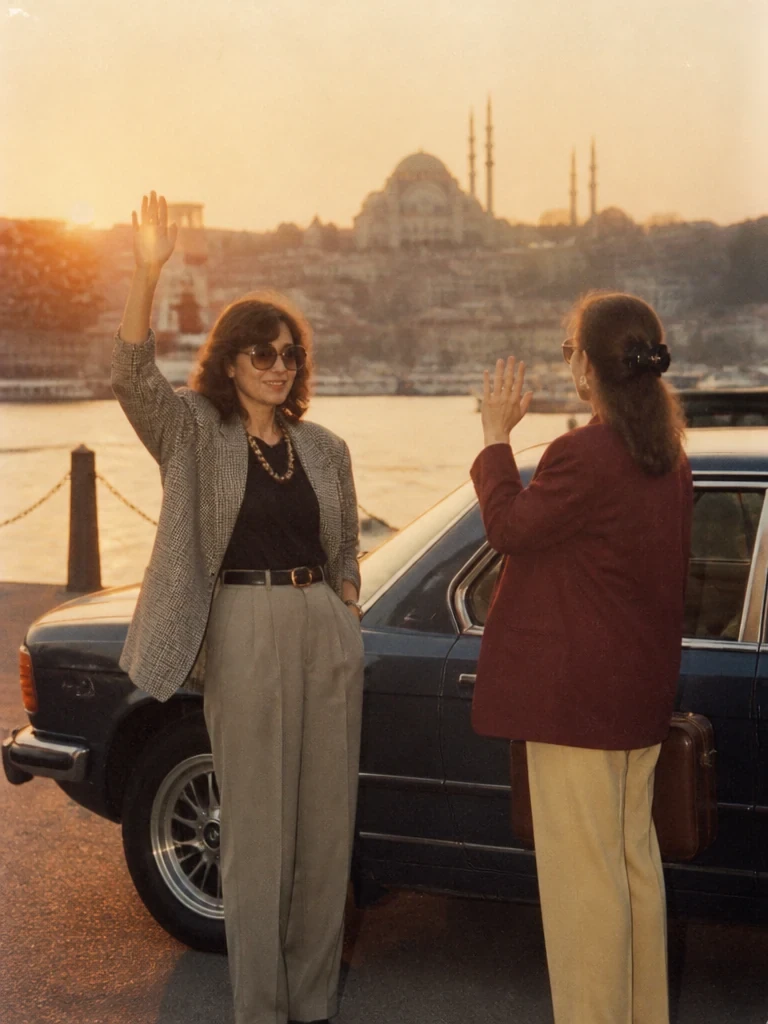
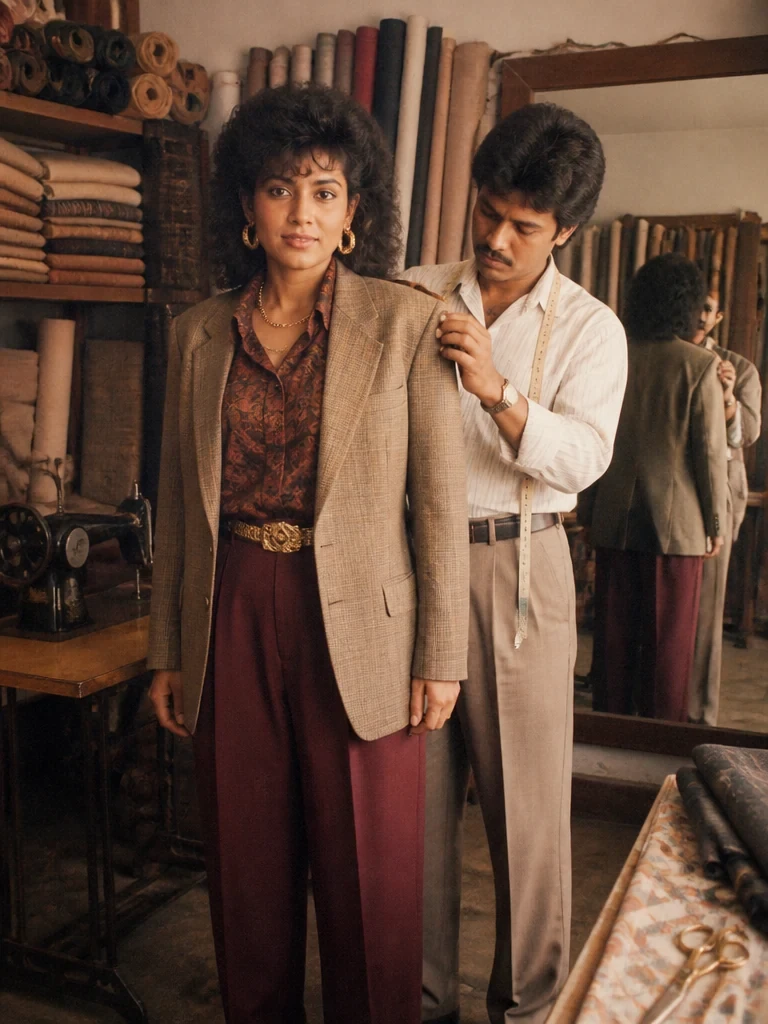
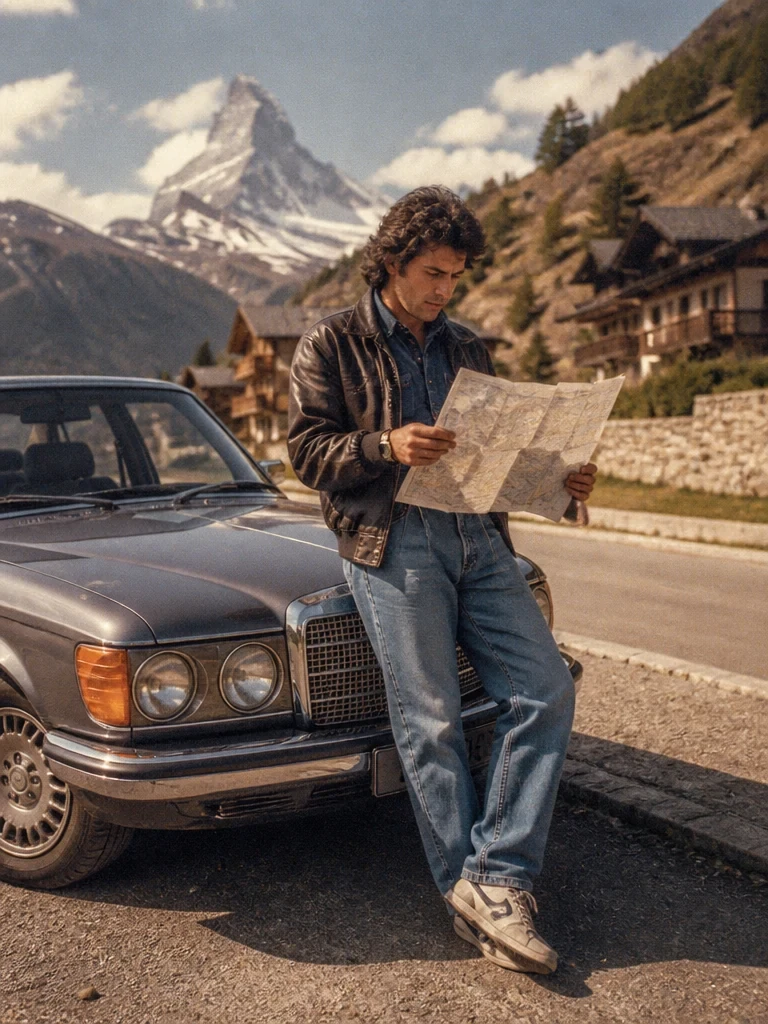
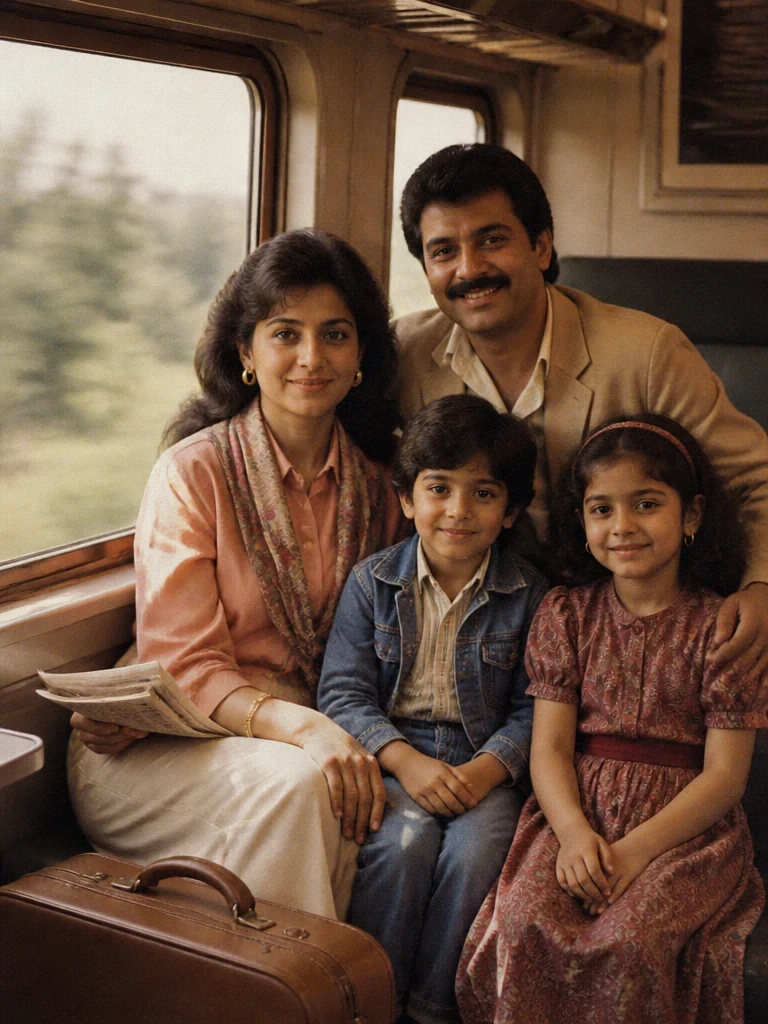
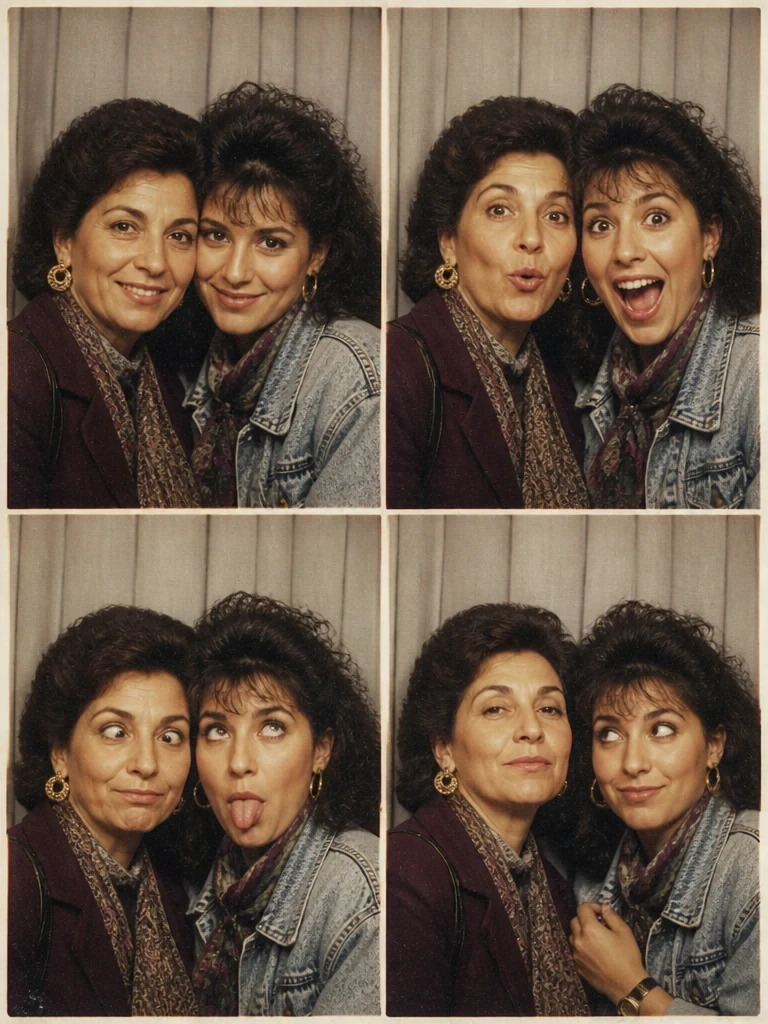
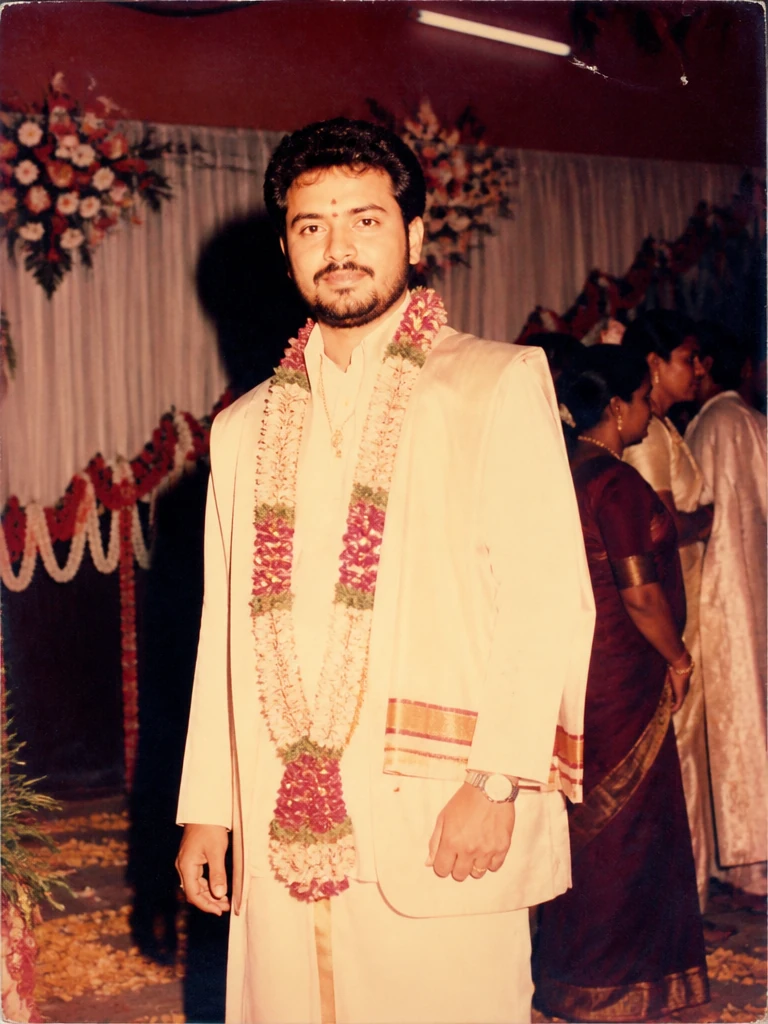
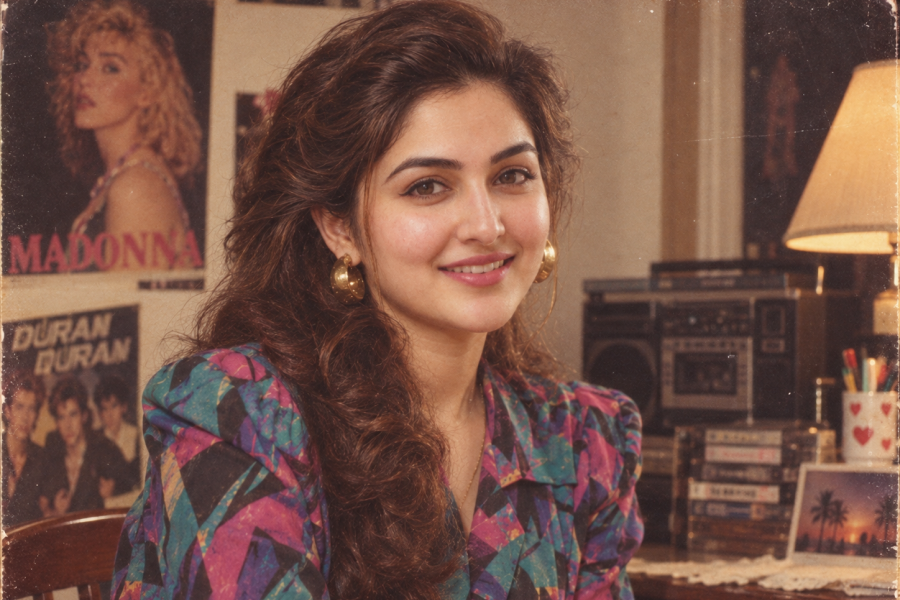
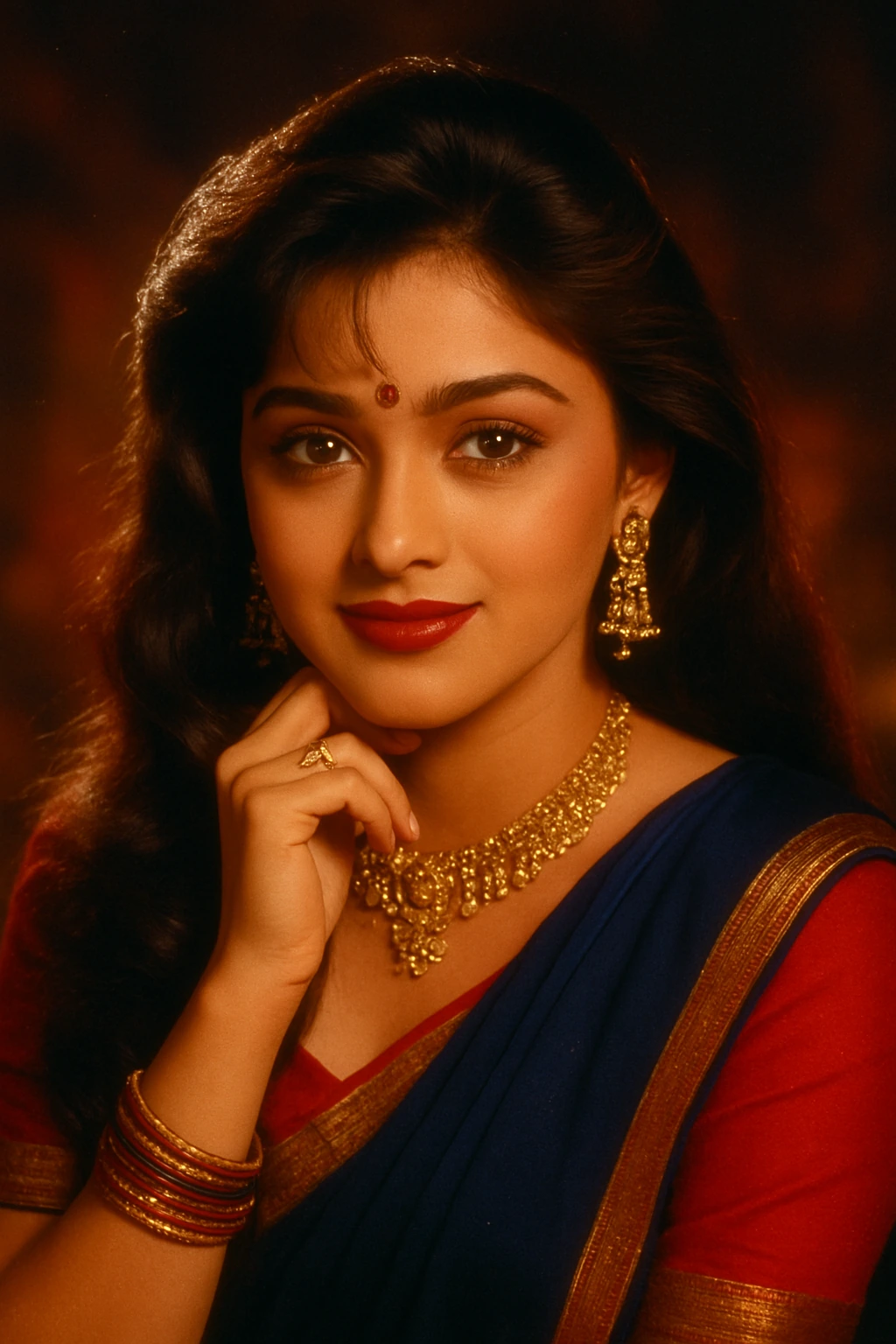
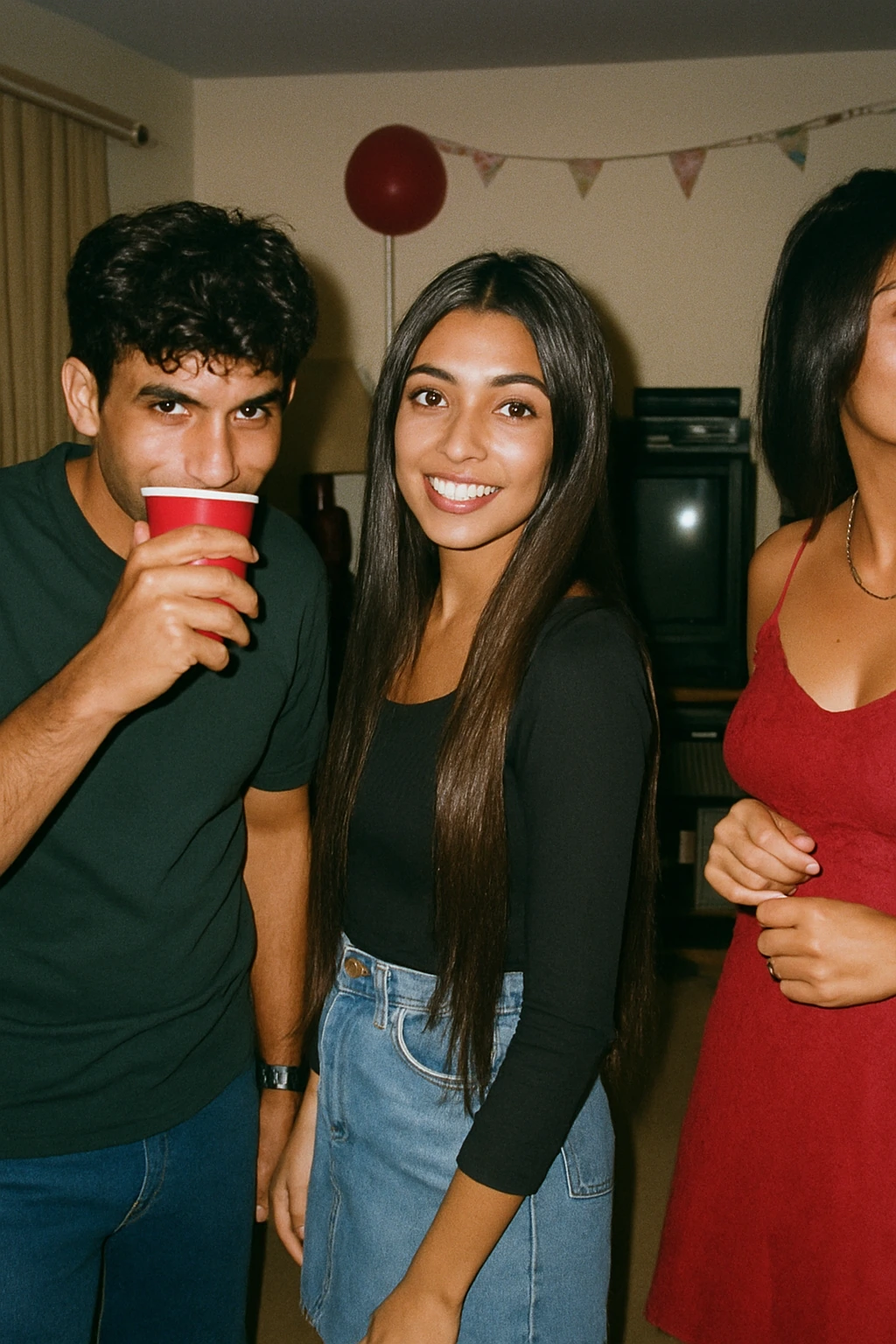
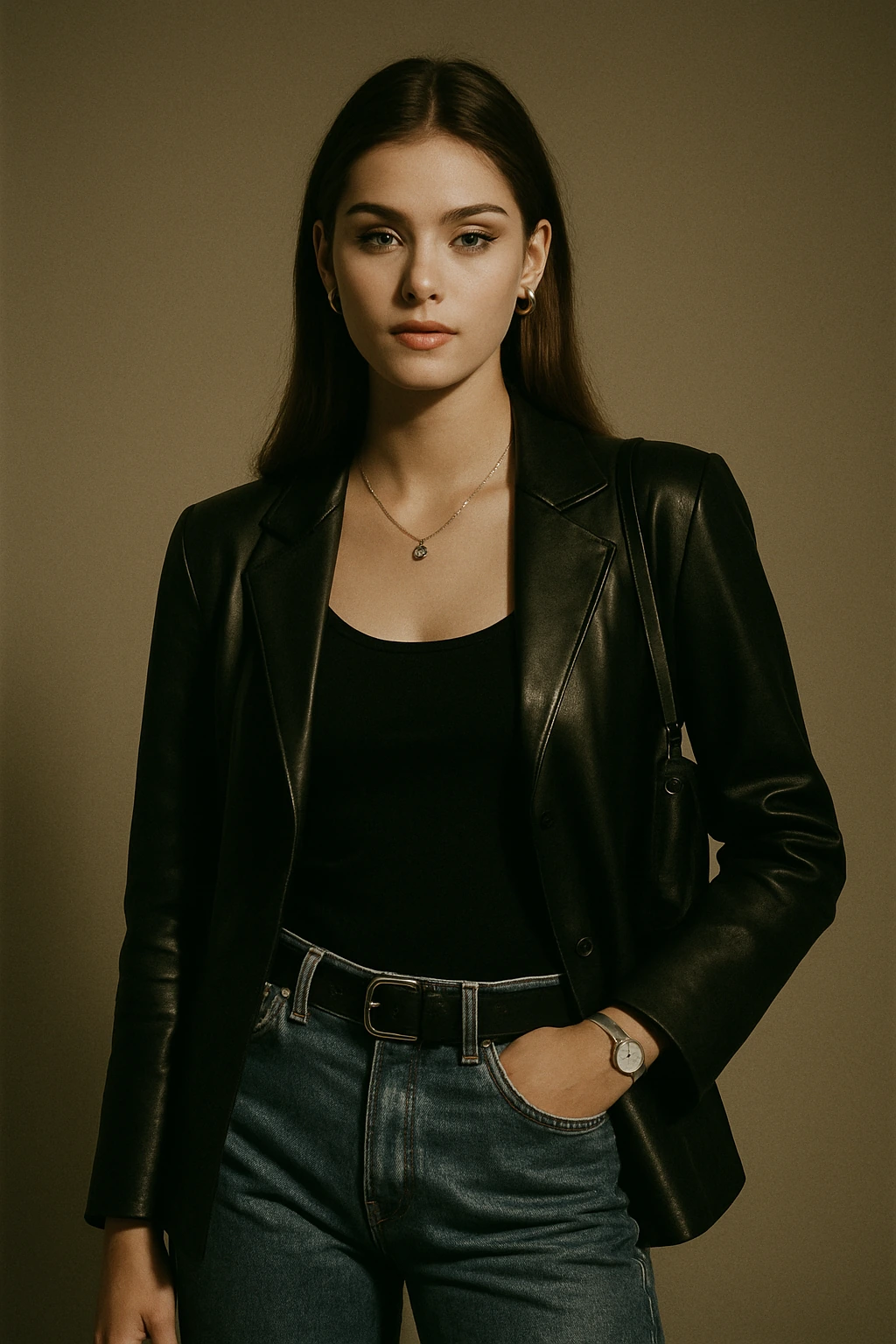

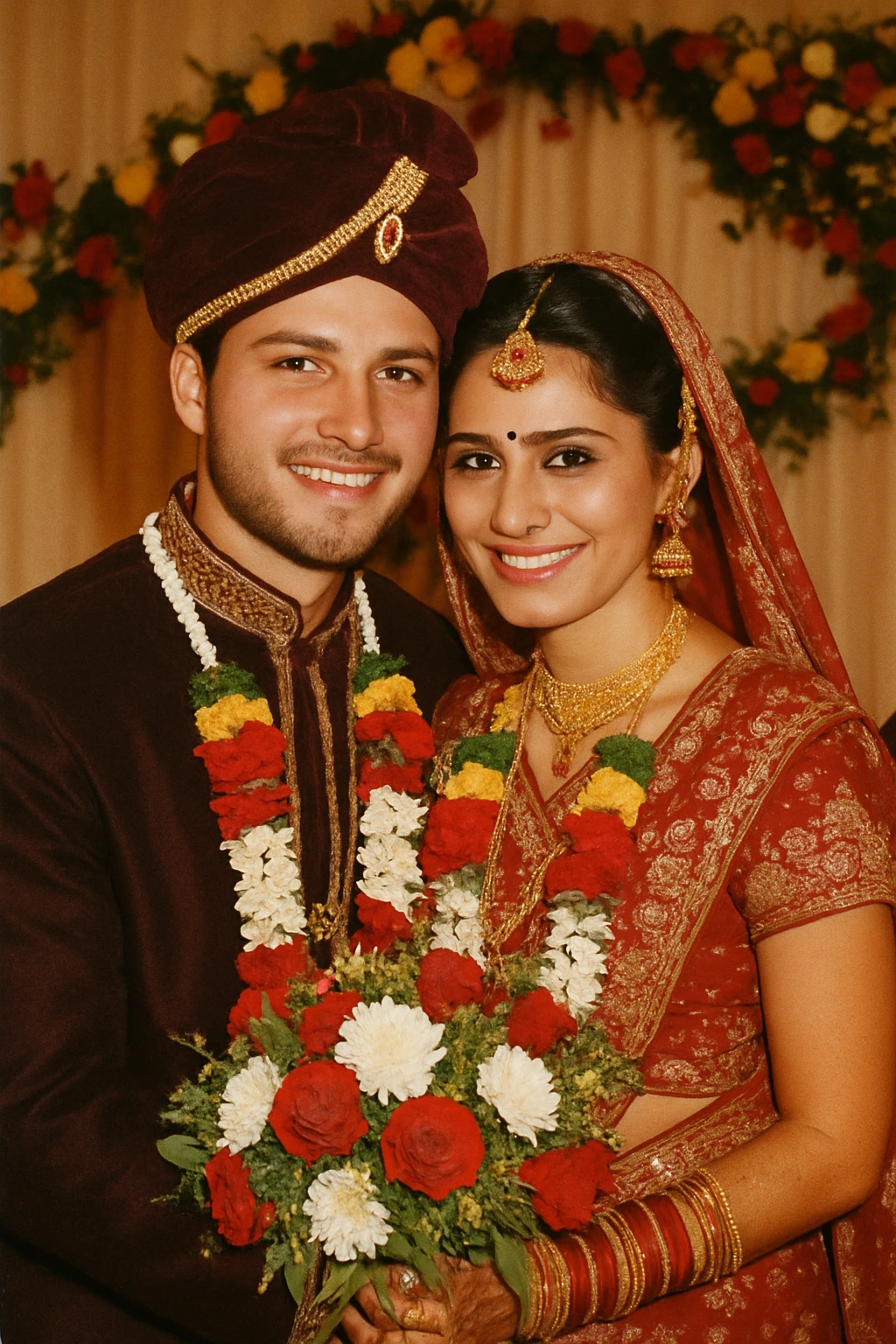
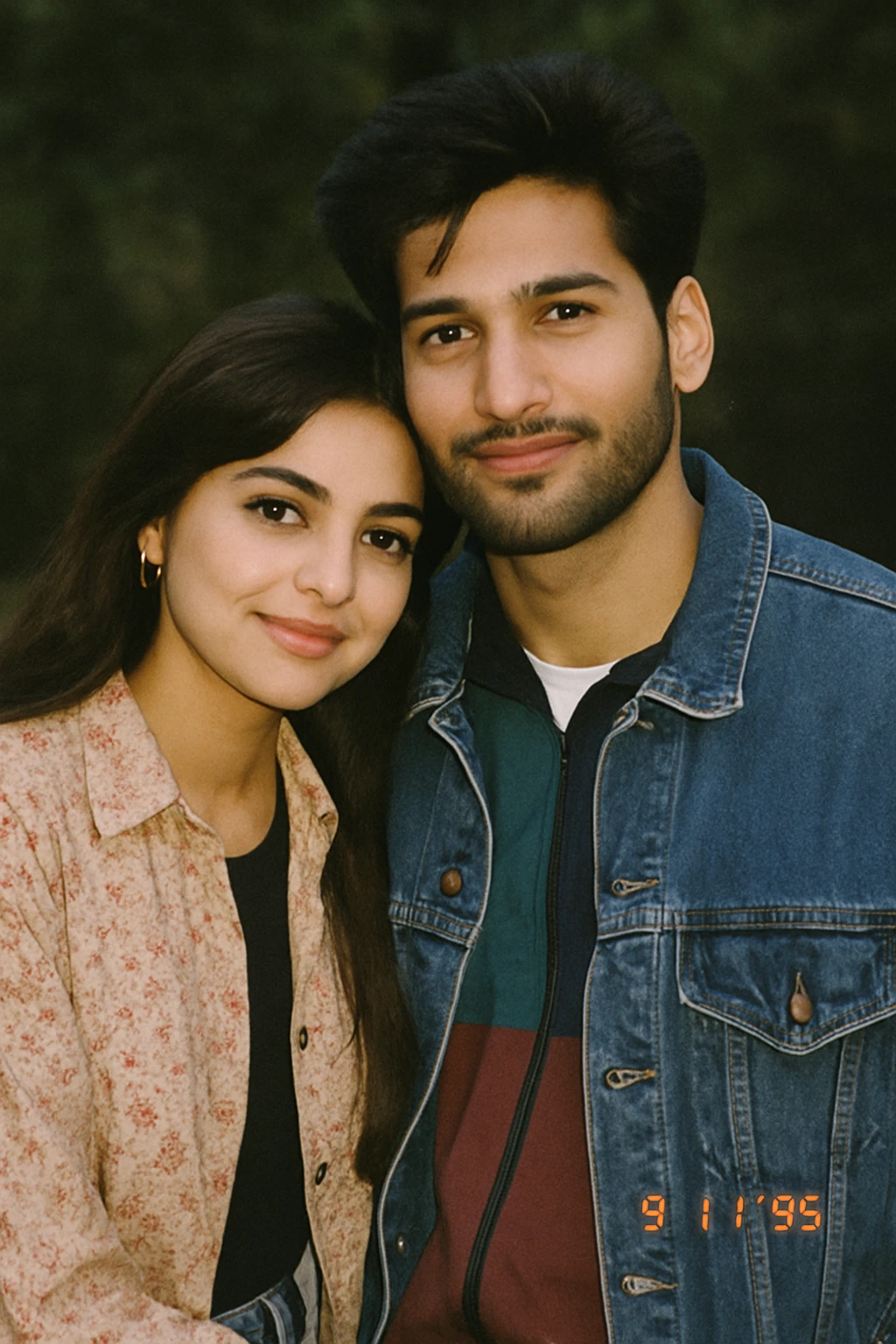
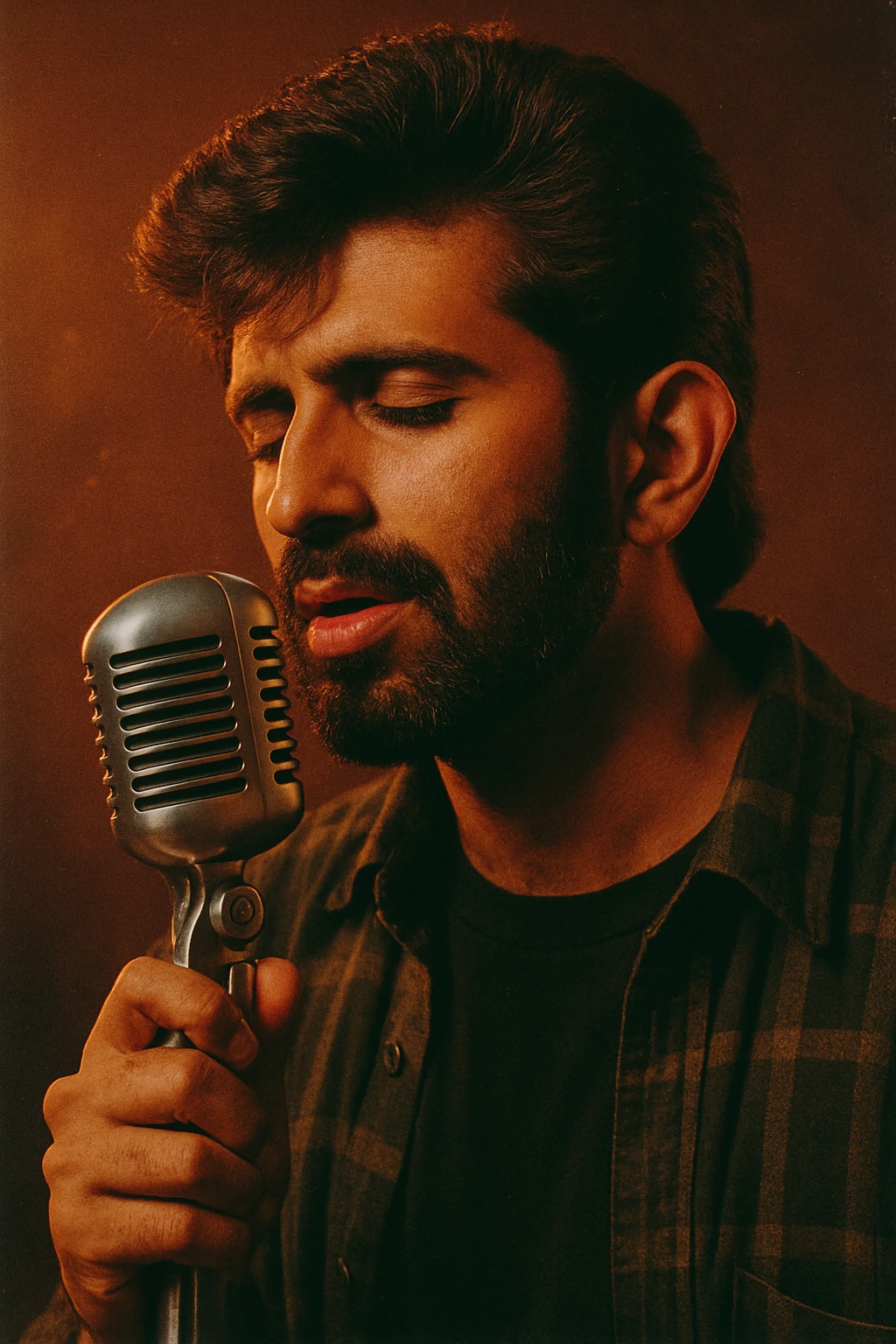
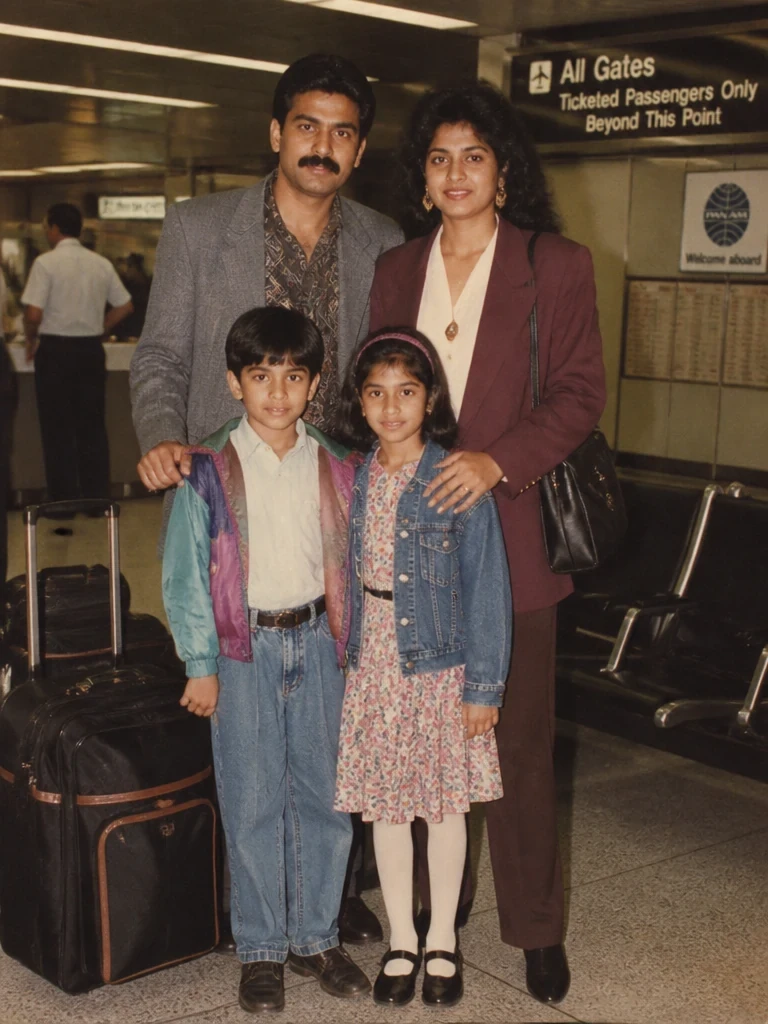
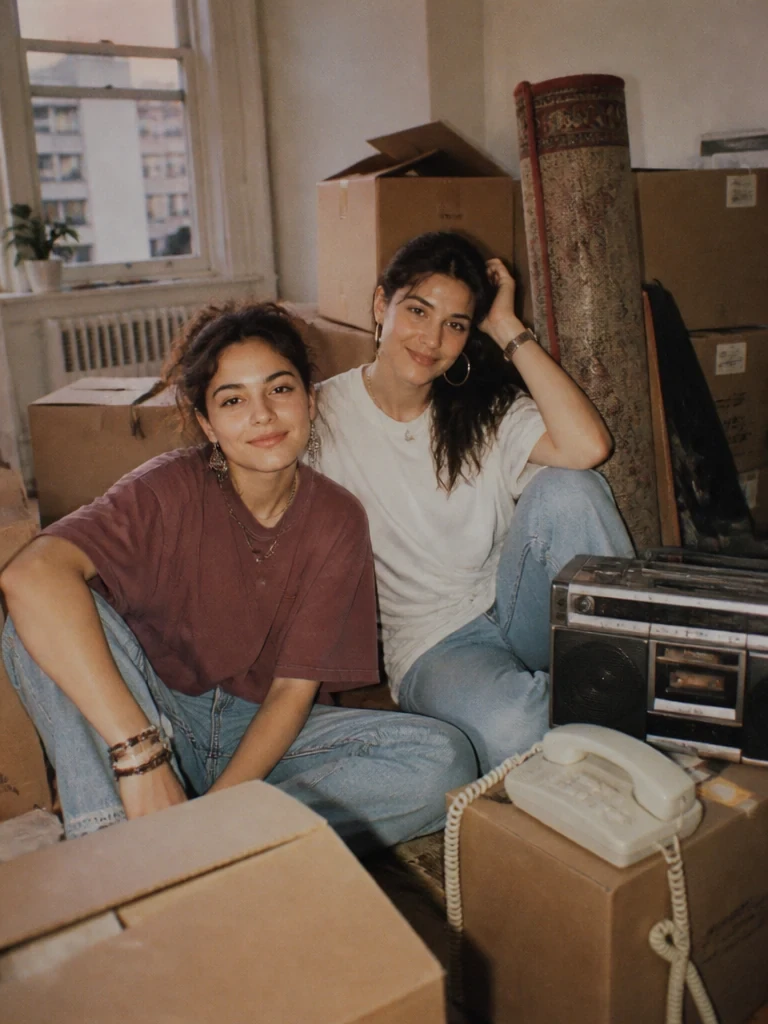
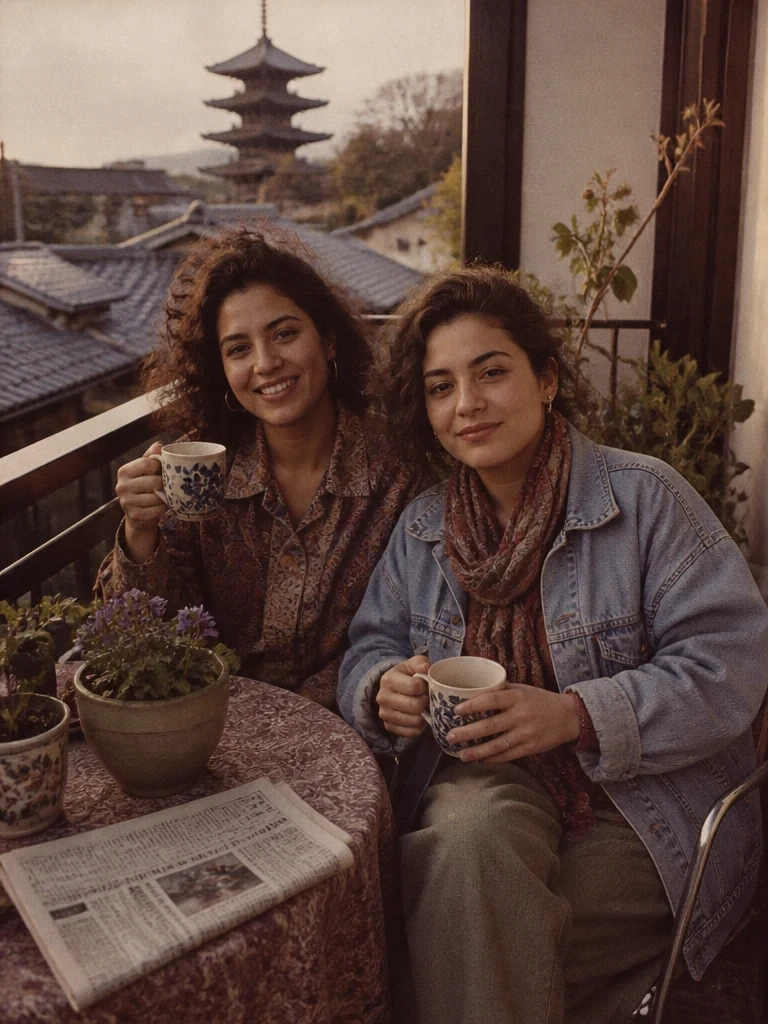
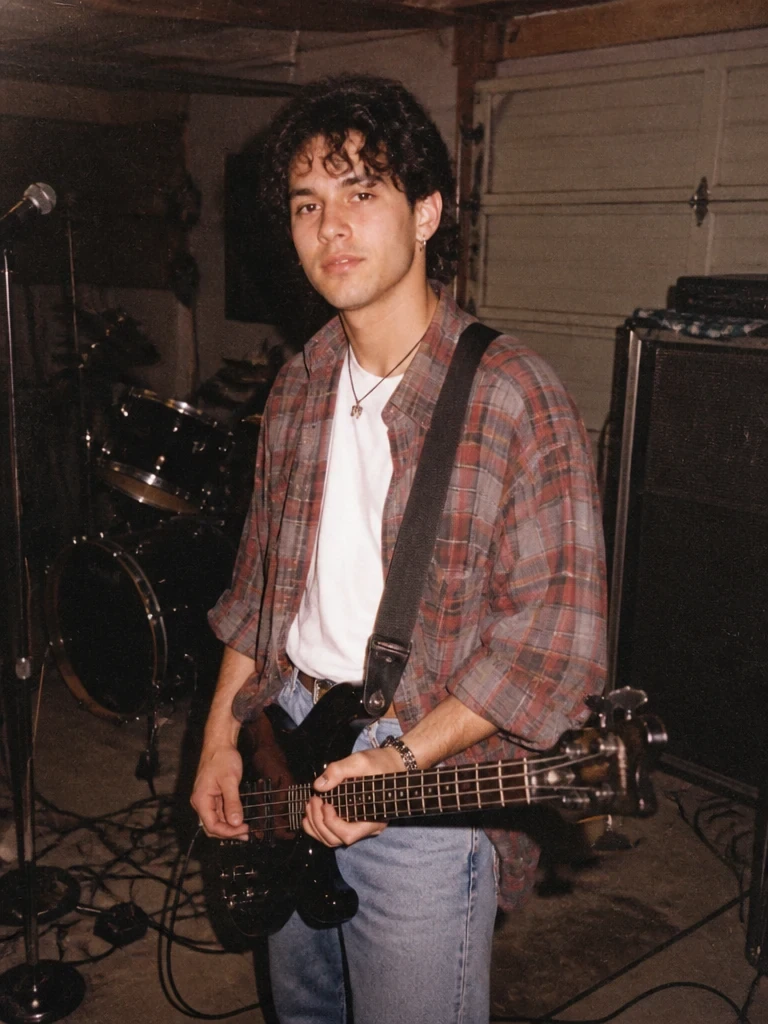
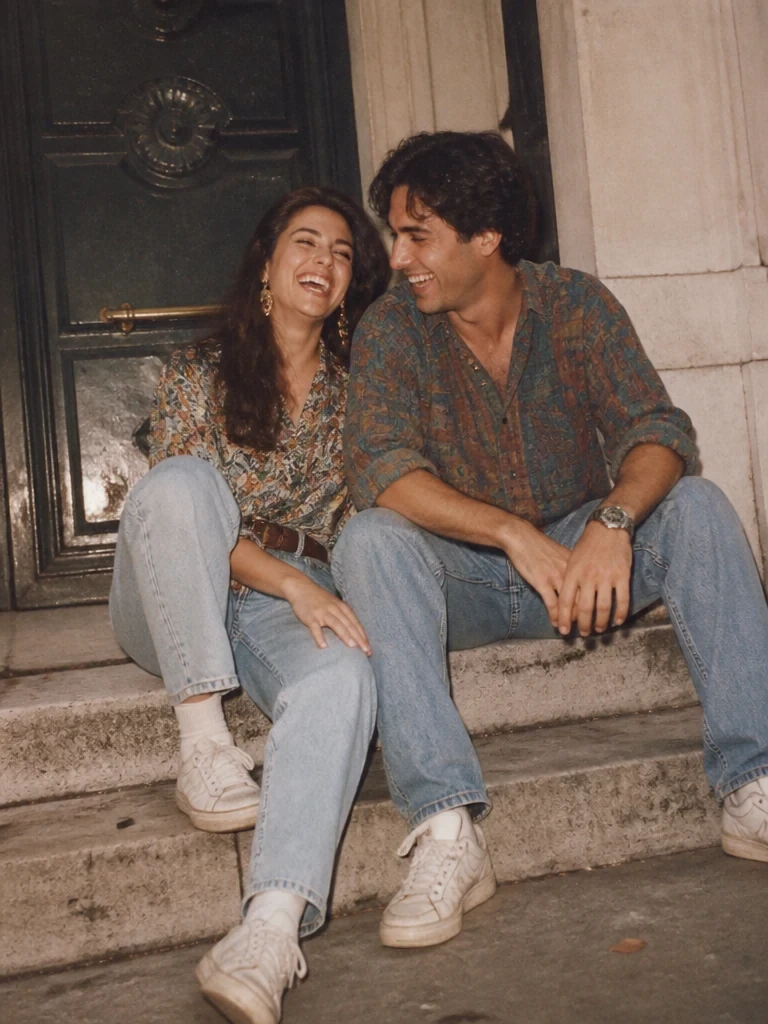
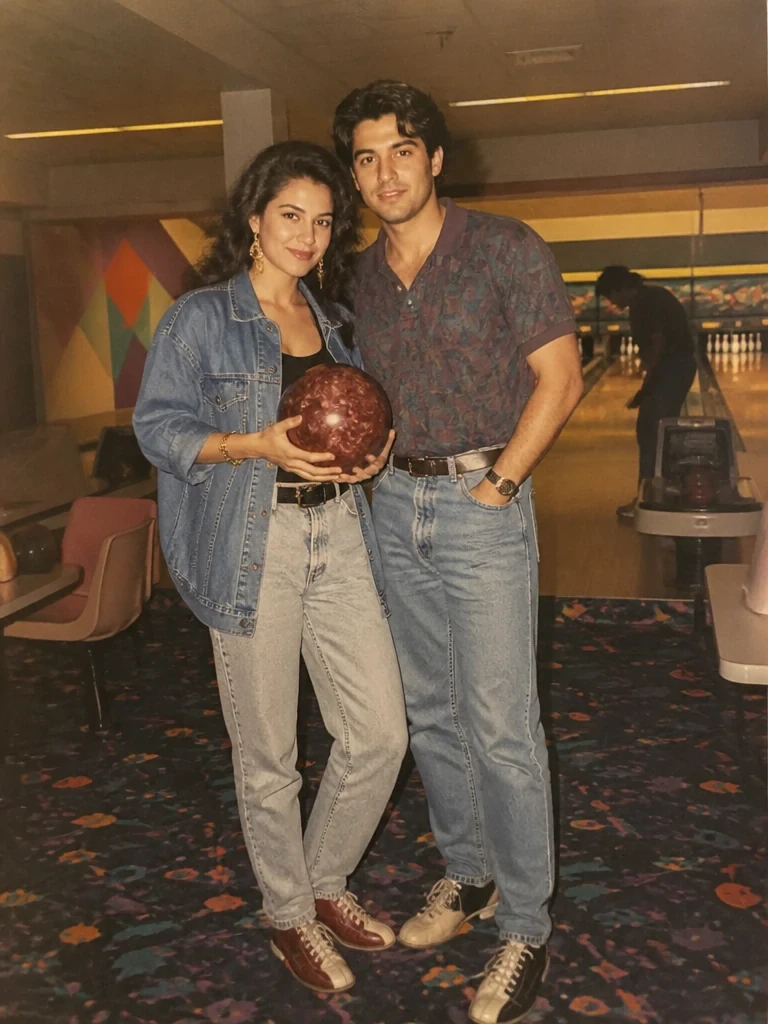
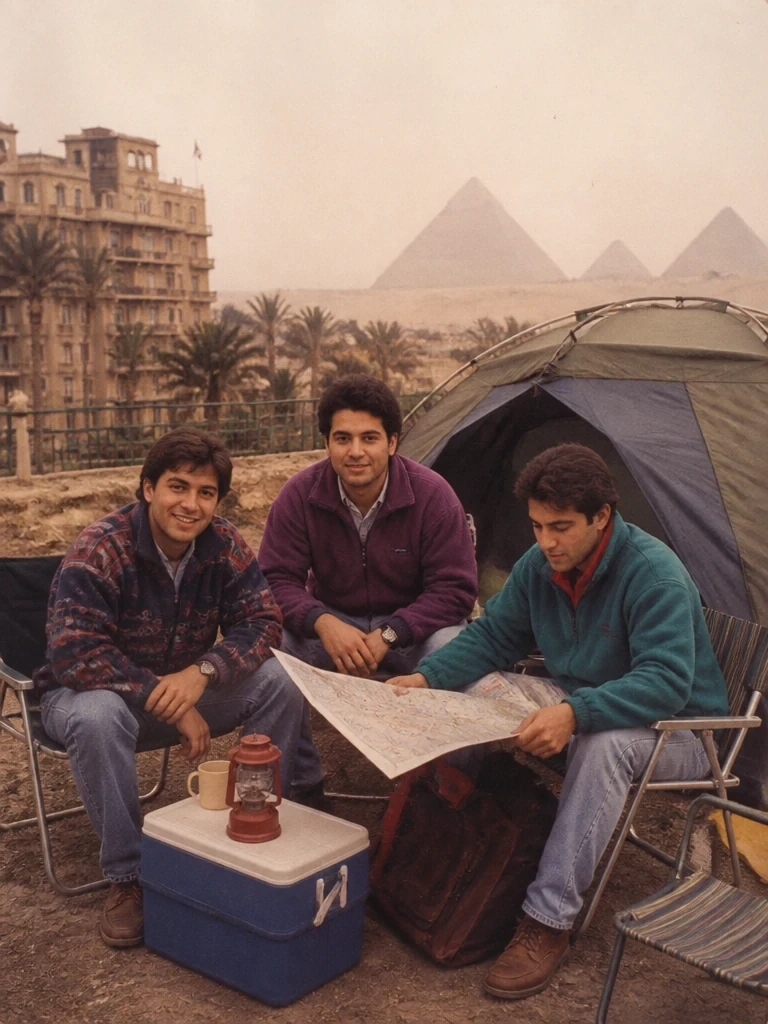
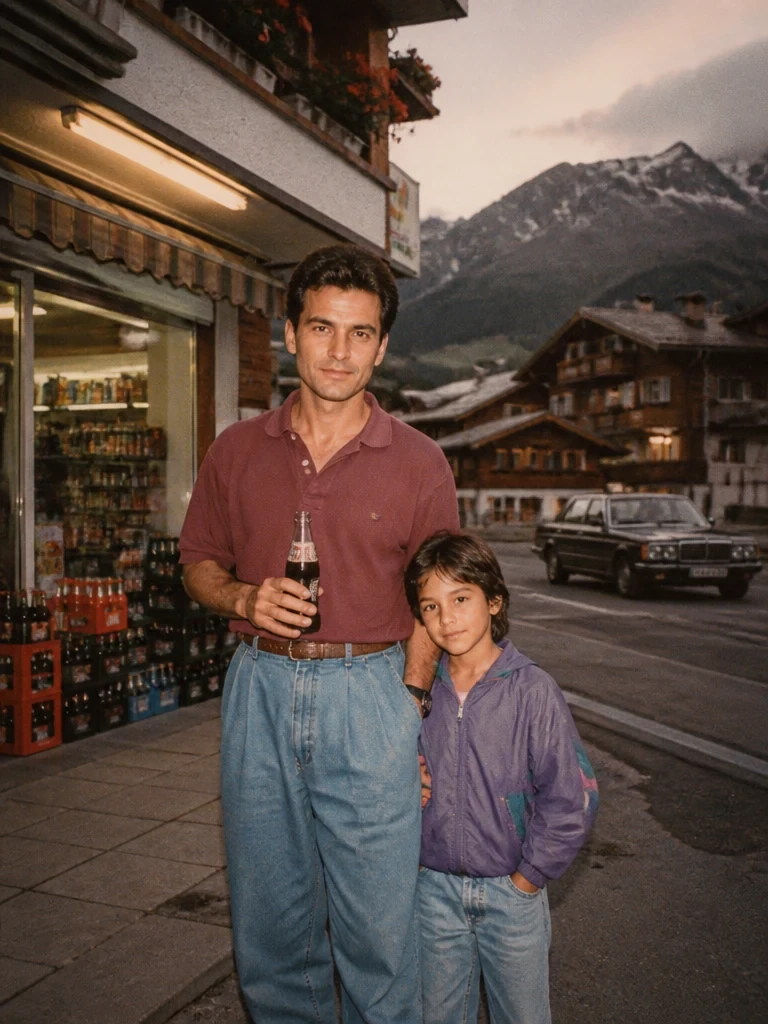
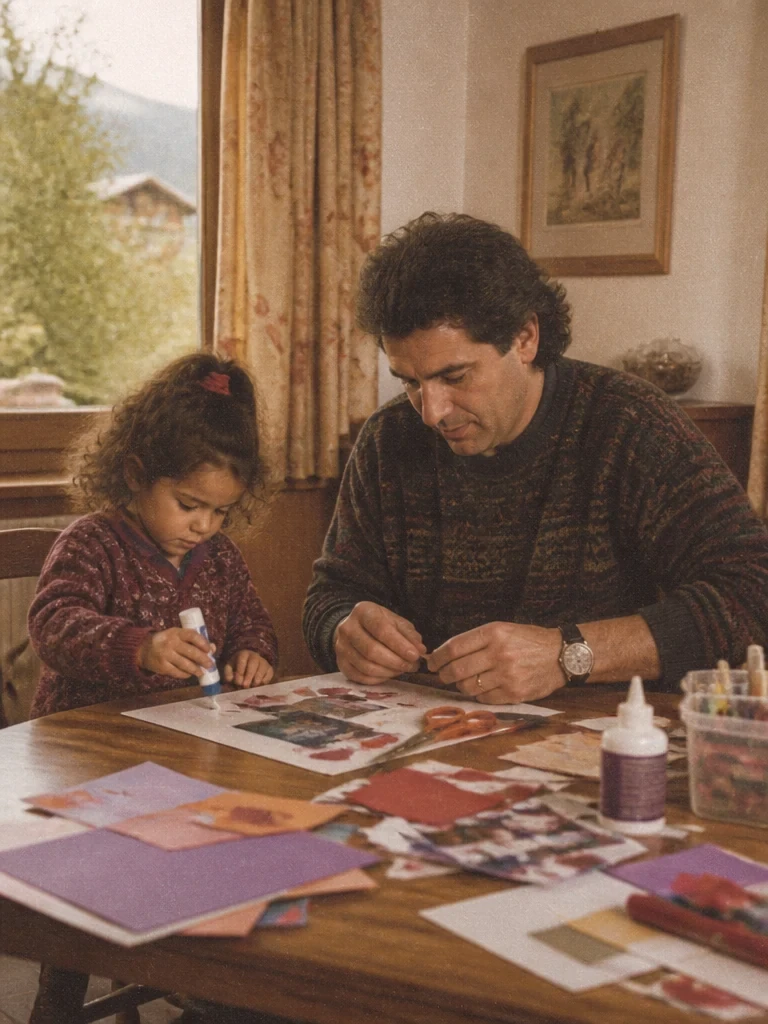
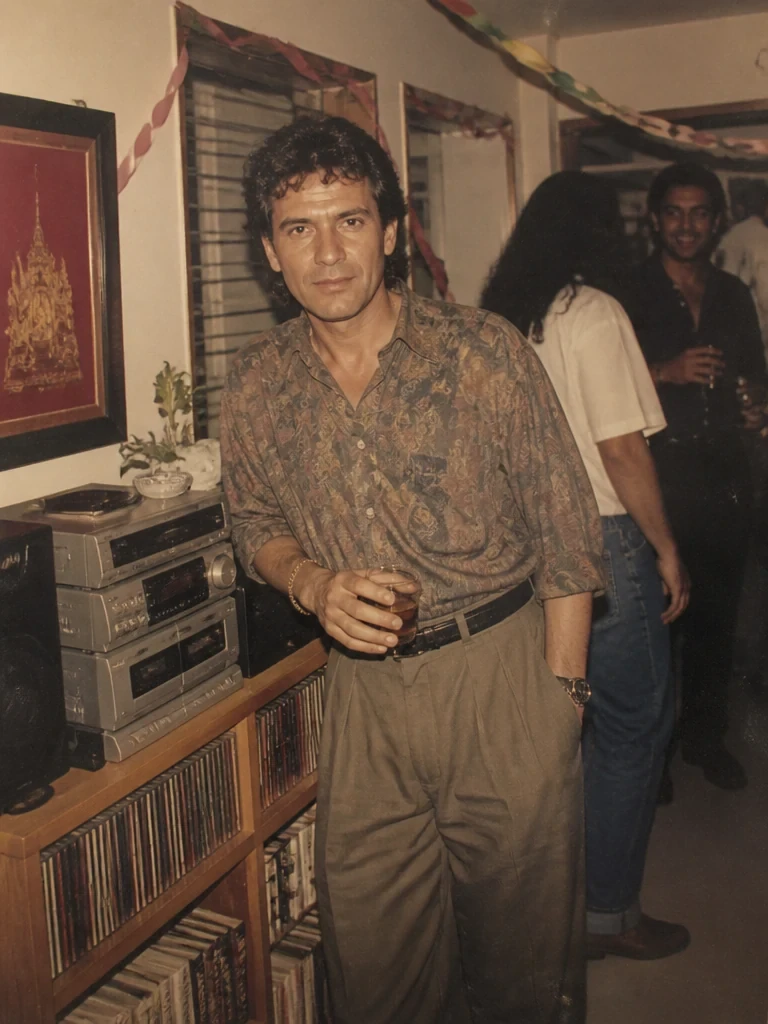

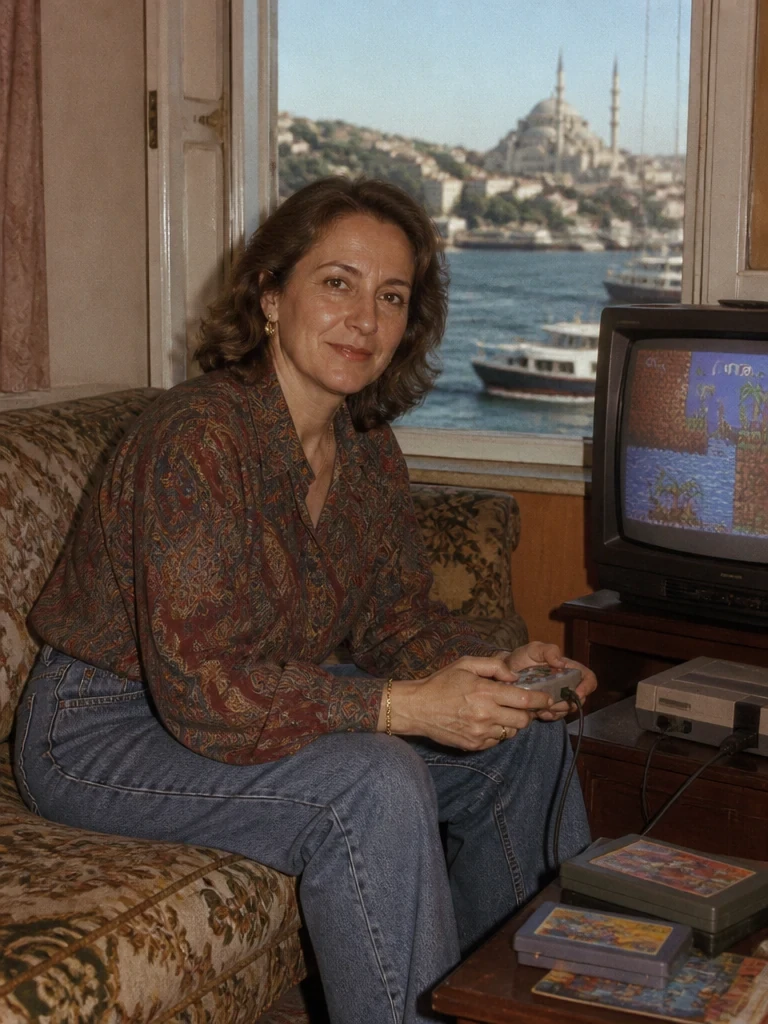
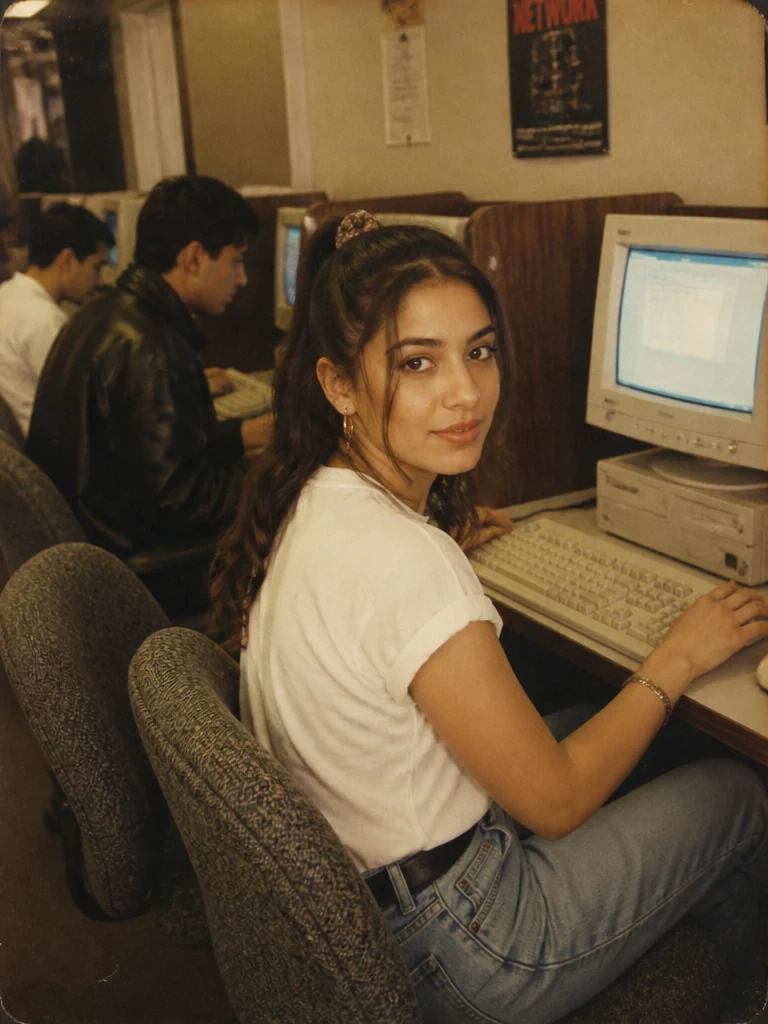
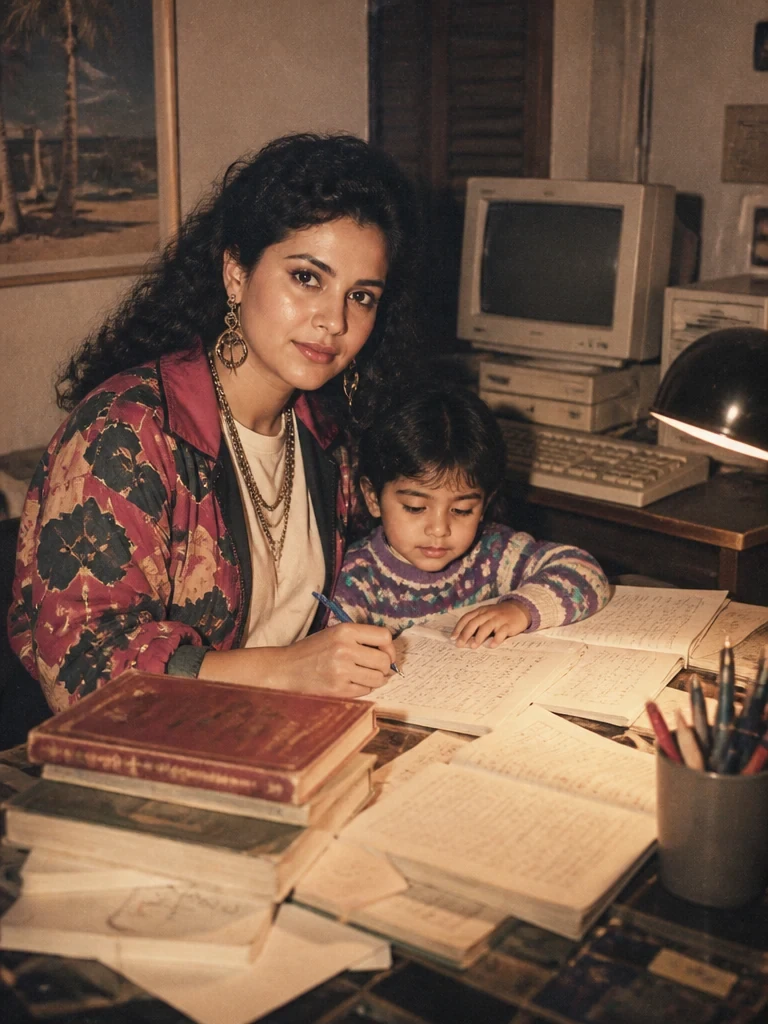
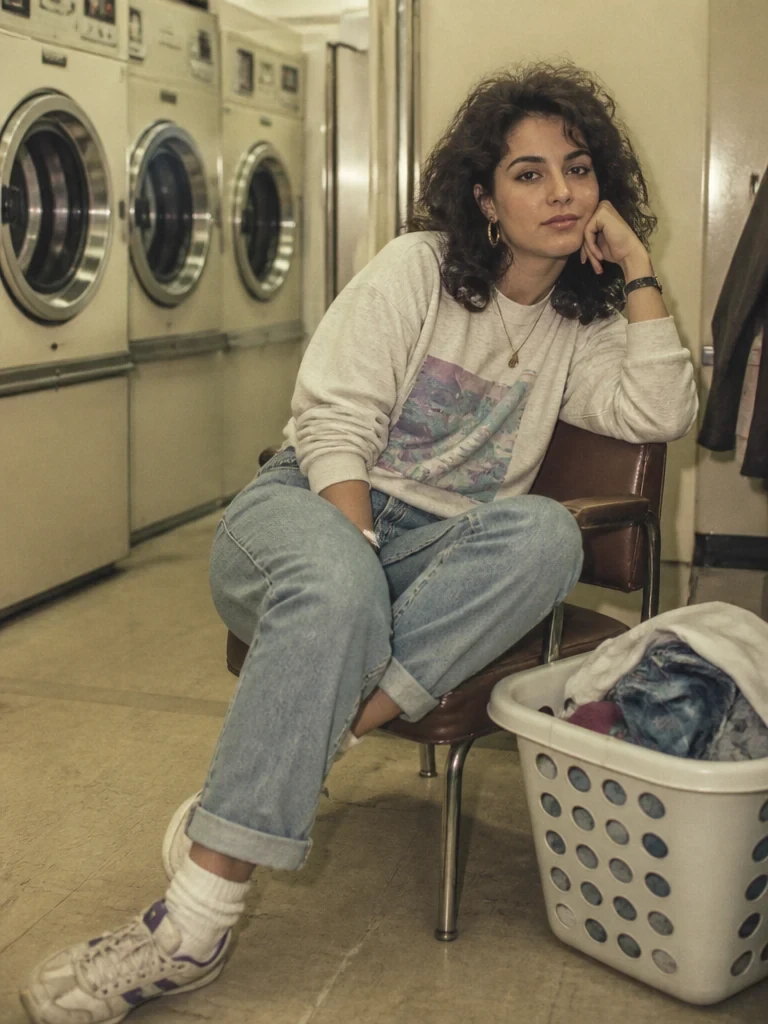
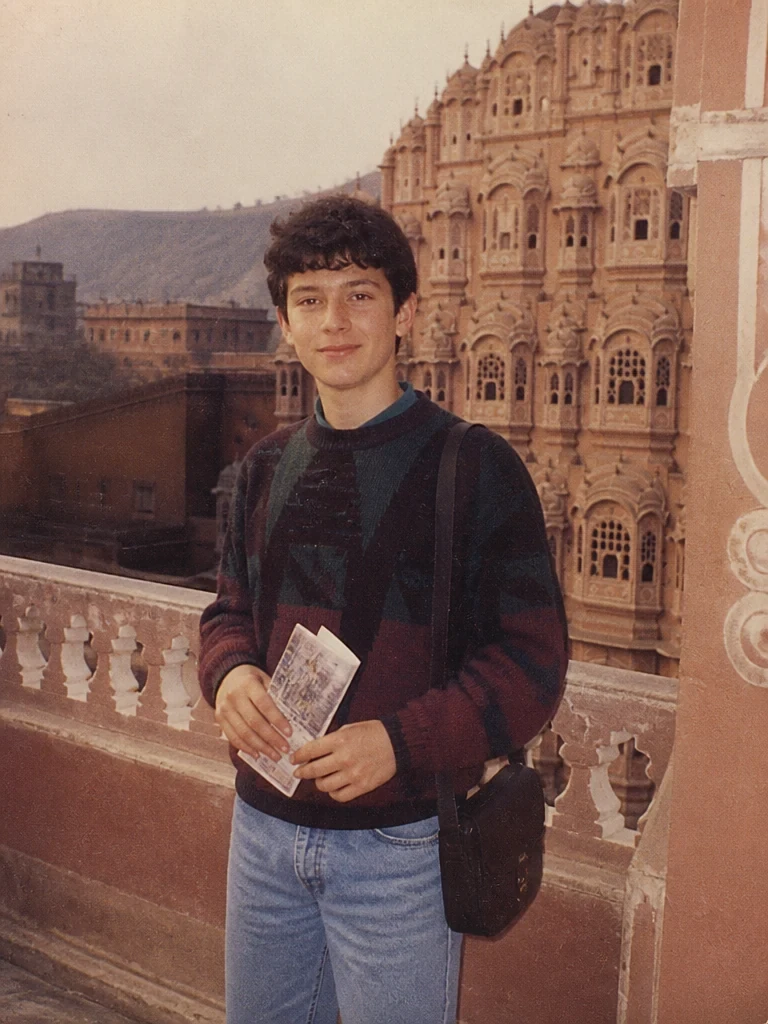
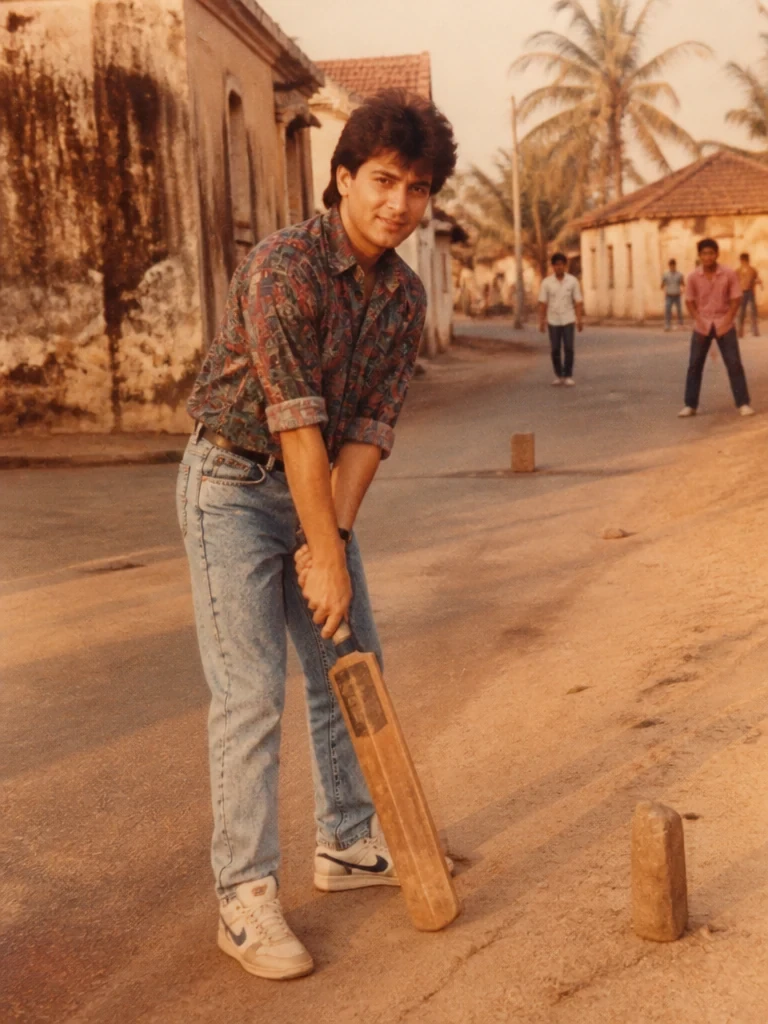
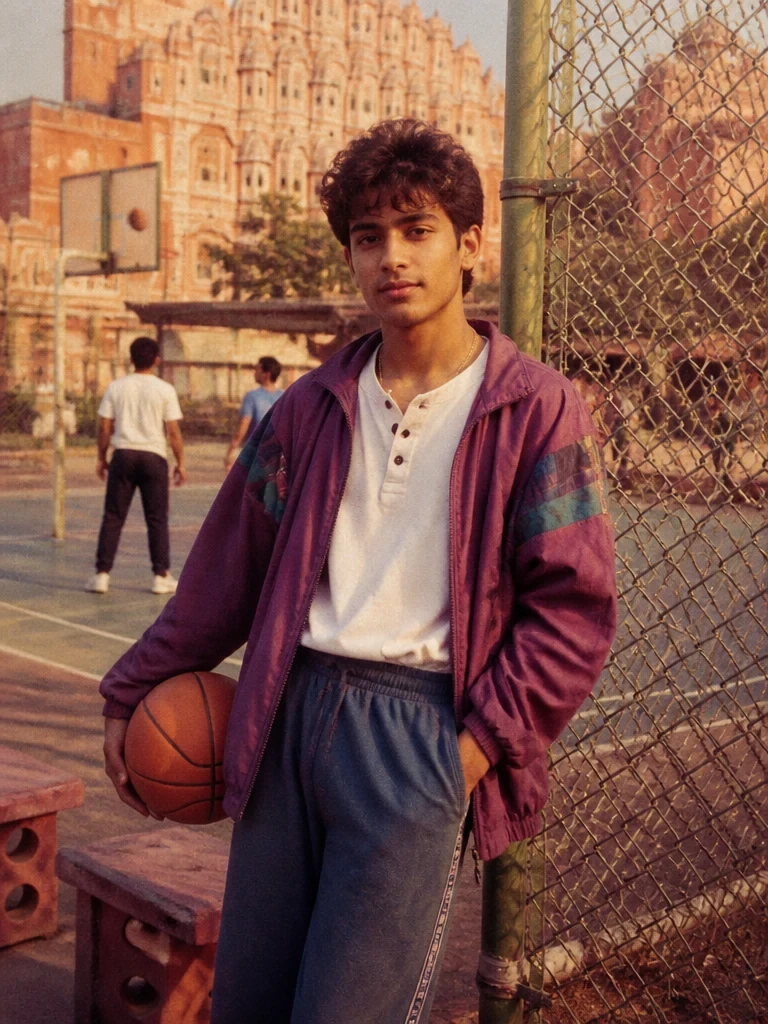
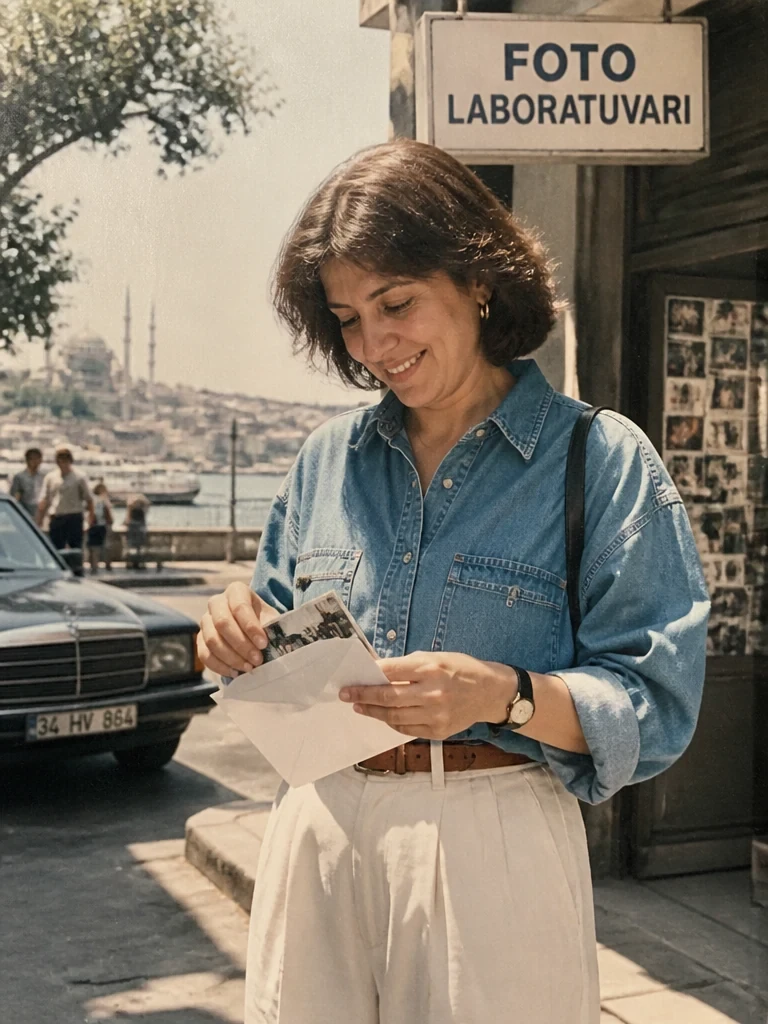
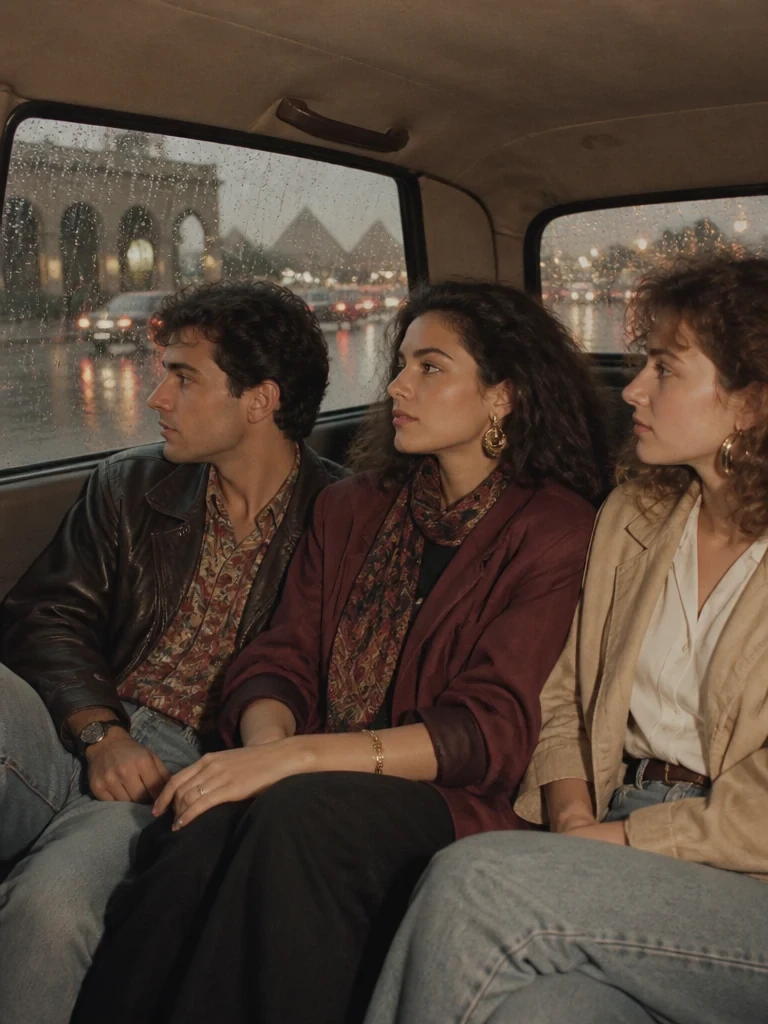
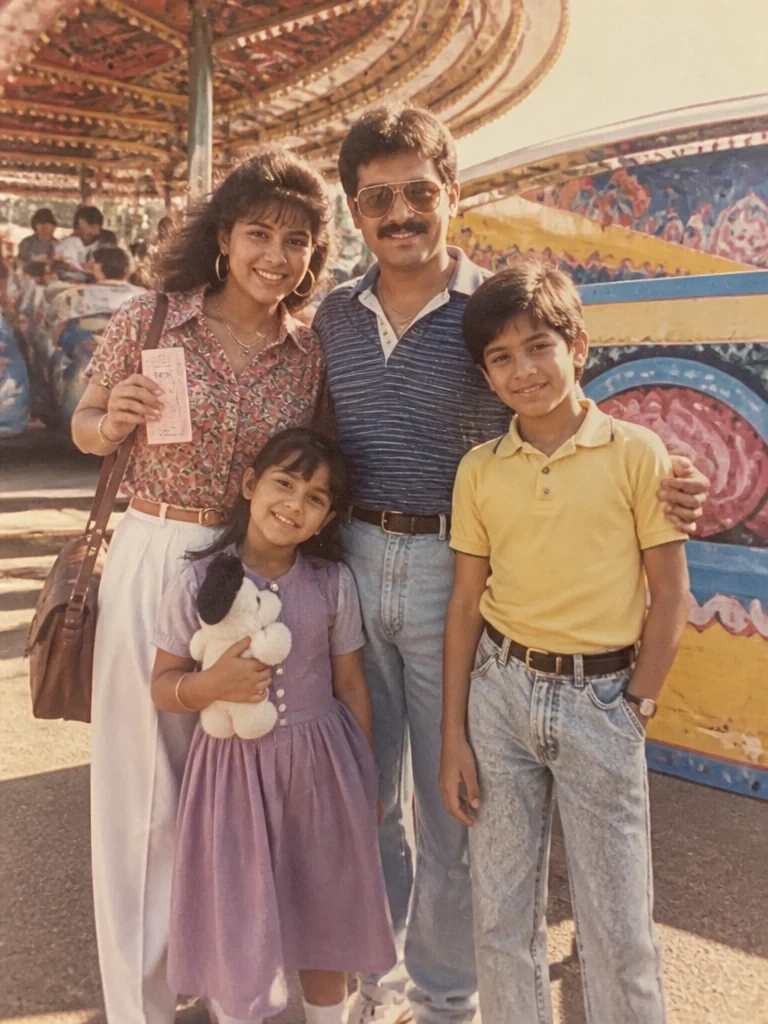
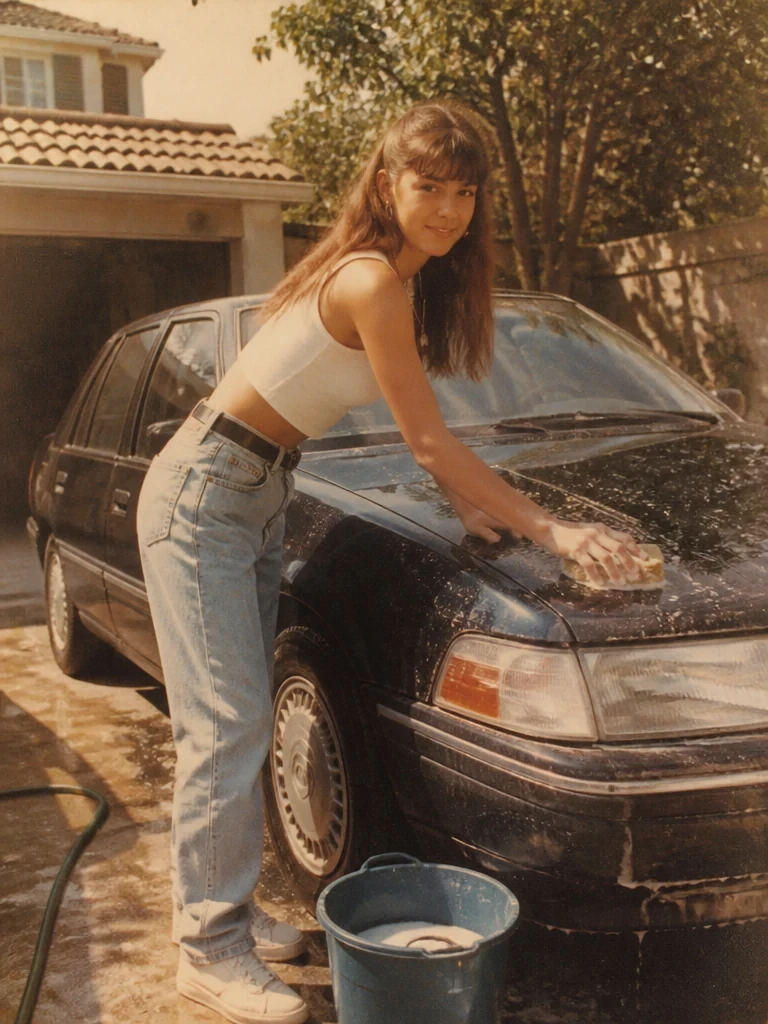

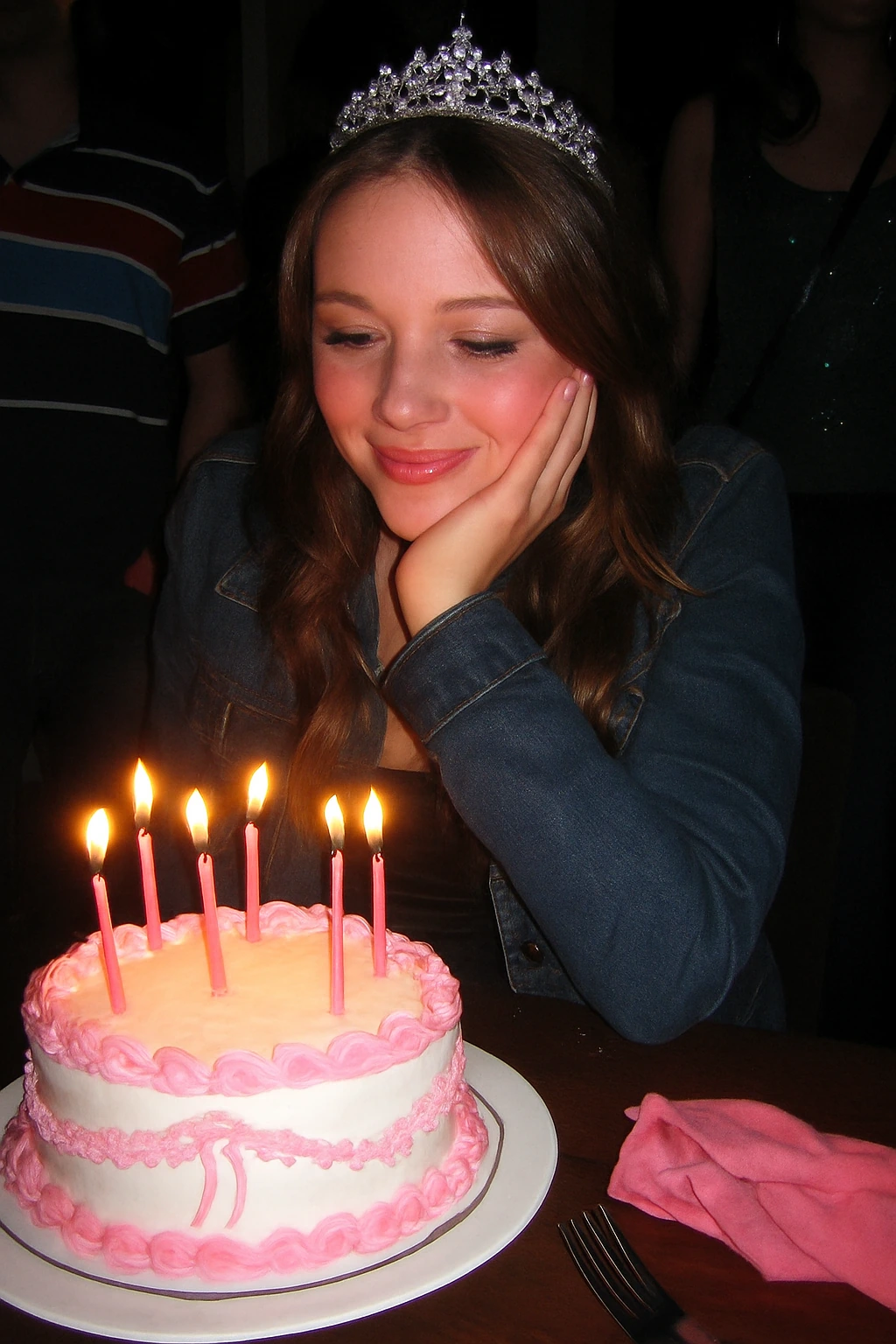
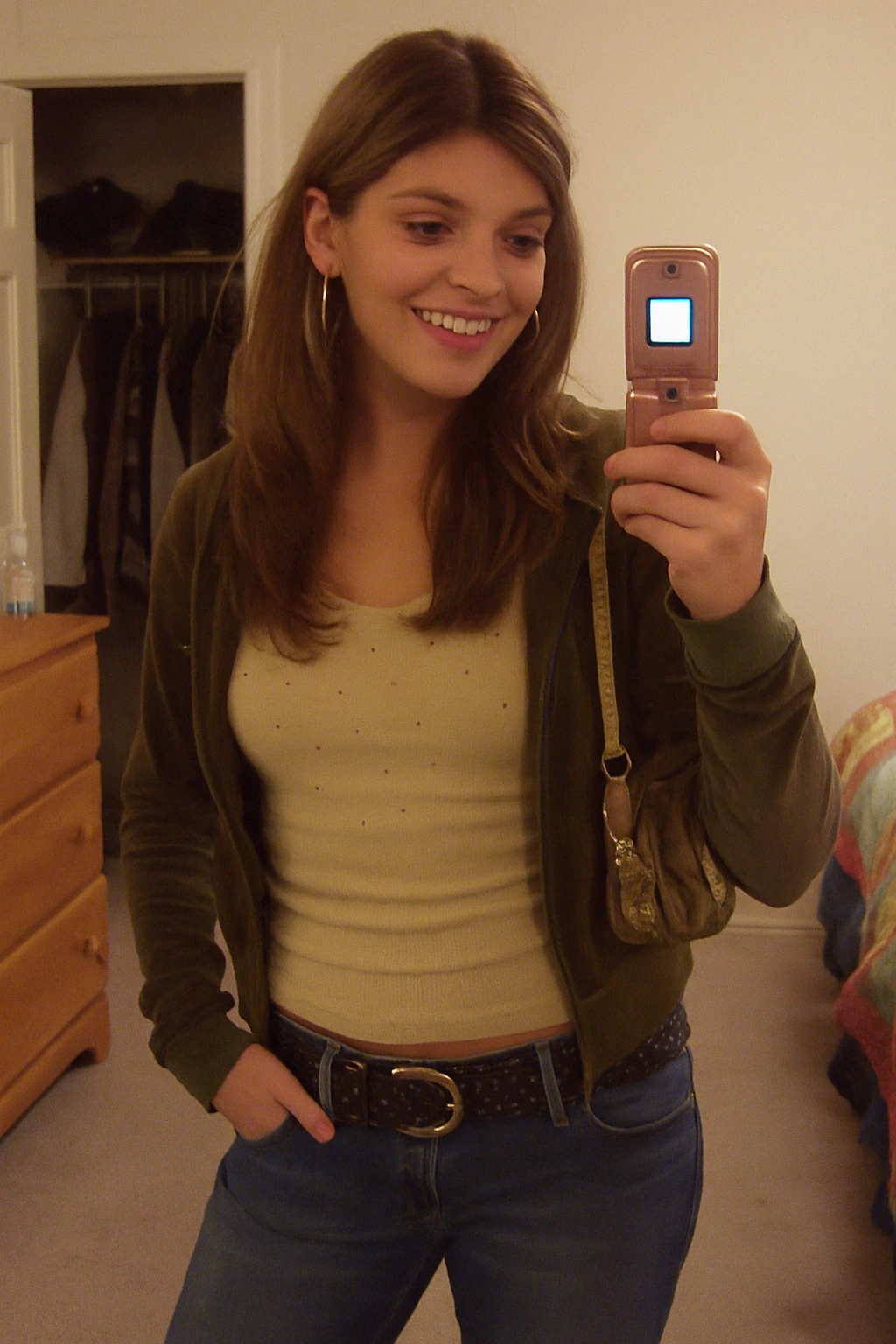

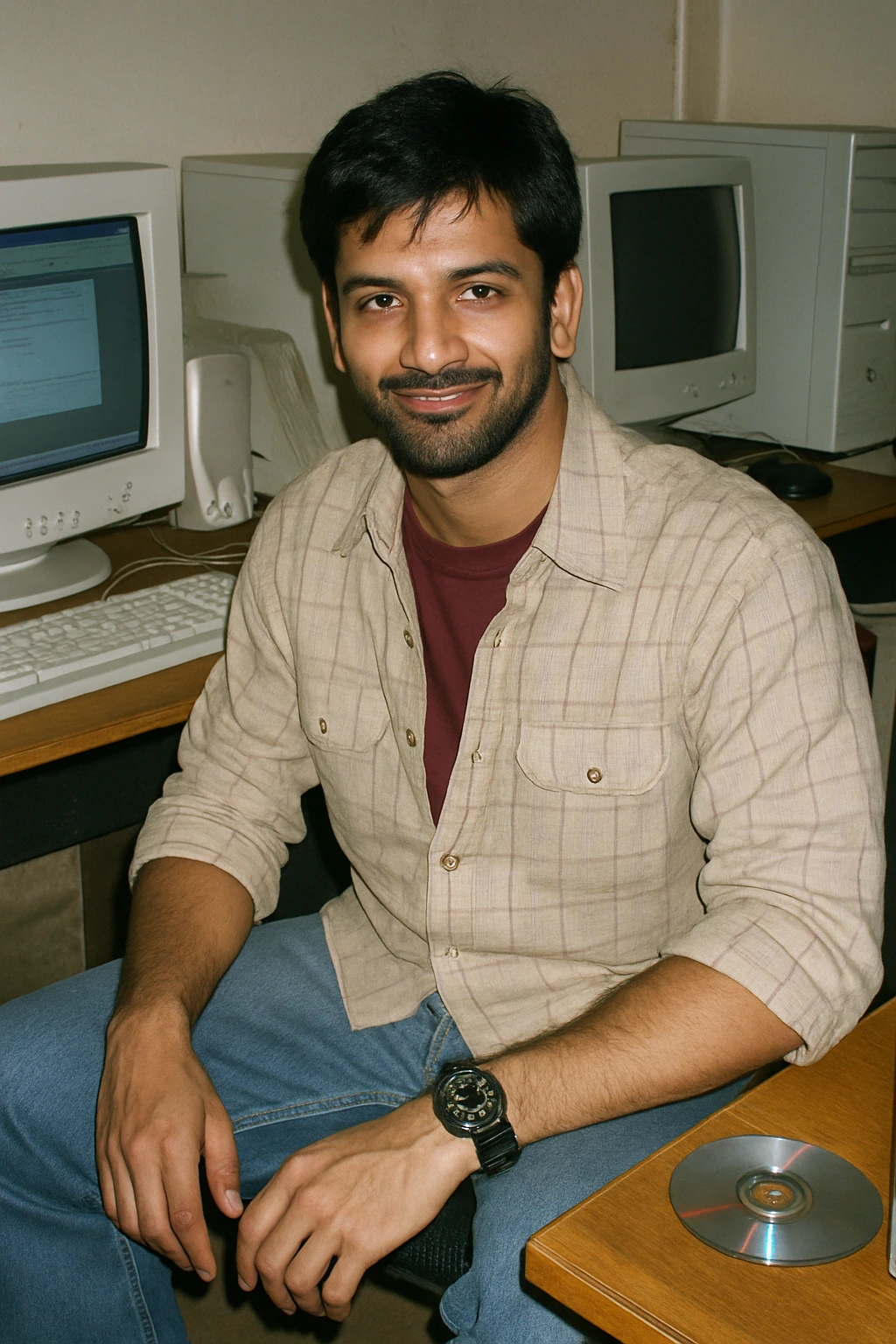
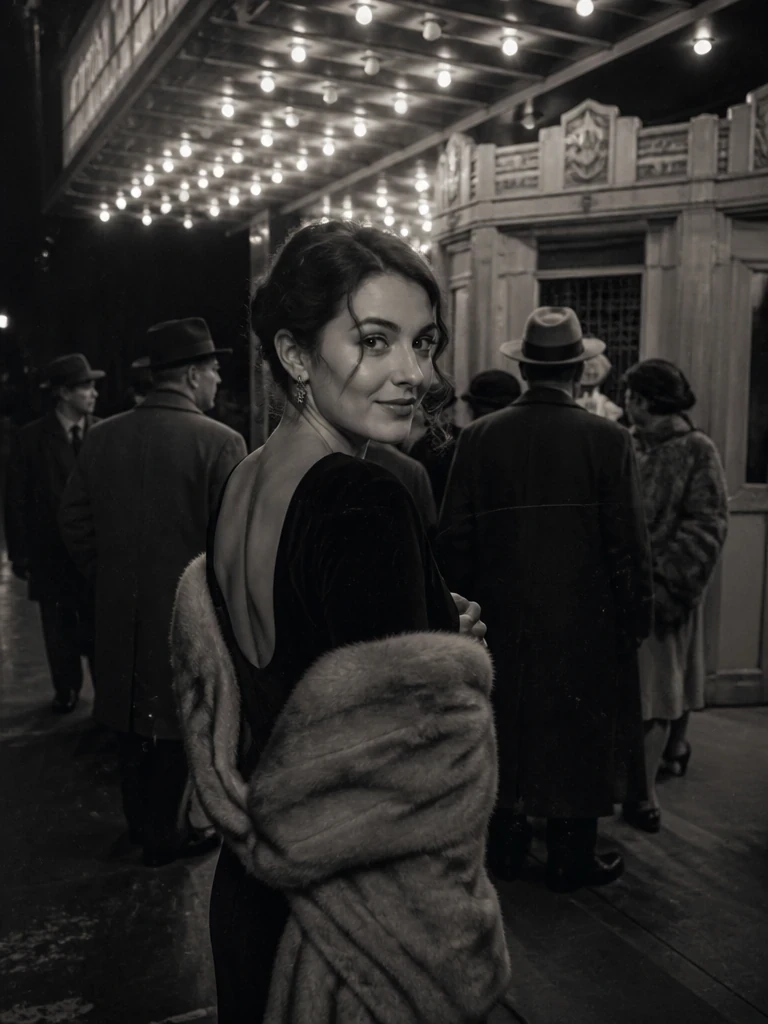
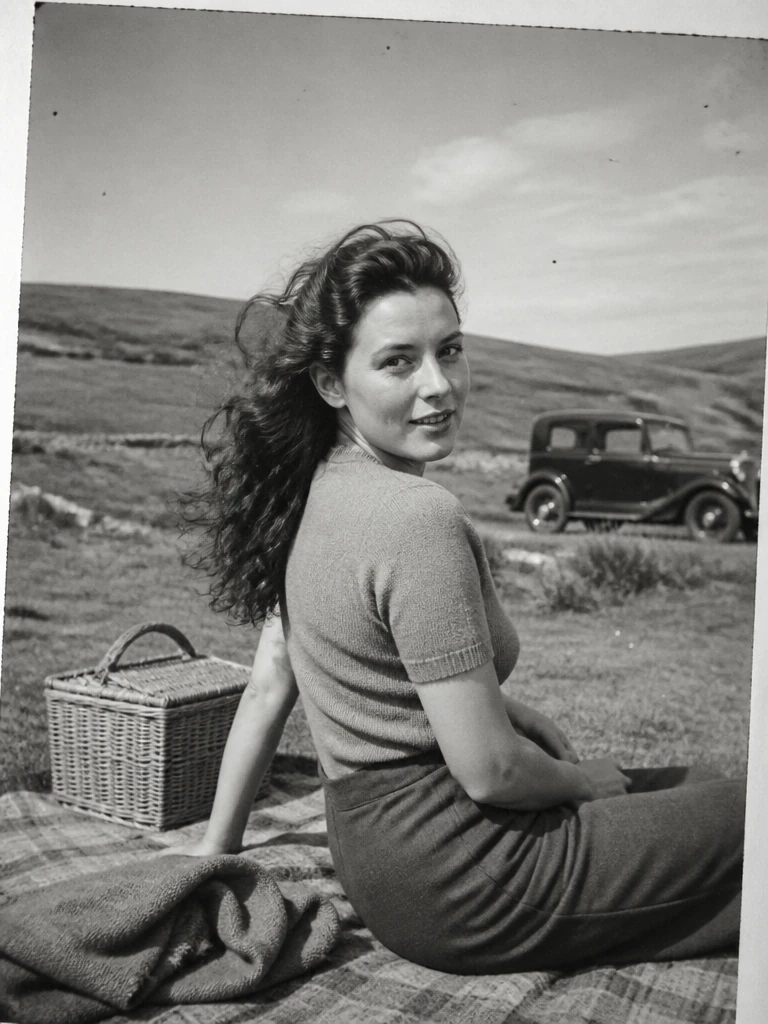
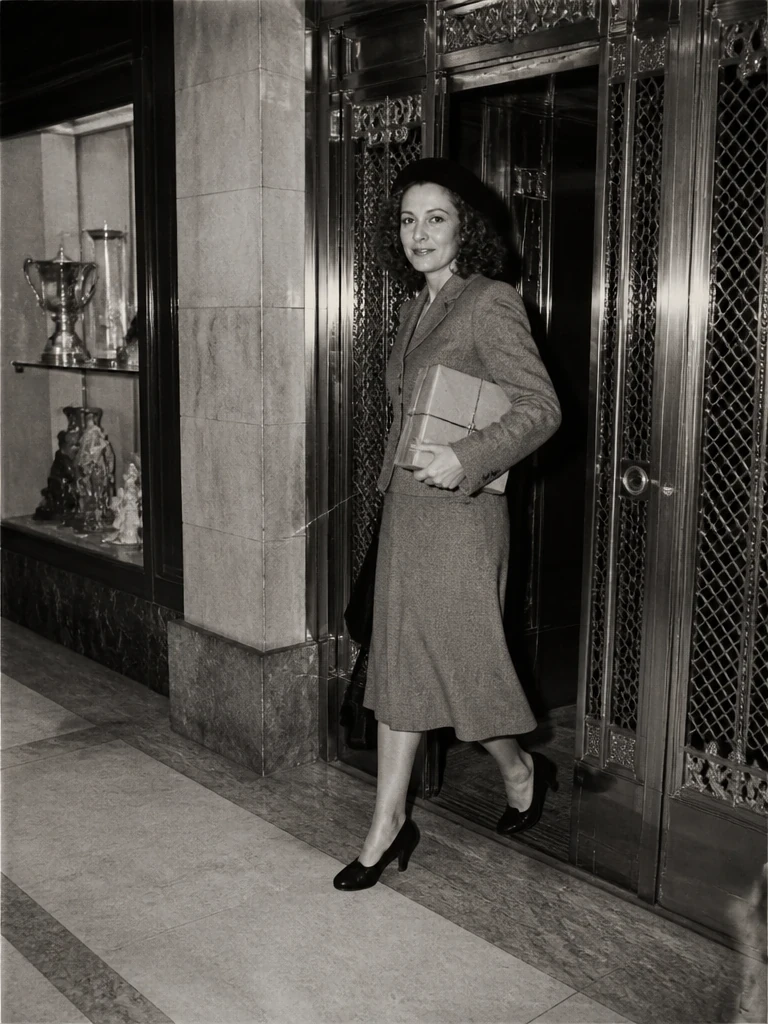
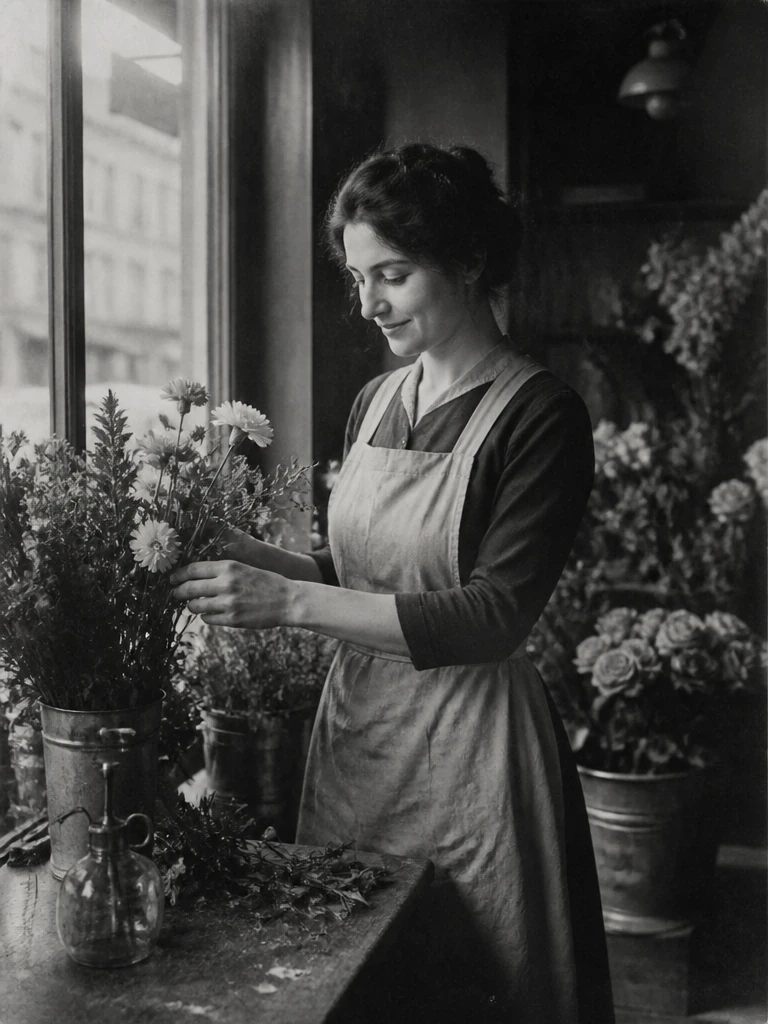
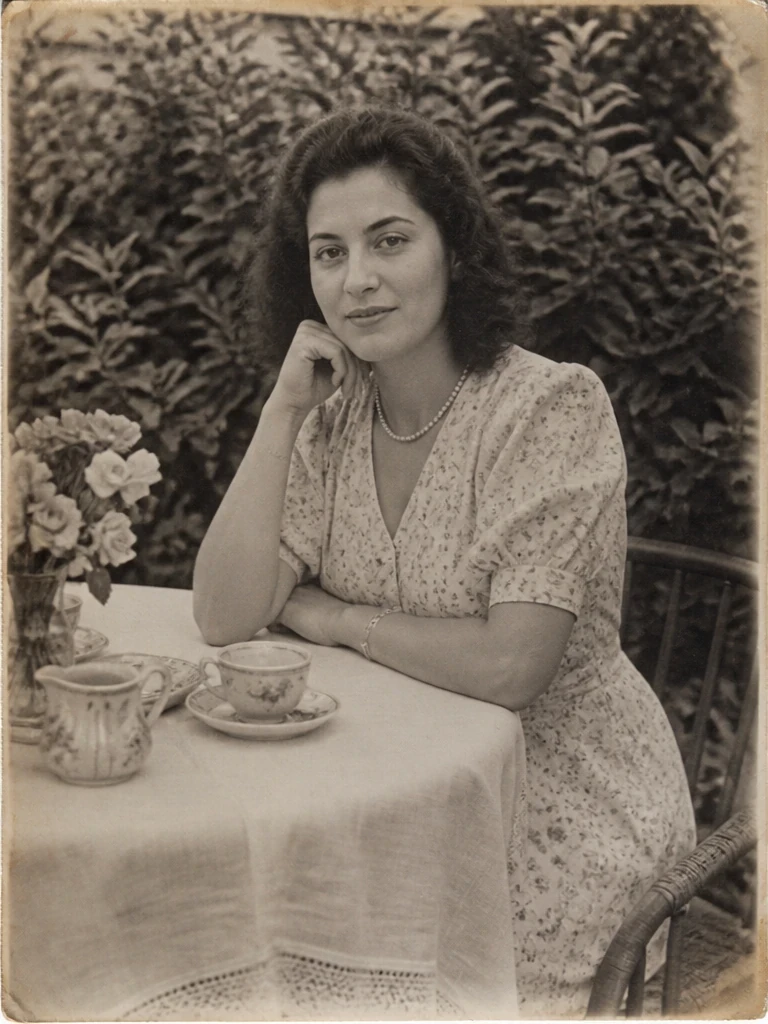
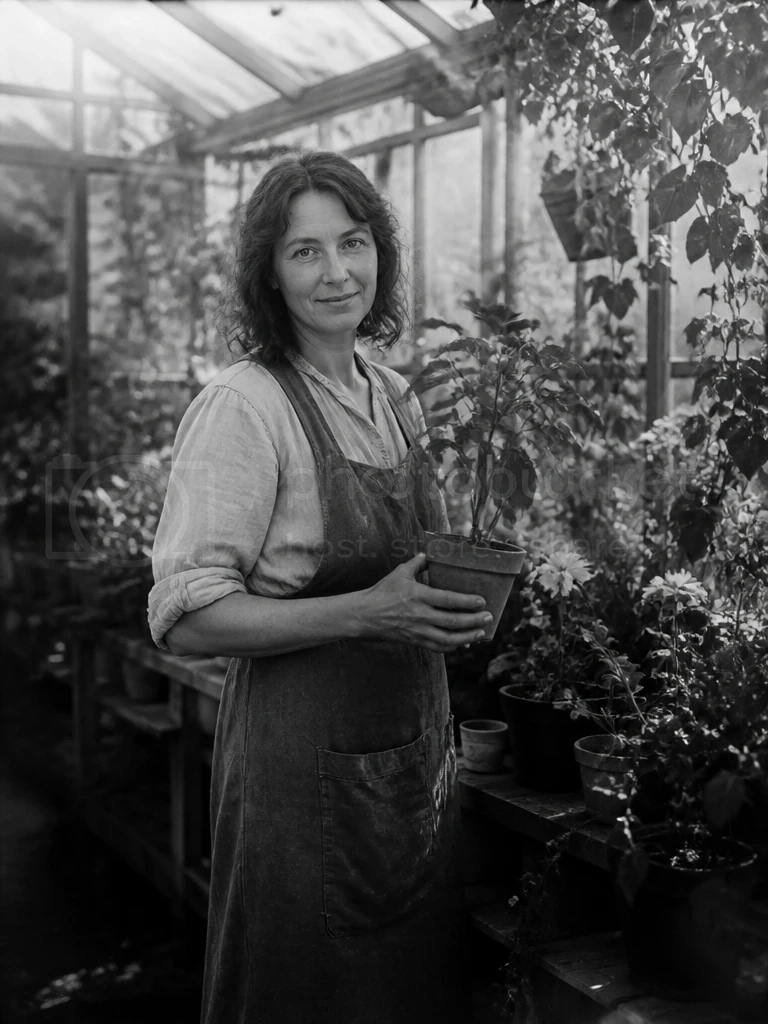
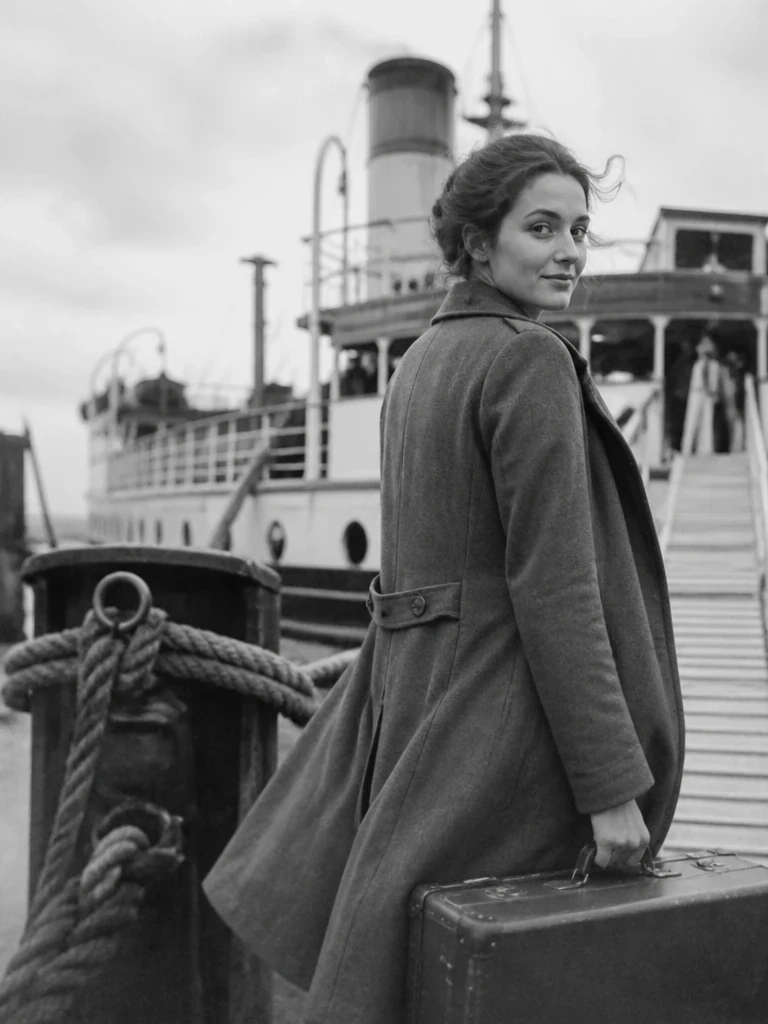
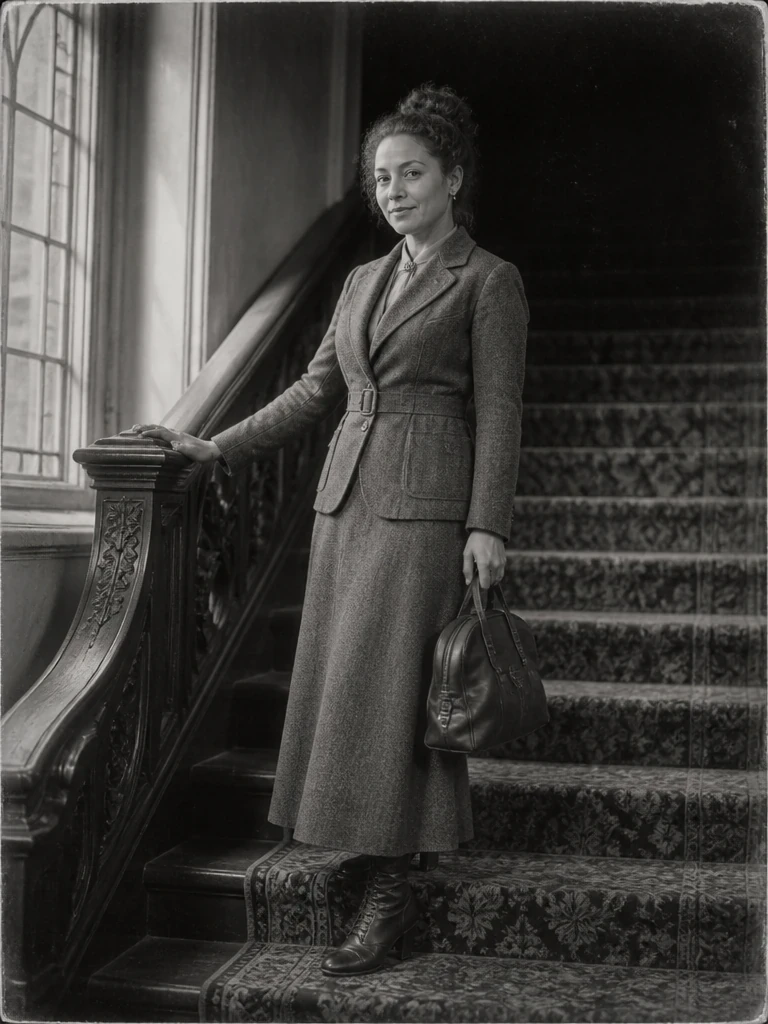
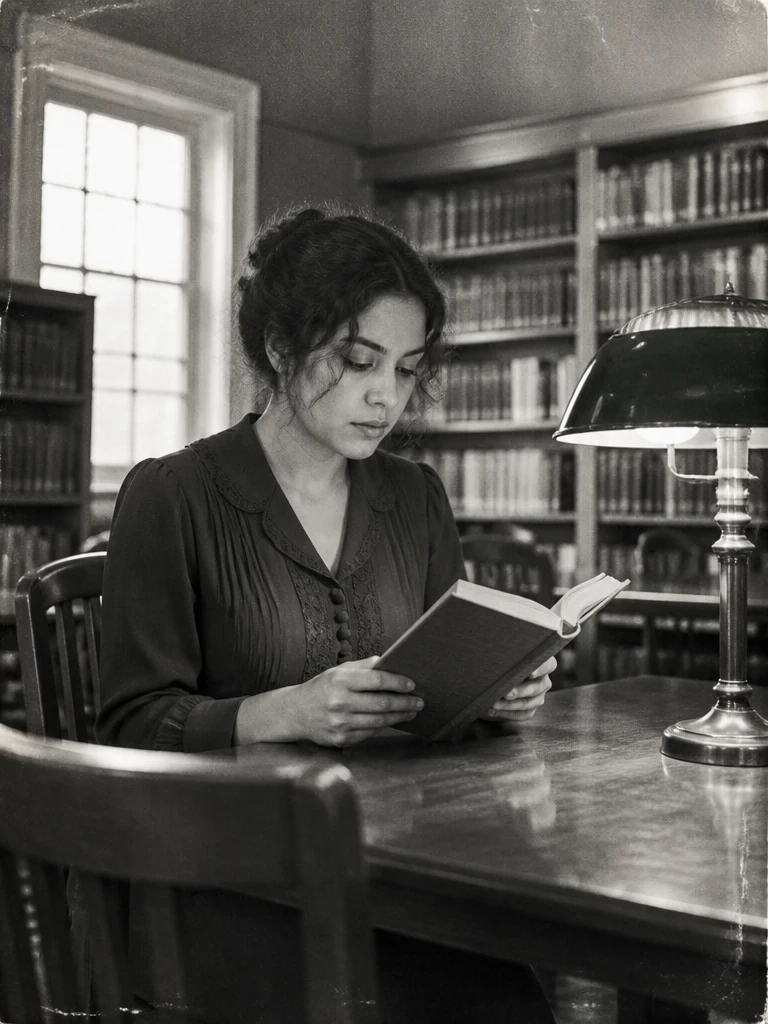

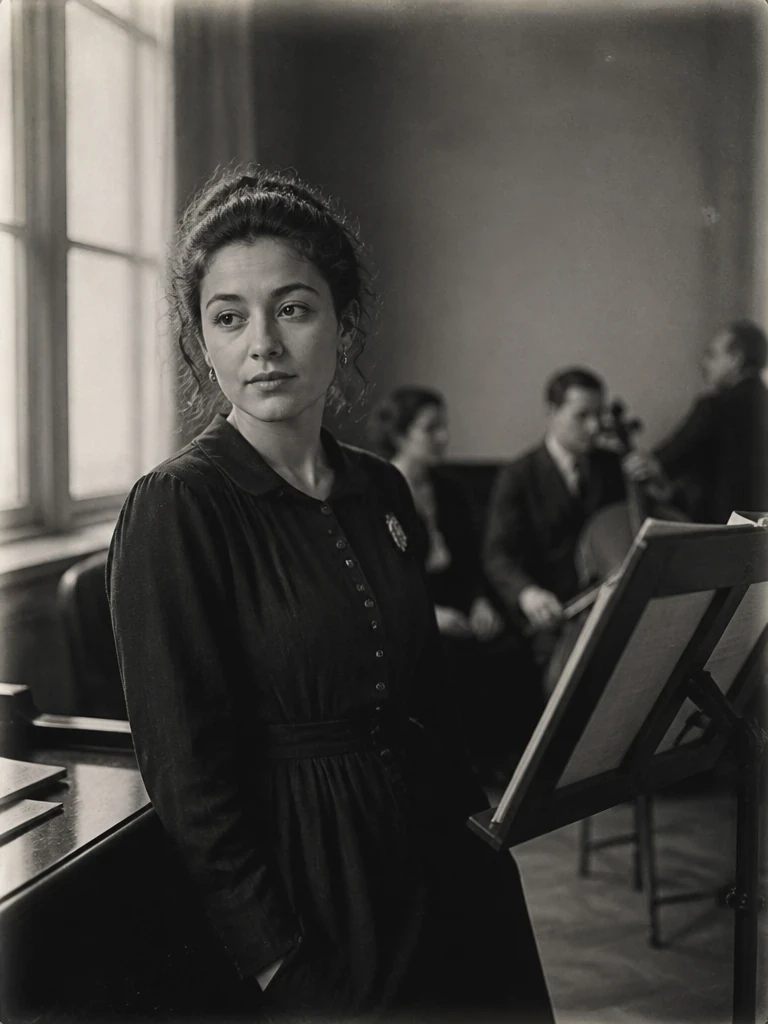
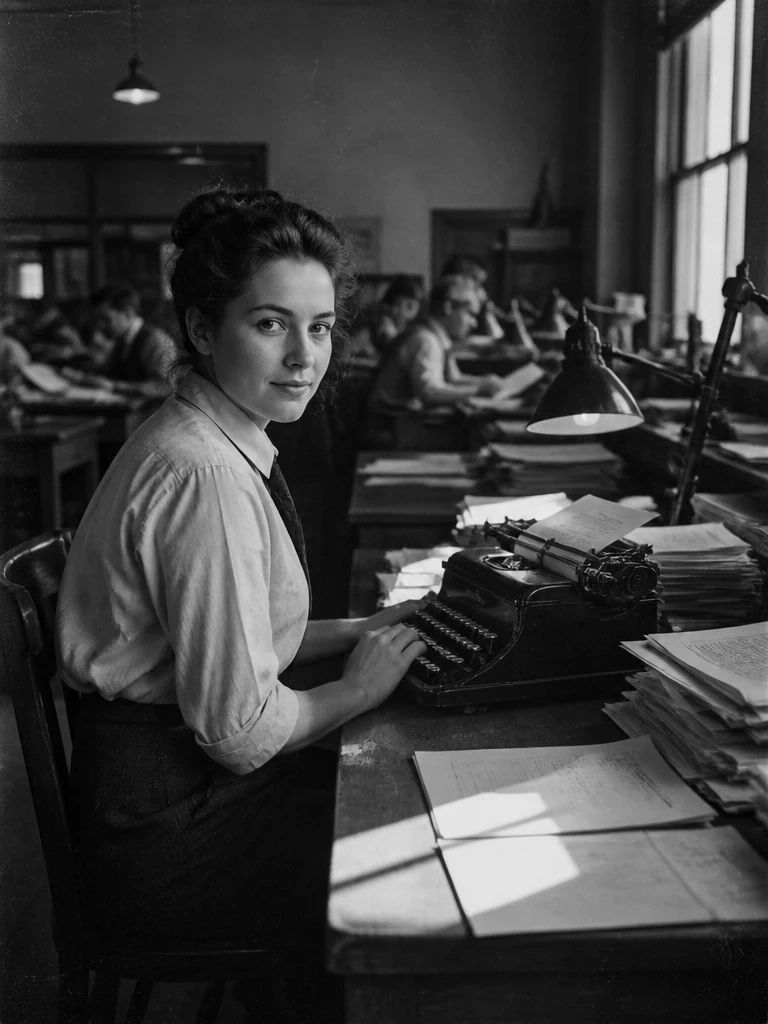
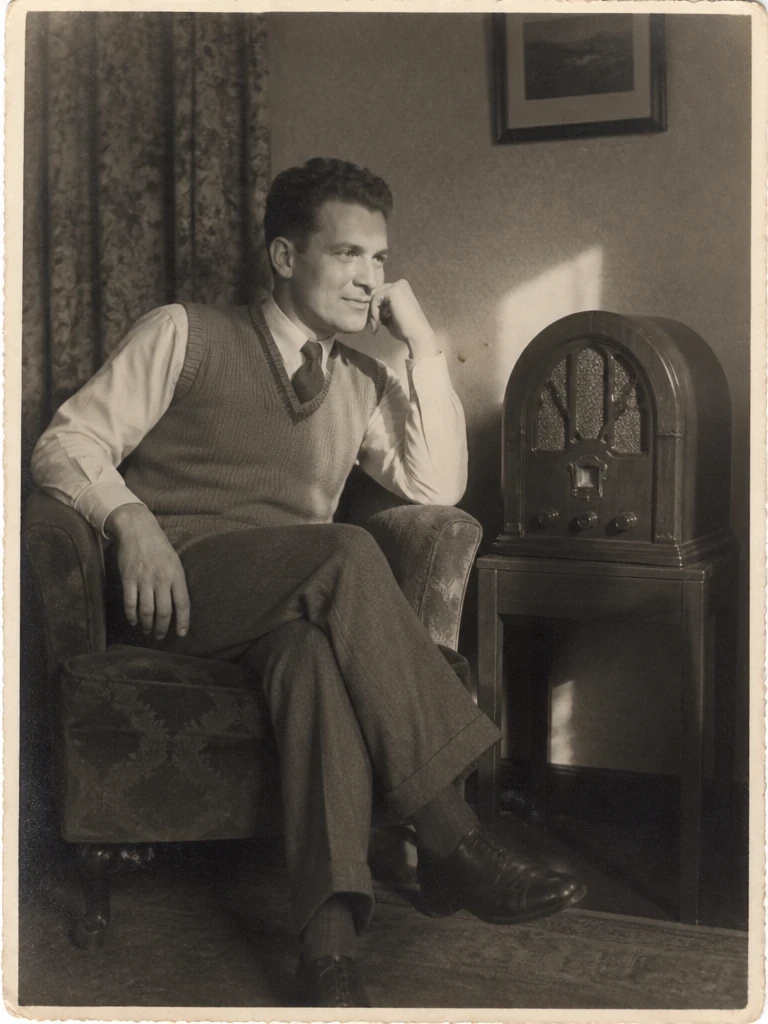
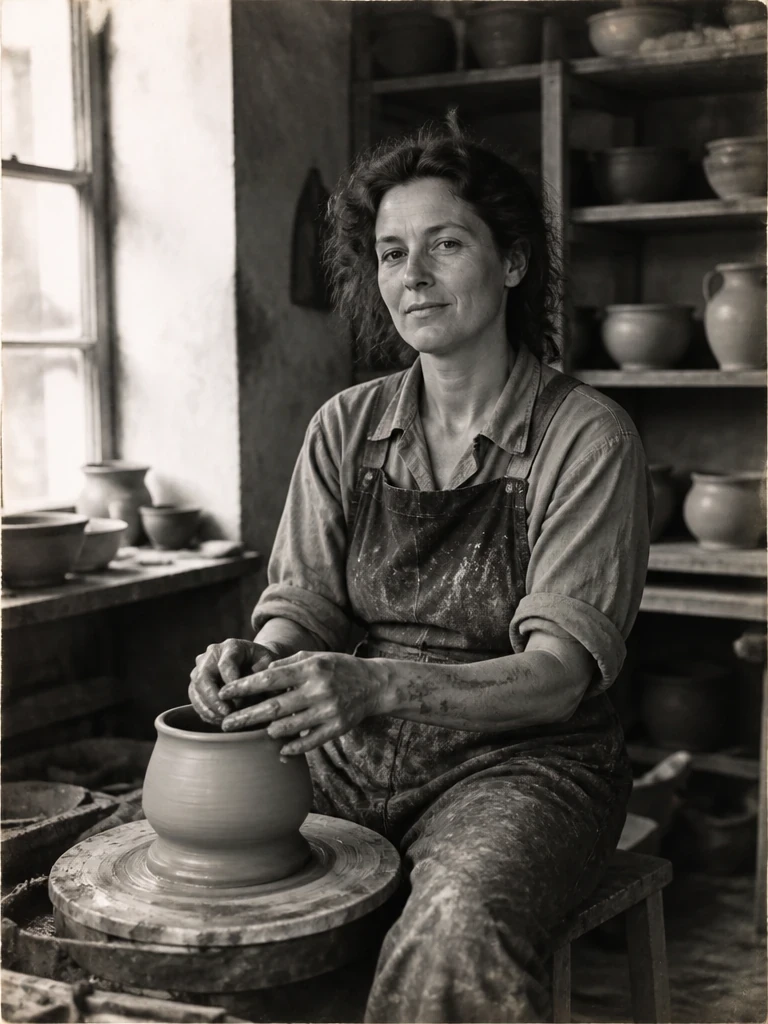
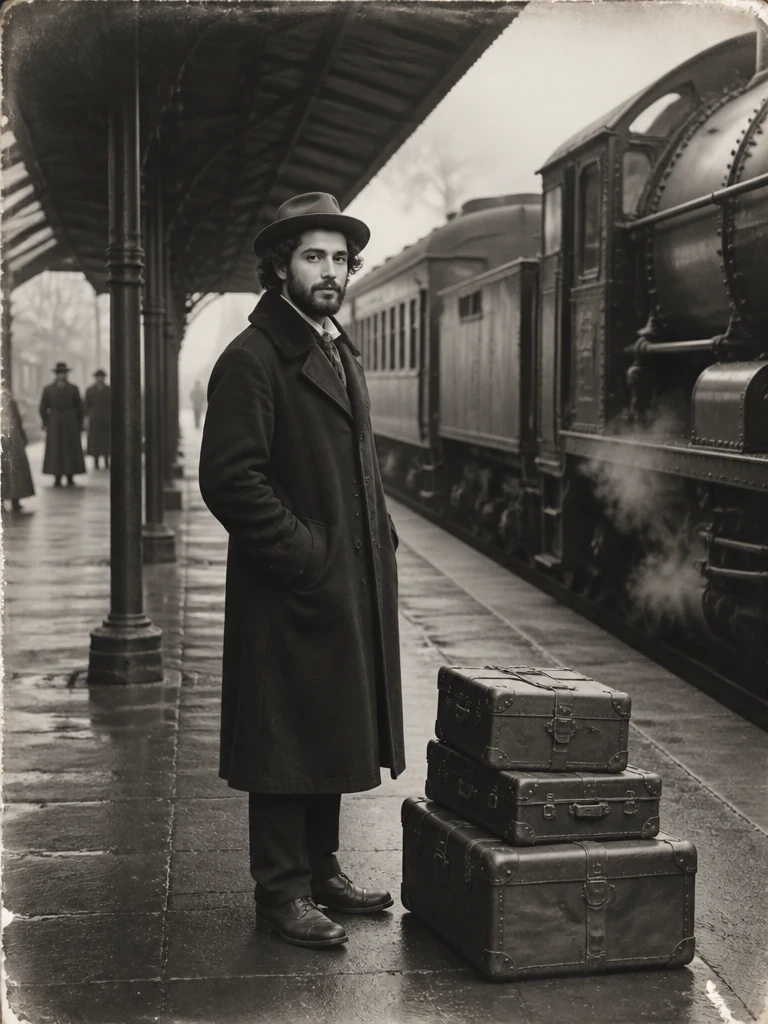
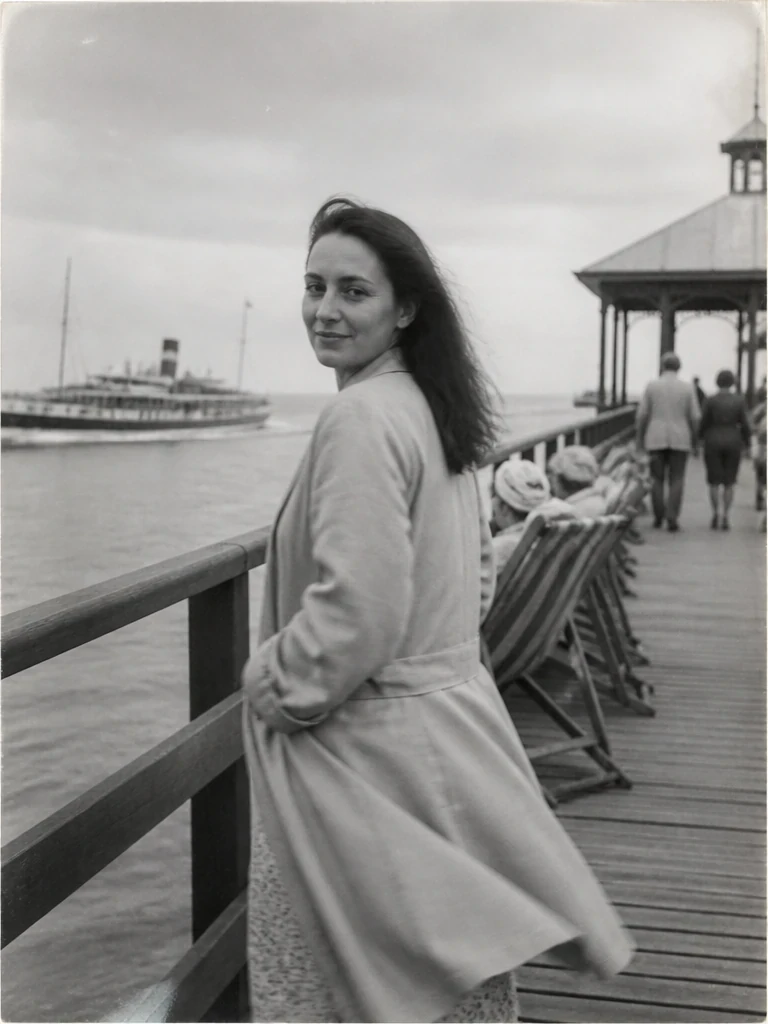
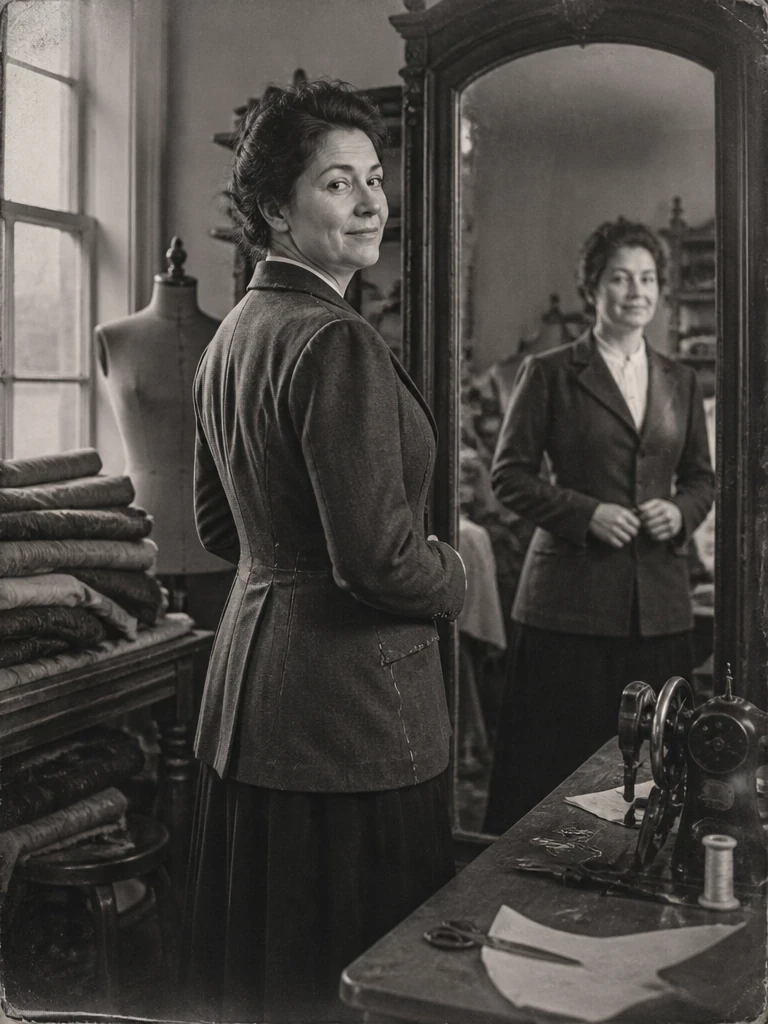
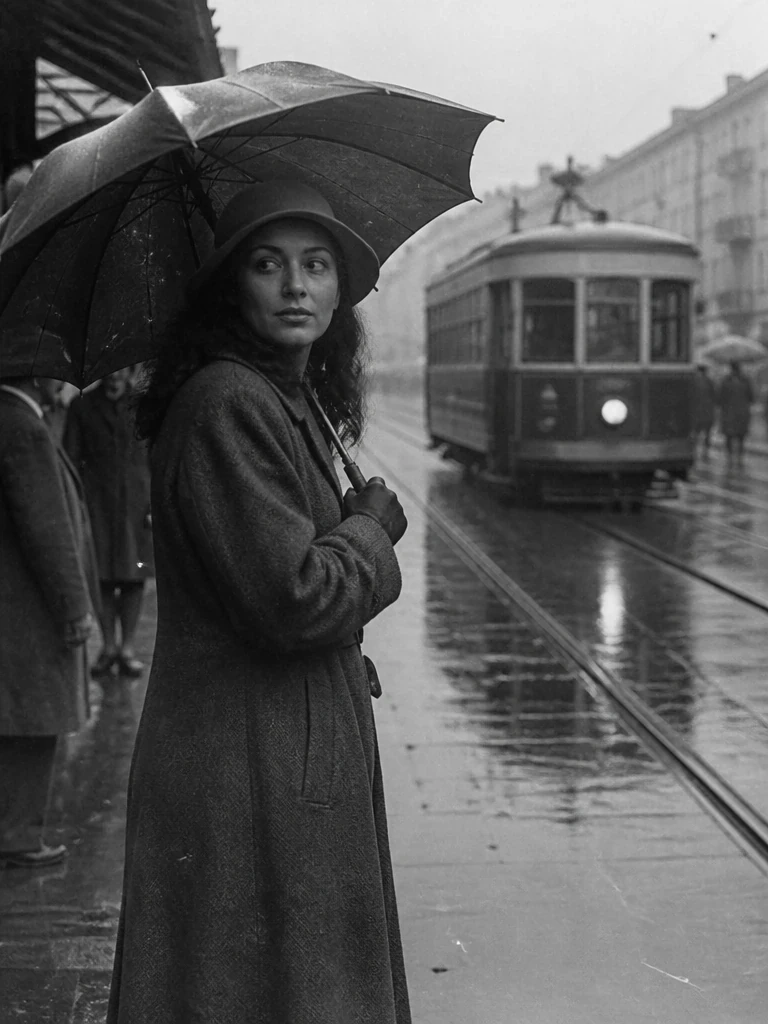
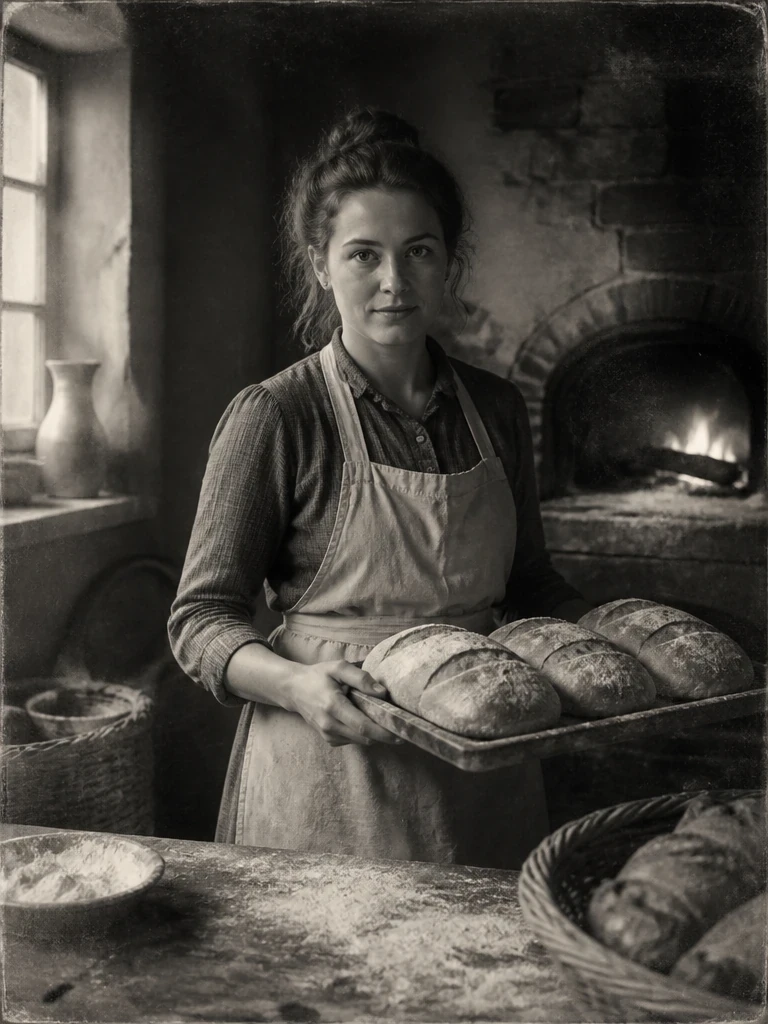
RetroifyMe is a web application that uses AI image generation to convert ordinary photos into retro and vintage-styled artwork, and bundles a small suite of everyday photo tools: background removal, cropping, compression and background blur, so you can go from a raw photo to a polished, shareable image without leaving the browser or installing software.
Relive the decade of VHS camcorders, studio portraits, Bollywood film posters and neon arcade nights, with warm film grain and bold period color.
Get the look of disposable cameras, house-party flash, school yearbooks and classic wedding albums, straight out of a 90s photo envelope.
Recreate Y2K digicam flash, flip-phone mirror selfies and MySpace-era webcam photos from the early days of the internet.
Step into timeless scenes like ballroom balconies, countryside picnics and garden tea portraits, styled like old film photographs.
Beyond retro effects, RetroifyMe includes the everyday editing tools most people reach for before posting or sending a photo:
Cut your subject out onto a clean, transparent background in one click.
Reframe to 1:1, 16:9, 9:16 or 4:5 for any social platform.
Shrink file size to WEBP, JPG or PNG without visible quality loss.
Keep your subject sharp and soften everything behind them.
Most effects and edits render in a few seconds, with no rendering queues or long uploads.
Every tool is one click: upload, pick a setting, download. No layers, masks or manual sliders to learn.
Runs entirely in your browser on desktop or mobile. No app store, no updates.
Apply a retro effect, then remove the background, crop and compress the same image without switching tools.
| Feature | RetroifyMe | Desktop software | Mobile filter apps | Generic online filter sites |
|---|---|---|---|---|
| Cost | Free | Paid subscription | Often ads / in-app purchases | Varies, often paywalled |
| Install required | None (browser based) | Yes | Yes | None |
| Learning curve | One click | Steep | Low | Low |
| Retro/vintage AI styles | Built-in, decade-based | Manual presets only | Limited, generic filters | Limited |
| Remove background, crop, compress, blur in one place | Yes | Yes (manual) | Rarely all four | Usually single-purpose |
| Watermark on export | None | None | Common on free tier | Common on free tier |
Yes. RetroifyMe's core retro and vintage photo effects, background remover, cropper, compressor and background blur tool are all free to use directly in your browser with no account required.
RetroifyMe currently offers 80s, 90s and 2000s-inspired vintage looks, plus themed effects such as Arcade After Dark and Highway Dust, with more decades and moods added regularly.
No. RetroifyMe processes your image at its original resolution by default. If you want a smaller file size, use the dedicated Image Compression tool, which lets you choose the exact quality and format.
RetroifyMe processes uploads only to generate the effect or edit you requested. Avoid uploading images containing sensitive personal documents or IDs, and check the privacy policy for full retention details.
Yes. RetroifyMe runs in any modern mobile or desktop browser, so you can upload a photo from your phone's gallery or camera roll and apply effects without installing an app.
RetroifyMe accepts common formats like JPG, PNG and WEBP for upload, and the Image Compression tool lets you export as WEBP, JPG or PNG depending on your needs.
You retain ownership of photos you upload and edit. You're free to use the results for personal or commercial projects, provided the original photo is yours to use or you have the necessary rights.
RetroifyMe is built specifically for decade-accurate retro and vintage conversions (80s, 90s, 2000s) and pairs that with background removal, cropping, compression and blur, so one free browser tool covers the whole edit.
Upload the photo to RetroifyMe, choose the 80s or 90s tab under Vintage, and pick a themed effect. The AI applies period-accurate color grading, grain and lighting automatically.
Yes: apply a retro effect first, download it, then upload that image to the Remove Background tool to isolate the subject on a transparent background.